Unlimited access to all our tools


How does it work?
Upload your image and remove unwanted text in 3 simple steps:
- 1
Upload or drag and drop your image.
- 2
Use the tool to select and erase text from the image.
- 3
Download your updated image.
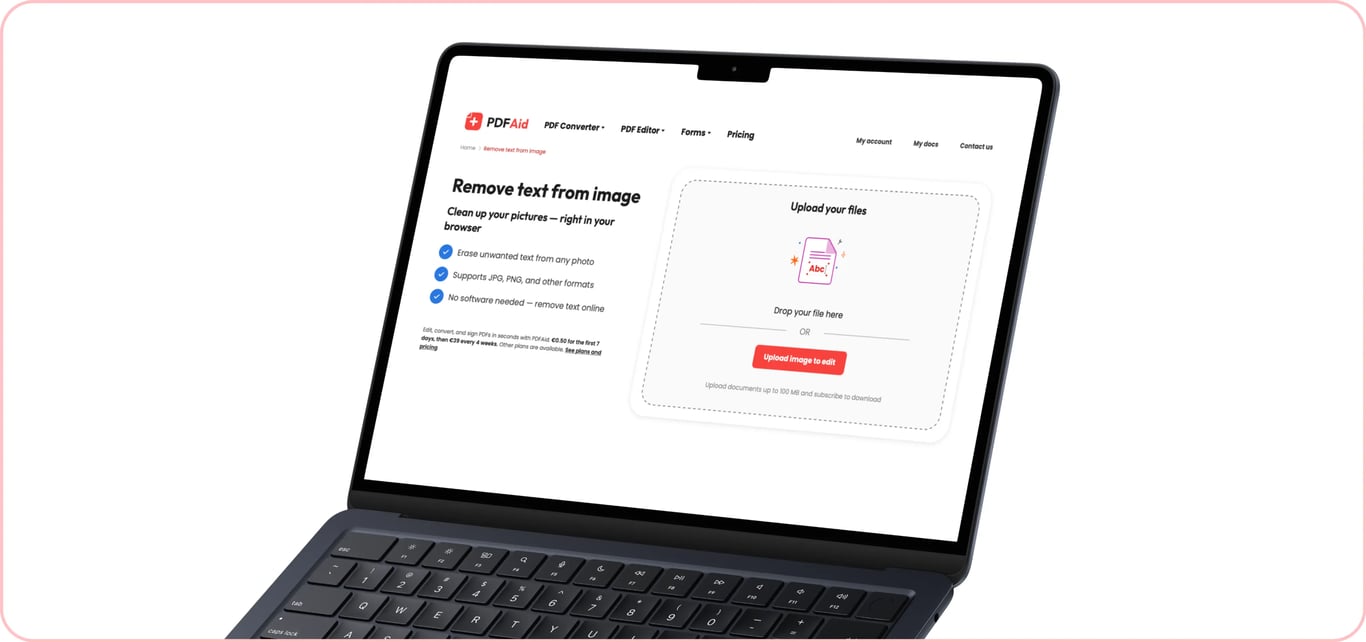
If you have an image or photo that contains unwanted inscriptions, our tool lets you remove text from the image. The tool is fully web-based and supports multiple image formats, including JPG, JPEG, and PNG – just open it directly from your browser, upload the file, and erase unnecessary text.
How to remove text from a picture
Our text remover from an image works quickly and conveniently. To get started, you need an Internet connection and an image you want to edit in the supported format and under 100 MB in size. Then, follow these steps:
Step 1: Upload your image
Select the file to upload from your device or drag and drop it into the upload area. Our tool allows you to remove text from an image, photo, scan, or screenshot, as long as the file doesn’t exceed the size limit. For better quality retention, it’s recommended to upload the original file instead of a compressed copy.
Step 2: Select the text to remove
Pick up to three languages present in your file from the drop-down menu and wait a few seconds as our image text remover processes your file and detects text in it. Inside the editor, use the Edit text tool to cut unwanted text blocks.
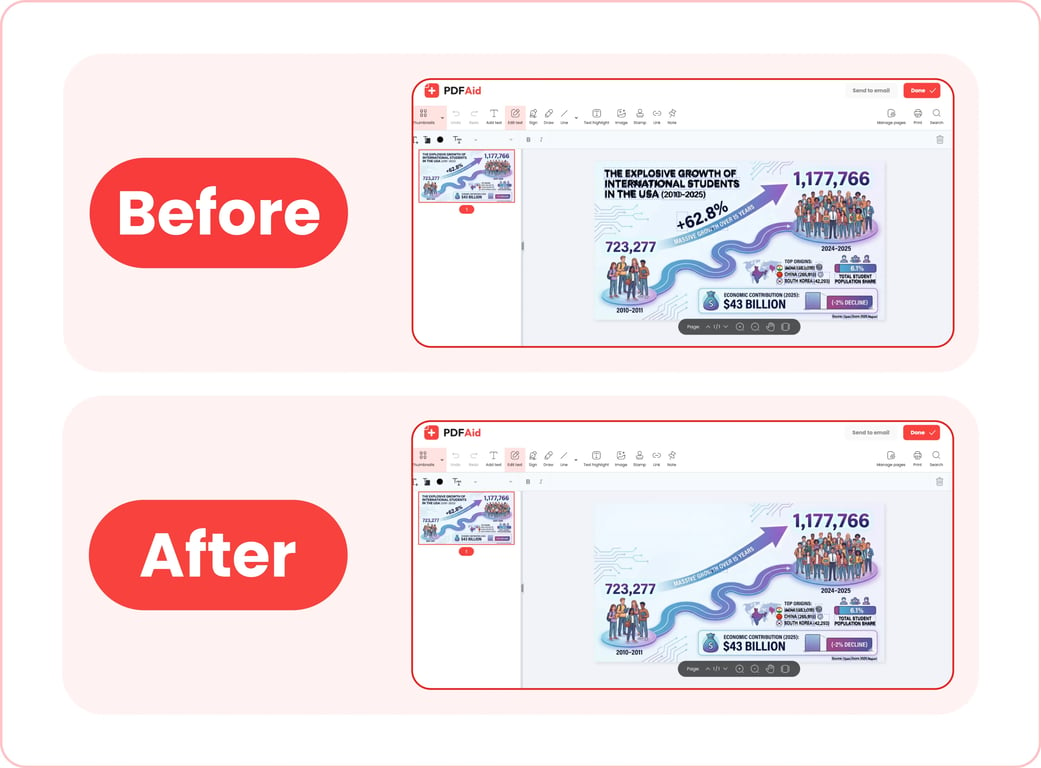
Step 3: Save your image
Once you’re finished working with our picture text remover, click Done to save the new image to your device or Send to email to share it via email. You can rename your file before downloading. Also, our editor lets you pick one of the supported file formats for export: PDF, DOCX, DOC, PPT, PPTX, JPG, PNG, TXT, XLSX, or XLS.
Common use cases
Our text eraser for images and photos can be helpful for professionals dealing with document scans, marketers, and content creators who need to remove sensitive data from visuals, and many others. Here are a few common use cases:
A photo with a date stamp from the camera
A common problem – the camera has stamped the date in the corner of the photo, and you do not want or cannot use it as is. Cropping the photo to remove the stamp means changing the size and possibly ruining the look of the photo. With our image text removal tool, you can get rid of the stamp without cropping. The edit is usually invisible when the background behind the stamp is even.
A screenshot with someone's real name
When writing a how-to guide for a blog or internal company instructions that use screenshots for visualization, you want to ensure that no real, sensitive data appears in such visuals. Using our tool, you can quickly remove text from a photo that otherwise gives out personal details.
A saved social post with captions burned in
If you want to save a photo from a social media publication or story that has an inscription on it, our eraser lets you get rid of the caption and receive a clean photo. You can use it to remove Snapchat text from a photo or erase captions on screenshots taken from Instagram stories.
A written note on a scanned document
You scan a document that contains a handwritten note or mark, but what you actually need is a clean copy. Traditionally, you would need to manually remove or cover up unwanted marks and rescan the document. However, our tool lets you remove written text from images without rescanning and wasting any extra time. We advise saving the original scan before attempting to erase anything.
Your image keeps its original quality
When you erase text from an image using our tool, it doesn’t automatically compress the original file or change its quality. All our editor does is remove unnecessary writing or typed text – the layout, resolution, colors, and everything else remain the same. A few tips for a clear and high-quality result:
Always use the original file without compressing it before uploading to our tool.
Export your image in the same format as its original.
Remove text from an image on any device
Our text eraser is completely online. You don’t need to install any apps or software to use it. All you need is to open our platform from your browser and perform the needed tasks. This means that you can use our tool on any device that has a browser and an Internet connection – it takes the same simple steps to remove text from an image on an iPhone as it does on a desktop computer. The only difference is that you can pick an image from your device’s photo library/files or instantly take a photo when using a mobile device.
Your files stay private and secure
If you need to cut unwanted text from a private photo or a screenshot that contains personal information, doing this with our tool provides security. Our platform uses encrypted connections to transfer and process your files. After processing, the images you upload and edit only remain accessible in your personal account – no third parties can access them.
Similar tools
Our platform is a versatile solution for different file management and editing needs. It features 50+ tools for editing PDFs, converting files from and to different formats, compressing large files, and more. If you’re frequently working with images that contain text, we have 6 more tools that can simplify your workflow:
Edit Text in Image: Change the word choice or remove errors in the existing text without installing additional software.
Add Text to Image: Add custom captions to any image or photo in several clicks.
Image to Text: Pull out plain text from an image or photo to edit or reuse it.
Translate Image: Translate captions from and to any language without having to redesign the image.
Add image to PDF: Easily embed images into PDF documents.
Compress Image: Compress large images before sharing or publishing without quality loss.
 We’re sorry to hear that you want to cancel your subscription. If you no longer need our service, you can click Cancel plan in the Membership tab of your account. You can also contact us via live chat, at billing@pdfaid.com, or by calling +44 808 501 2541 for help with canceling your subscription.