Unlimited access to all our tools


How does it work?
Start with a PDF and create your template in 3 easy steps:
- 1
Upload or drag and drop your file.
- 2
Add text fields, checkboxes, and signature blocks.
- 3
Download and use your new template or form.
Use our PDF template generator to turn any standard document into a reusable PDF template in seconds. Build clean layouts for recurring invoices, team checklists, or business reports inside your browser. Make a form template only once, and then make new copies whenever you need them.
How to create a PDF template
Create PDF template directly in your browser and turn any standard document into a reusable, fillable form. You can upload a file up to 100 MB, then adjust your layout using built-in editing features inside the template editor.
Step 1: Pick the document to start from
Upload your own file, such as a recurring invoice, purchase receipt, or client agreement, to make PDF template. Keep your permanent elements like company logos, headers, and standard terms untouched so you can reuse them across every draft.
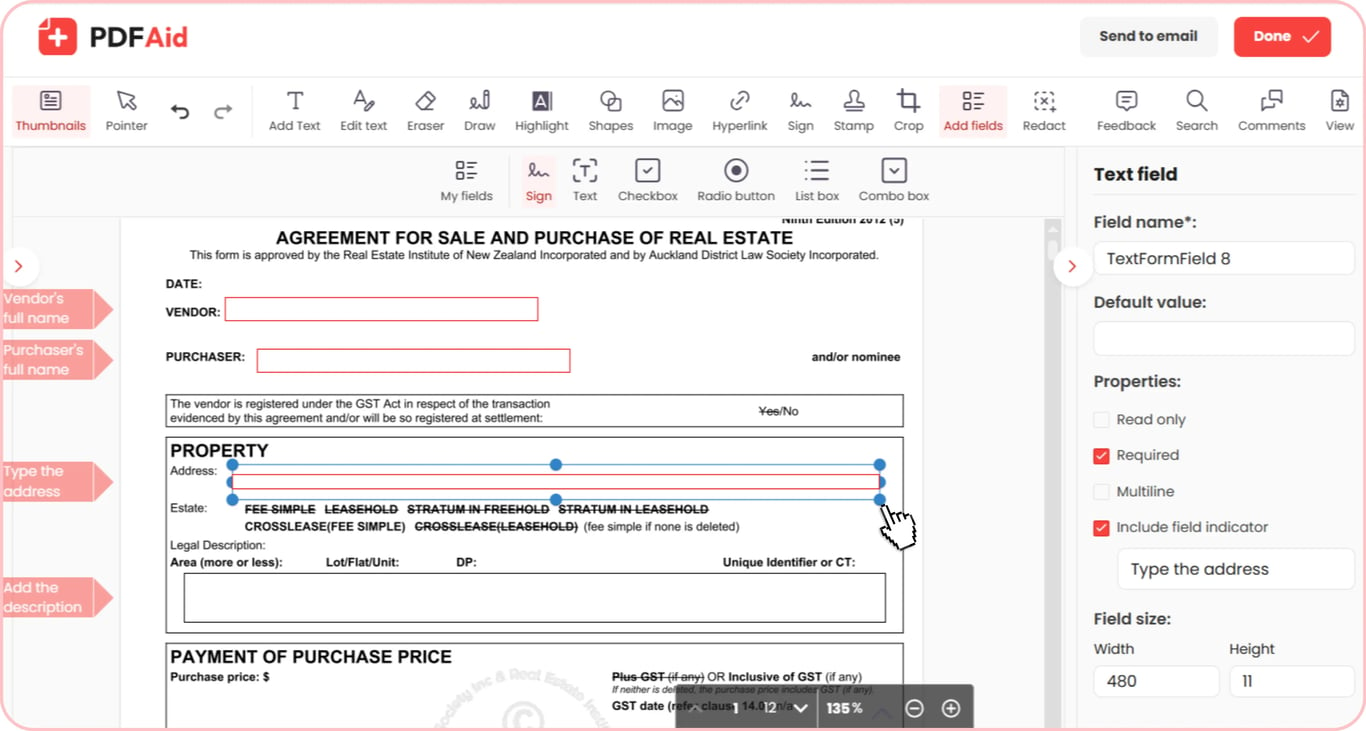
Step 2: Shape the template
Remove the one-off details and keep the structure that repeats. Add text fields, checkboxes, single-choice options, list boxes, combo boxes, and signature blocks. No need to create any checklist – mark key fields as required, so your clients never skip critical information.
Step 3: Save the template
Save your finished preset so you can generate PDF template copies whenever you start a new document. The base version stays safely stored in your personal account. Each copy you fill in leaves it untouched.
Common use cases
Reusable PDF templates save you the repetitive work of designing recurring files from scratch. Setting up a base layout saves you time across several everyday routines:
A CV you adapt for every job
Generate a PDF resume template with fixed contact information, education headers, and core skill sections. If you're applying for a new job, you may only need to change your work experience to match the job description. When you finish your updates, you can export a clean PDF that is ready to send straight to recruiters.
A weekly meal or training plan
Create a PDF meal plan template or fitness tracker that you can reuse every week. Set up a calendar with meal categories and exercise blocks, then fill in your new recipes or workout sets each Sunday. Print the updated copy for your kitchen or save it to your phone for quick reference.
A travel itinerary for each trip
Create a PDF itinerary template with fixed fields for dates, hotels, and transportation. Keep standard sections for flight numbers, hotel check-ins, and daily schedules while updating the details for each destination. Export and share the completed plan with your travel group, so everyone stays on schedule.
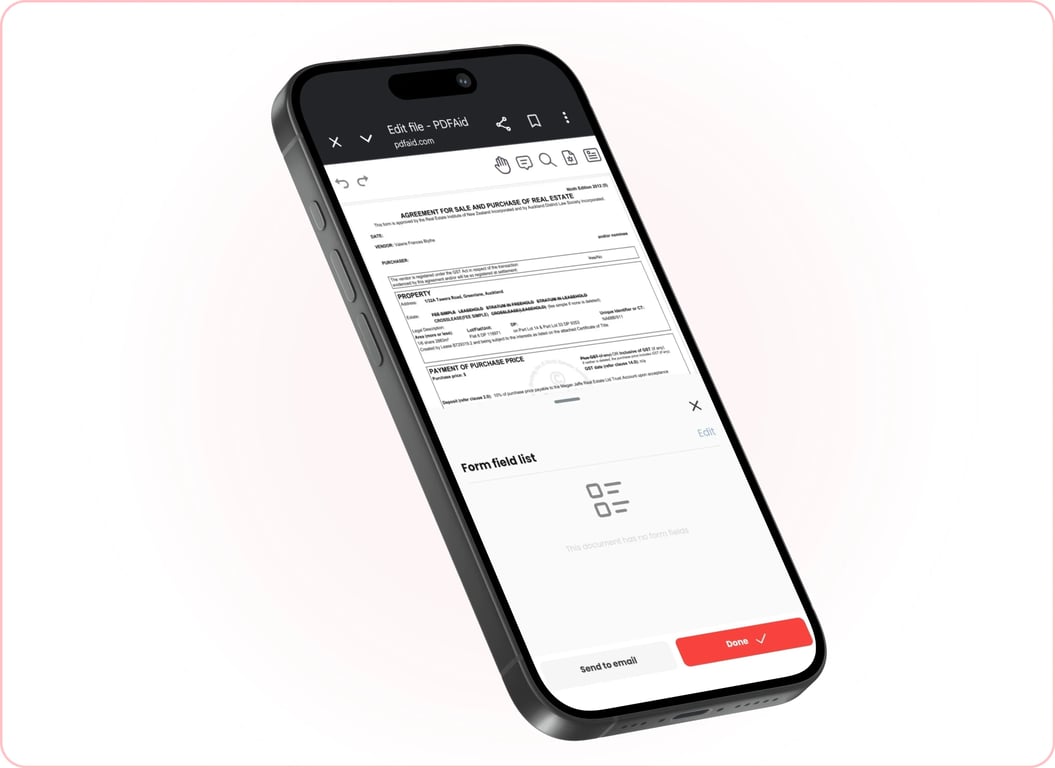
Create PDF templates on any device
Create PDF templates from your computer, tablet, or phone using your regular browser. You don’t need to install any software, so you can create and update templates from any device.
Your files stay private and secure
Your document's privacy is kept safe the whole time. Every template, form, and uploaded document is sent through a secure, encrypted connection to keep your data safe. Your files remain linked only to your personal account, which means third parties have no access to them. Only you can view, edit, and manage your documents whenever you log in.
Similar tools
Explore more helpful tools to edit and organize your documents:
 We’re sorry to hear that you want to cancel your subscription. If you no longer need our service, you can click Cancel plan in the Membership tab of your account. You can also contact us via live chat, at billing@pdfaid.com, or by calling +44 808 501 2541 for help with canceling your subscription.