Unlimited access to all our tools


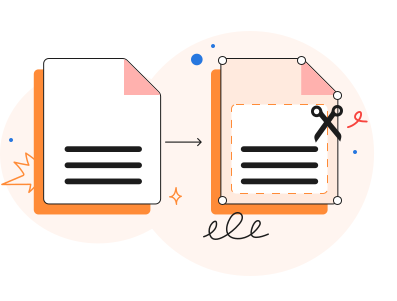
How does it work?
Crop your PDF in 3 simple steps:
- 1
Upload or drag and drop your PDF.
- 2
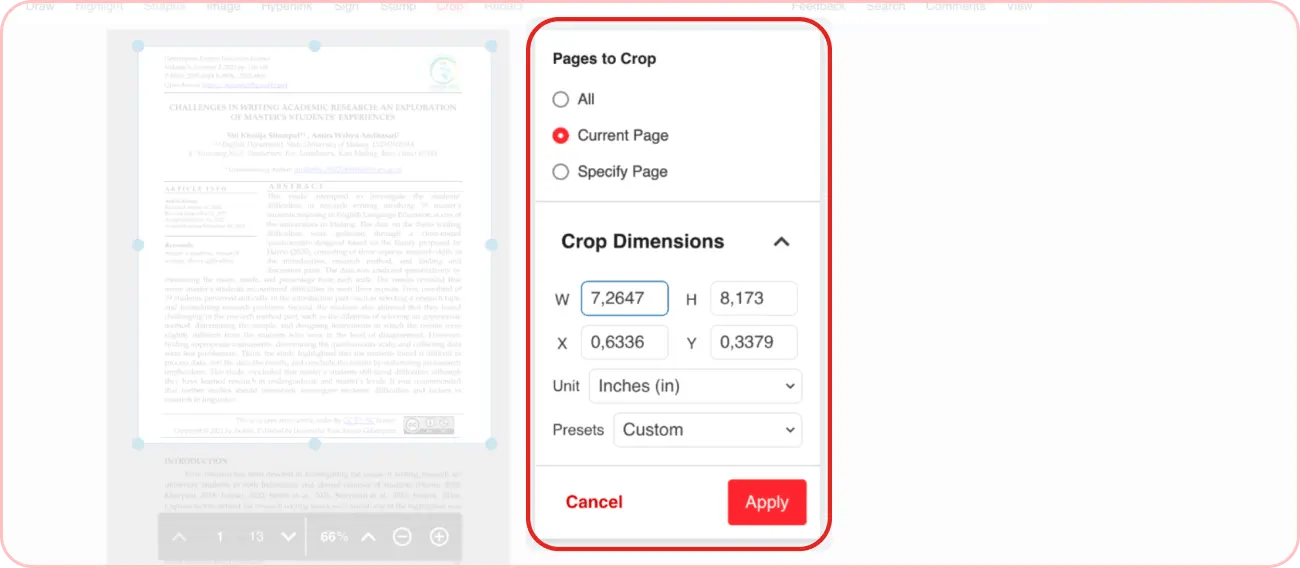
Adjust the cropping area using handles or dimensions.
- 3
Download your cropped PDF.
PDF crop editor
Our web-based, all-in-one PDF editor gives you access to 50+ tools and services right from the browser to simplify file editing.
If your PDF pages need trimming or resizing, our tool lets you crop a PDF to adjust its dimensions to your needs. Use it to:
clean up scanned pages and remove black border lines, distorted edges, or other unwanted portions from them
reduce the document dimensions to fit smaller screens
hide distracting metadata (e.g., watermarks, page numbers, footers, etc.)
isolate specific parts of a document, for example, extract a specific chart from a report page
Our PDF crop tool lets you meet any of these goals by cropping your files in a few clicks. Importantly, it doesn’t trigger a re-encoding (or “flattening”) of the document’s content and preserves the quality.
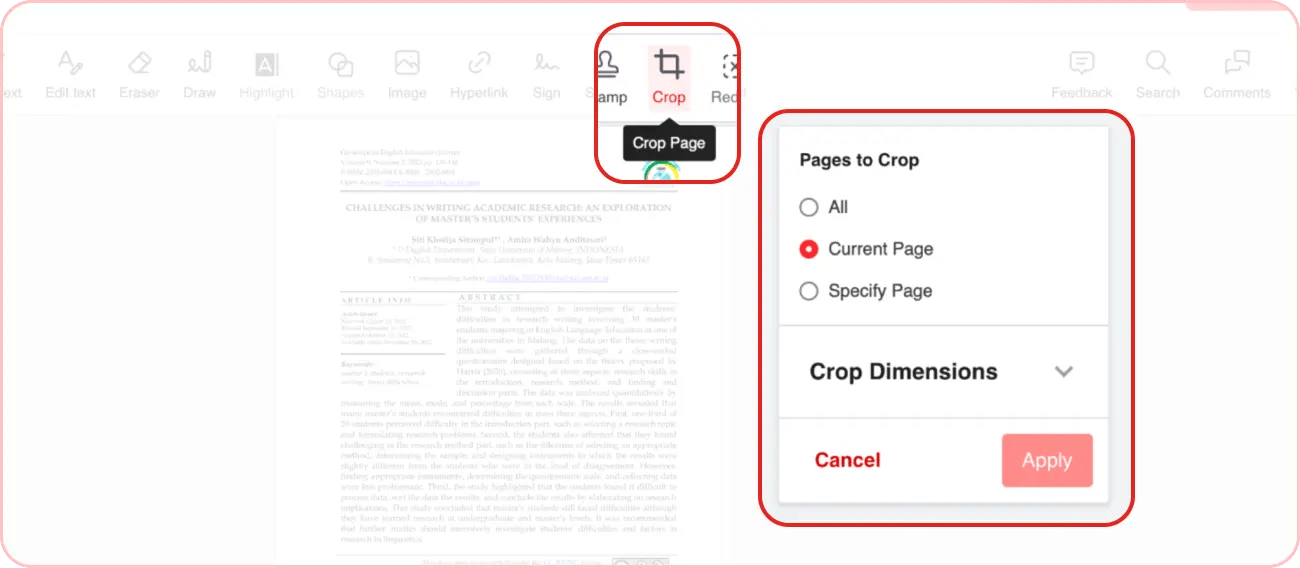
How to crop a PDF online
The PDF cropper online works intuitively and only takes 5 steps to crop any document:
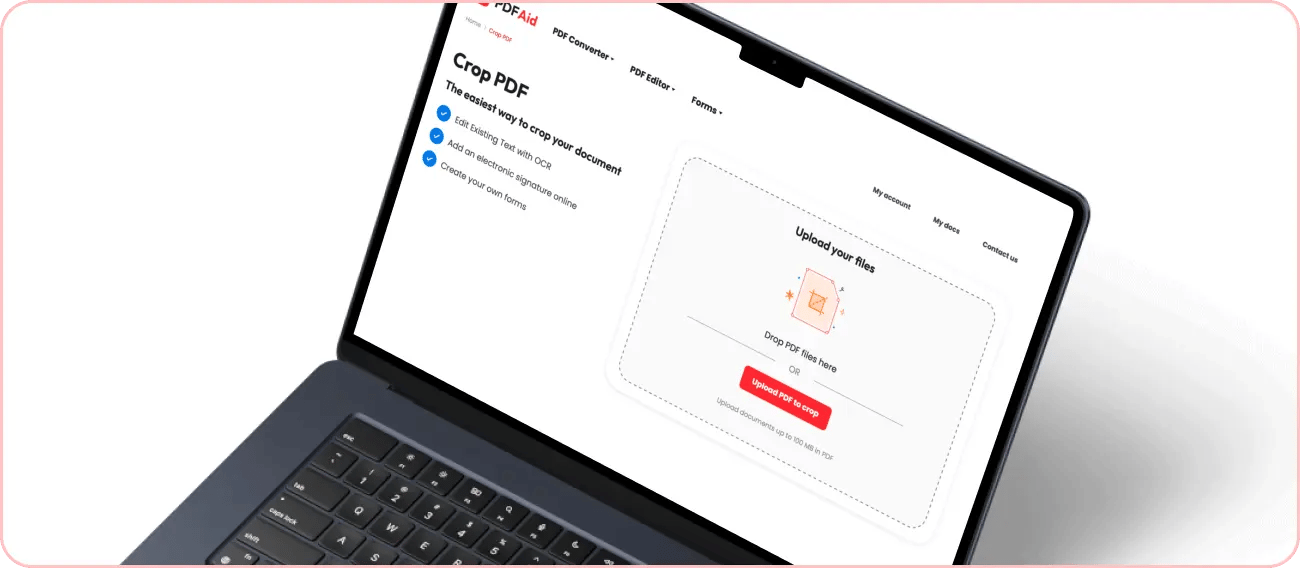
Drag and drop or upload the file you want to edit. If you are already logged in with PDFAid, click on the Edit option in the side menu and choose Crop. In this case, you can upload new files or crop the ones you’ve already added to your PDFAid account.
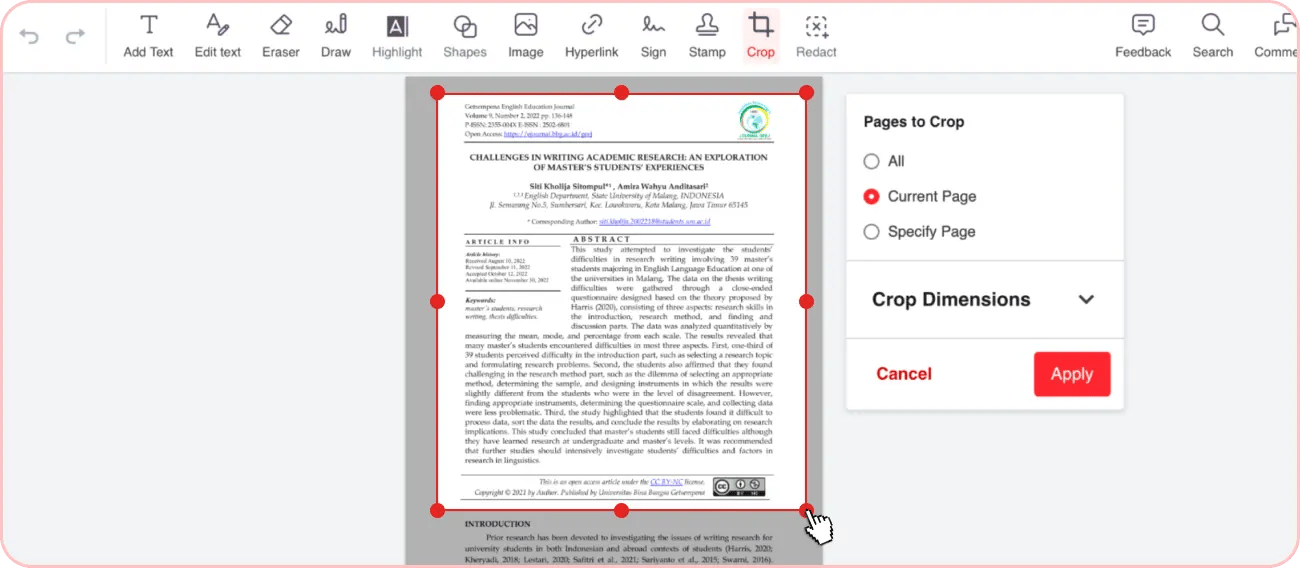
Place the cursor at the starting point of the area you want to crop and move it across the page to highlight the desired area.
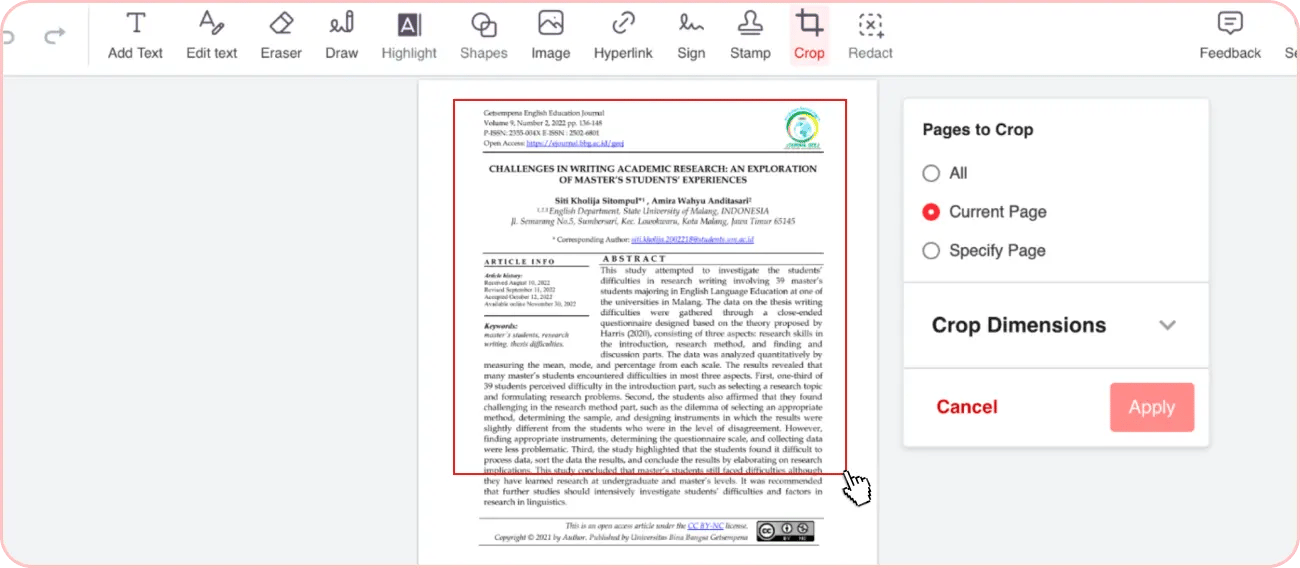
Customize the selected area by dragging the handles on its sides and corners.
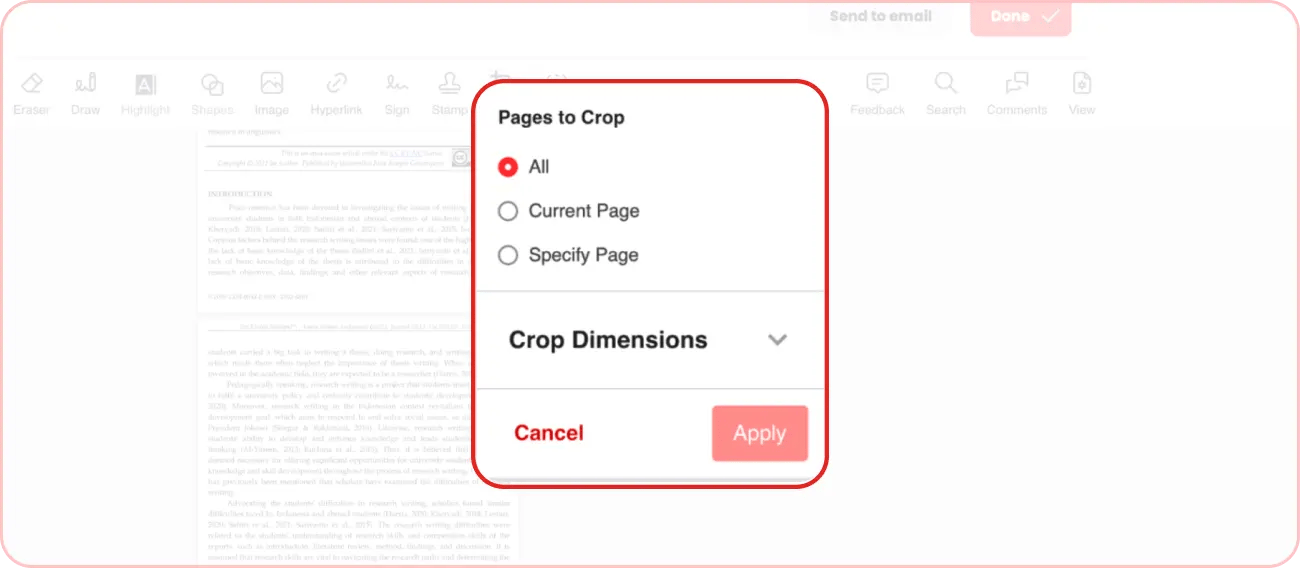
Adjust the cropping settings on your right (e.g., decide if you want to apply cropping to one or all pages or set specific dimensions) and click Apply.
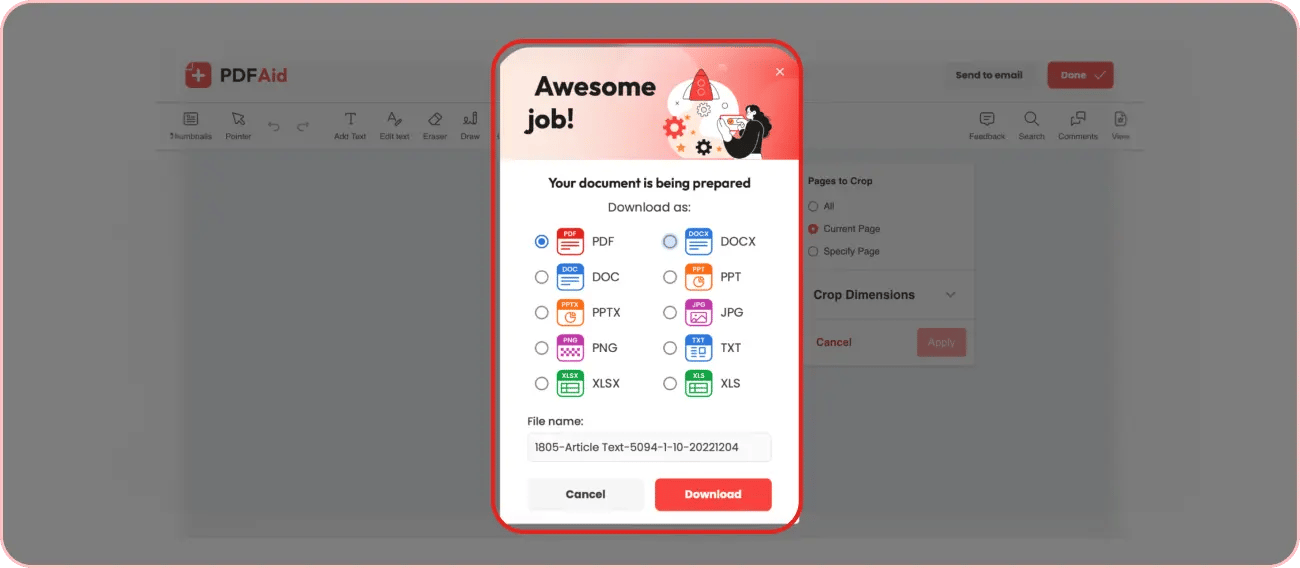
After you crop the PDF file, click Done, select the export format, and type the file name. You can also send your file directly to an indicated email.
Crop PDF pages — one page or all at once
Depending on the document type and goals, apply cropping to one or multiple pages. Crop only one page when:
It contains elements that need to be removed.
You need to change the orientation of individual pages.
You need to crop the cover page, etc.
When multiple pages in the document have the same issue (e.g., margins too large) or all its pages contain elements that you want to remove (e.g., page numbers or footers), perform a bulk PDF crop instead.
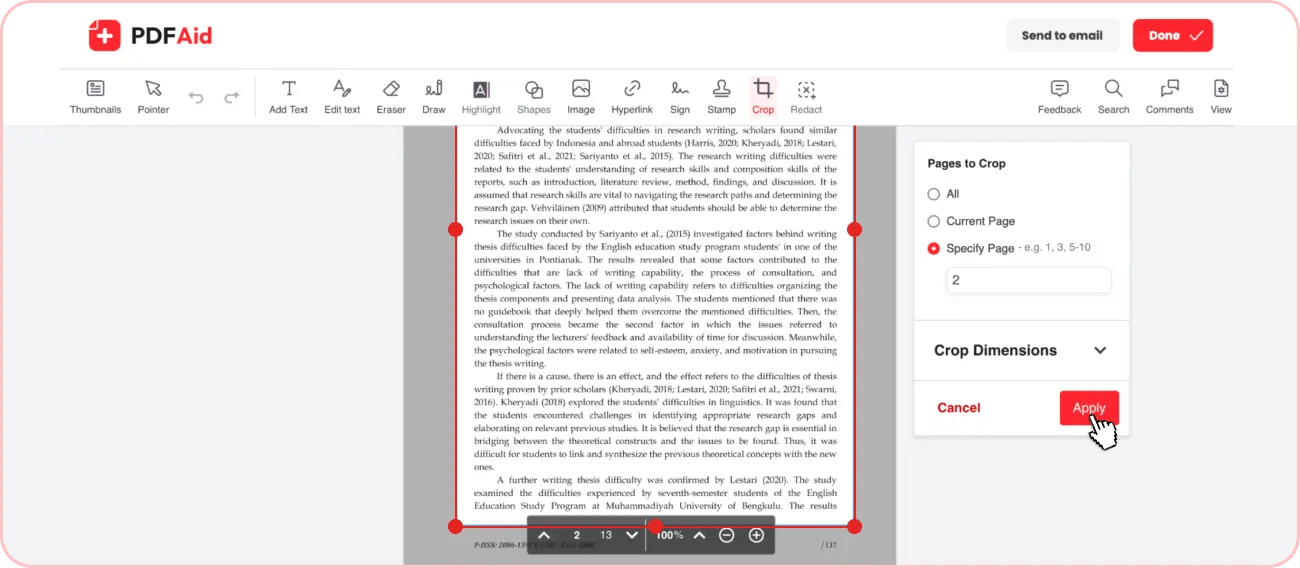
Our tool supports both. After you select the crop area, you can choose to apply cropping to all pages, the current page, or specified pages, and list their numbers. After choosing the option that suits you, click Apply.
Trim PDF margins
Our tool lets you trim PDF online and apply changes to all document pages in almost no time. Follow the same steps as standard cropping:
Drop or upload the document.
Customize your cropping area so that it trims margins and leaves the content untouched.
Click All in Pages to Crop.
Scroll through all pages to ensure that the cropping area fits right on every page.
Click Done and export the file in the preferred format or send it directly to an email.
Crop PDF online right from your browser
Our tool lets you crop pages in PDF right from the browser. You don’t need to spend extra time downloading and installing software. Just go to our tool and start cropping. It also works on any device and OS, including Windows, Mac, and Linux, so you can edit your files from both a computer and a mobile.
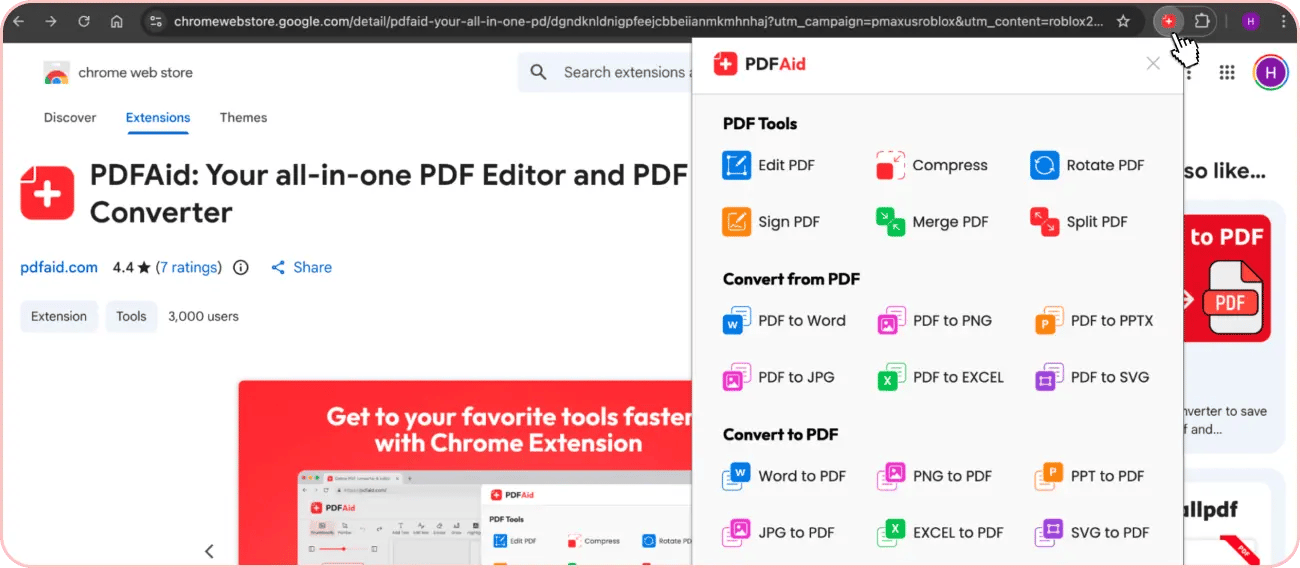
If you work with PDF files frequently and want to have our tool at hand anytime, you can also install it as a browser extension. The PDFAid extension is available in the Chrome Web Store. After installation, it gives you instant access to any of our tools from the upper browser panel.
Remove image from PDF
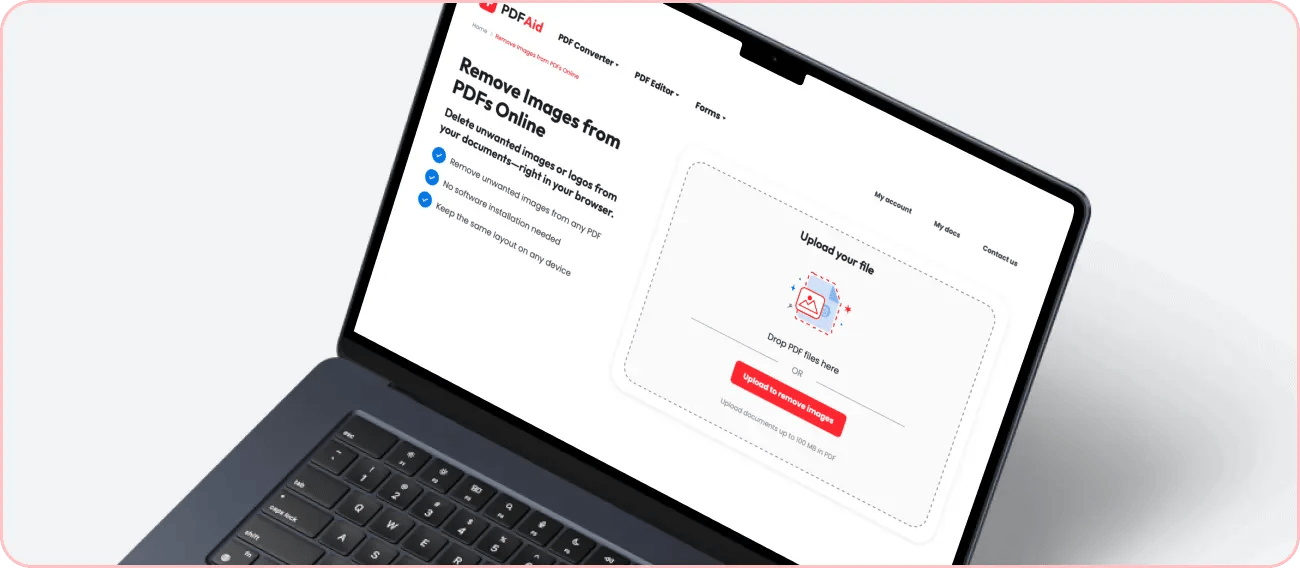
With our editor, you can cut an image from a PDF to remove confidential data, reduce file size, or just remove unwanted visuals from your document. This feature is also available in PDFAid through another tool – Remove Images from PDFs. It lets you quickly remove unwanted images without affecting the layout or quality of your file.
 We’re sorry to hear that you want to cancel your subscription. If you no longer need our service, you can click Cancel plan in the Membership tab of your account. You can also contact us via live chat, at billing@pdfaid.com, or by calling +44 808 501 2541 for help with canceling your subscription.