Unlimited access to all our tools


How does it work?
Remove images from PDFs in 3 simple steps:
- 1
Upload your PDF file.
- 2
Wait until your file is processed and images are removed.
- 3
Download your edited PDF.
Use our PDF image remover to get rid of the unnecessary content in your document. Text, font, layout, and pages remain untouched.
How to remove an image from a PDF
Our tool helps you prepare your PDF easily by following these steps:
Drop or upload a document to take away unwanted content.
Click the Remove button.
Select a format for your file before you download it.
Remove all images from PDF
If a PDF carries images you don’t need, our editor can help you delete them instantly. Whether it's one image or multiple objects, this tool will detect all the pieces and remove them. It scans every page and removes the images, leaving the text untouched. No participation from you is required during the process, as it's done automatically. In the final stage, your paper will be free from excessive information.
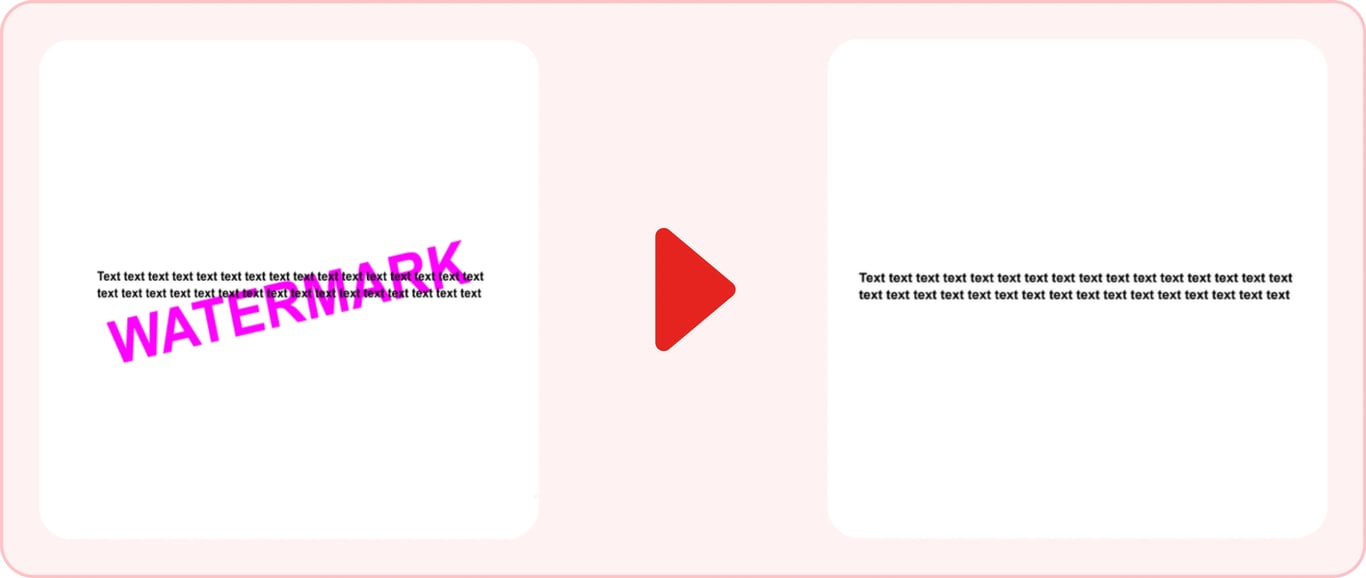
Remove a background image or a graphic watermark
The platform can be a useful solution when you need to remove the background from a PDF image. A picture behind the text or a watermark makes reading confusing and may affect printing quality. To improve such a document, you can rely on our online service. The process is the same as for ordinary images. Don't worry about the text, because it will only remove the background image from PDF, not the written content.
Remove images from a PDF online on any device
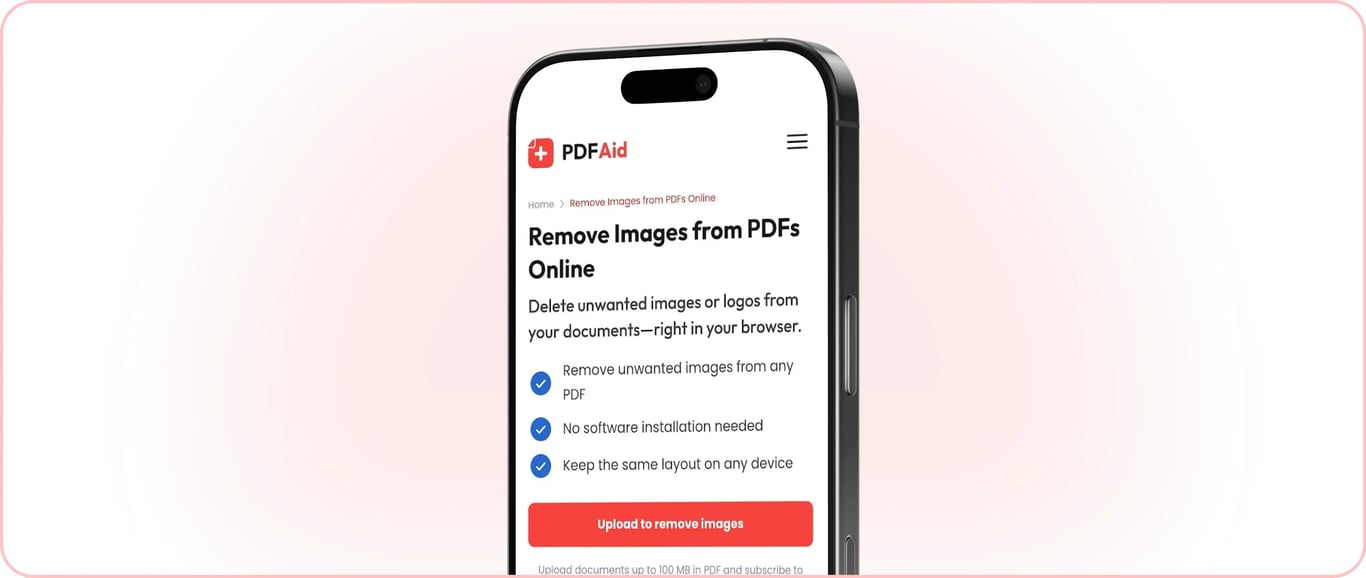
It's an online service, so you can delete a photo and other visual content in your browser. At work or while preparing your papers for studies, you can use your computer to get rid of unnecessary details within seconds. You can do this on your Mac or access the platform on another computer with one of the most popular OS, including Windows and Linux. Deleting a background is possible with an iPhone, iPad, and devices running Android. Whether you use a laptop, phone, or tablet, the process is the same. Make sure you have a stable internet connection and that your files don’t exceed the 100 MB upload cap for the best experience.
Your document keeps its original quality
The removal of images doesn't cause any other changes in your document. Your text will look the same as before in the same place; it won't affect its position on the page. Our tool will also preserve font size and color, so you won't notice any changes except the absence of visuals. The layout doesn’t shift, so there’s nothing to fix afterward.
Your files stay private and secure
When you upload your PDF, you can be sure the connection is secure. No other person will get access to your account or files. We take data storage and processing seriously and ensure it's properly protected.
Other image tools
Our platform includes other tools for convenient work with your files. If it's necessary to add more value and informativeness to your document, you can Add Image to PDF. Pick the place where the image should sit on the page. There's a toolbar with different features, so you may make other changes. The Extract Image from PDF tool allows you to do the opposite and save pictures from files to your device.
 We’re sorry to hear that you want to cancel your subscription. If you no longer need our service, you can click Cancel plan in the Membership tab of your account. You can also contact us via live chat, at billing@pdfaid.com, or by calling +44 808 501 2541 for help with canceling your subscription.