Unlimited access to all our tools


How does it work?
Sign your PDFs in 3 simple steps:
- 1
Upload or drag and drop your PDF.
- 2
Sign your document by drawing, typing, or uploading a signature image.
- 3
Download your signed PDF.
PDFAid offers a simple solution for when you need to sign a PDF online. Our tool lets you sign all types of documents directly in the browser: simply choose a document and upload, type, or draw your signature. You can use it anytime and on any device with no time-consuming software installation or downloads.
How to sign a PDF online
1. Upload your document
To sign a PDF, simply drag and drop or upload your file. The tool supports files under 100 MB. Your connection is protected via SSL, so your files stay safe.
2. Add your signature
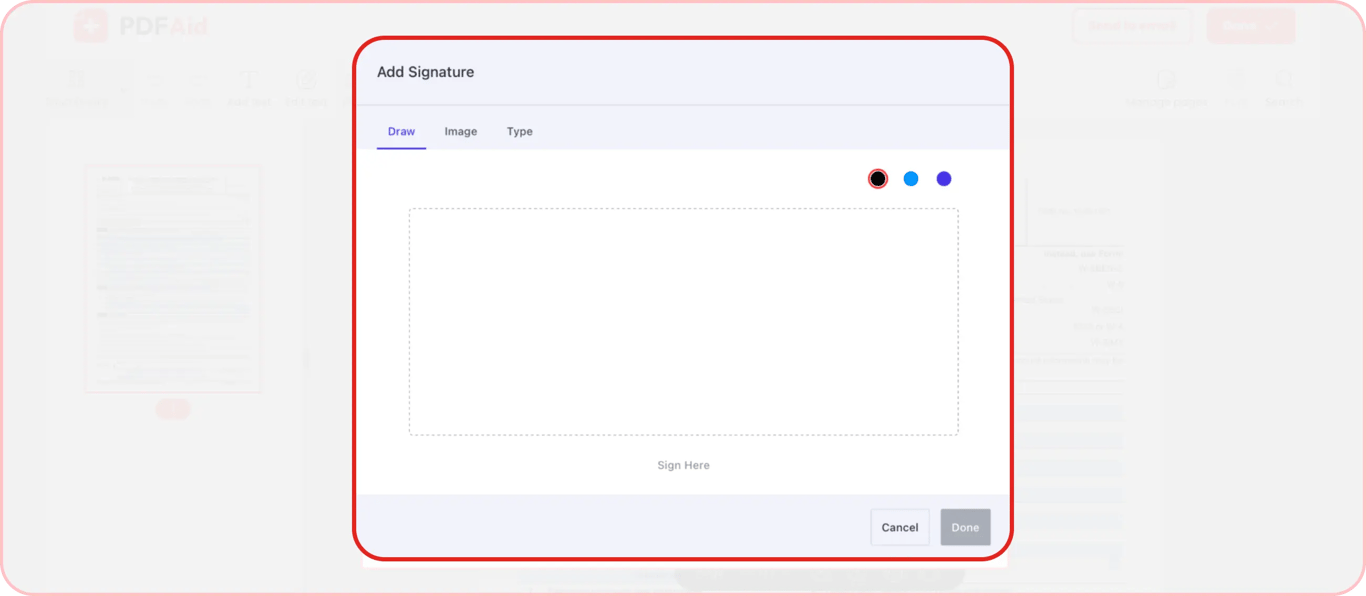
In order to add a signature to a PDF, you need to create it first. Our tool gives you 3 options to create a signature:
Draw the signature using your device’s screen, touchpad, or mouse
Upload an image of your signature
Type your signature and choose a suitable font
Once you create your signature, you can change its size and position in the document until everything looks just right.
3. Save and send
So, you sign a PDF, what’s next? There are two things you can do — either download the file or instantly send it to an email address.
To download the document:
Click the Done button
Select the preferred format
Change the file name if necessary
Download to your device
To send the document right away:
Click Send to email
Pick the format
Change the name
Choose where to send it: your email or another address
If other people's signatures are needed, share a PDFAid link with everyone involved so that they can sign it.
Once you download or share a file, it stays exactly as edited — no conversion or formatting changes.
Fill and sign PDF forms
Not all documents are fully filled out at the moment of signing. Sometimes, they contain empty fields, and you have to fill them in along the way. So when you are looking for a tool that lets you sign files, you might also want it to give you the opportunity to fill in empty fields. And PDFAid gives you this opportunity.
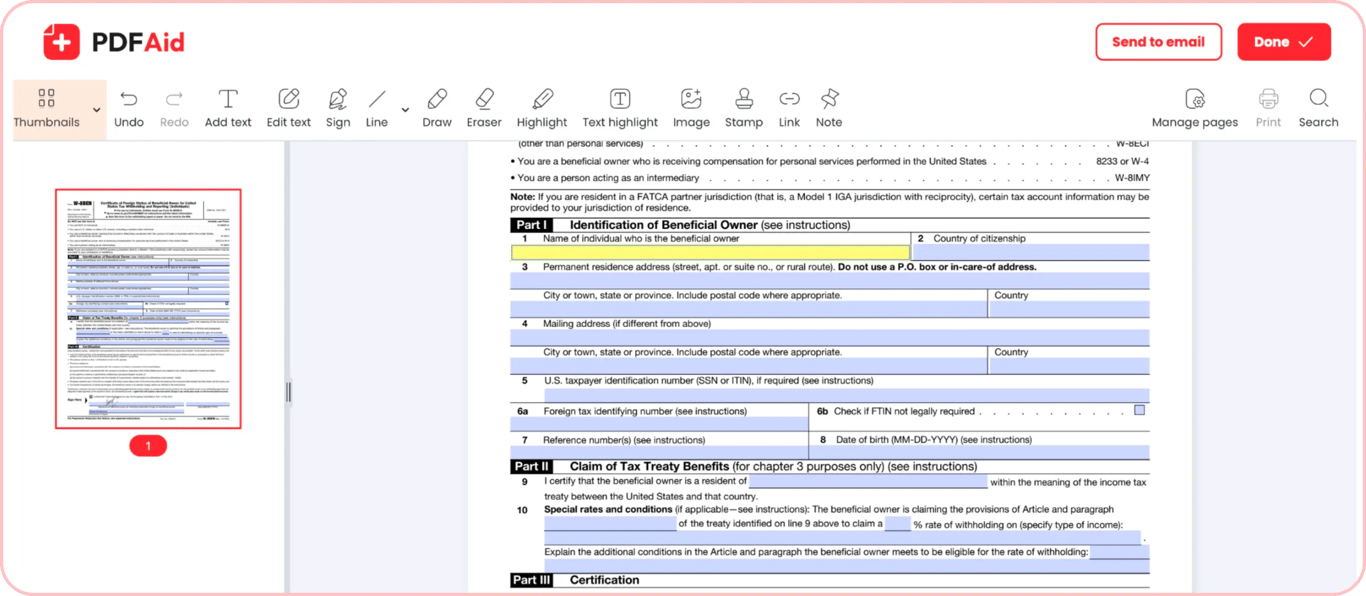
Our PDF editor lets you both fill and sign PDF documents. Doing this is quick and easy. After you create a signature and place it in the right spot, take a moment to check your document for empty fields. Tap or click any empty field and start typing. With our tool, you can add names, dates, initials, and other types of text to your forms. Also, you can mark the needed fields in checkboxes with a single click.
We consistently improve our editor to make it a universal tool for working with any PDF.
Add a digital signature to PDF
Some documents require using an electronic signature instead of a handwritten one. eSign is a legally binding digital alternative to a traditional signature. Yet, adding it to your documents often requires using more complex solutions, such as Adobe Acrobat or DocuSign.
We make it easy to put a digital signature on a PDF. With our tool, you can add digital signatures without downloading additional software or overcoming complex learning curves. It's as simple as adding a regular signature. At the same time, our eSign feature complies with all electronic signature standards. So, when you use it, you shouldn’t worry about any legal complications. This is a perfect solution for official documents and business contracts.
 We’re sorry to hear that you want to cancel your subscription. If you no longer need our service, you can click Cancel plan in the Membership tab of your account. You can also contact us via live chat, at billing@pdfaid.com, or by calling +44 808 501 2541 for help with canceling your subscription.