Unlimited access to all our tools


How does it work?
Convert your image to text in 3 quick steps:
- 1
Upload or drag and drop your image.
- 2
Choose your file format.
- 3
Download your file with editable text.
With PDFAid, you can extract text from images and turn them into editable documents directly in your browser. Convert photos, scans, and screenshots into Word, PDF, or TXT files without retyping anything by hand. Our tool works on any device with nothing to install, giving you clean, workable text.
How to extract text from an image
Convert images into editable documents in seconds. Run fast text extraction from image files with PDFAid. That way, you can organize, edit, and copy your content without having to type it all over again.
Step 1: Upload your image
Drag and drop your file directly into the upload area on your screen. You can also click the Upload image button to browse and select a picture from your device storage. Our image text extractor accepts common formats like JPG, PNG, or TIFF and prepares your file for conversion.
Step 2: Choose the output format
Select the file type before you extract text from an image. You can pick from 3 popular formats:
Word (DOCX): Best if you need to rewrite paragraphs, modify text formatting, or collaborate with teammates.
PDF: Ideal for creating clean, printable documents that preserve layout consistency across all devices.
TXT: Perfect for plain, unformatted text that you can paste into notes, databases, or code editors.
Step 3: Download your document
Our text-from-image extractor processes your file automatically once you select a format. The optical character recognition system can recognize words, font styles, and structural layouts, such as numbered or bulleted lists. As soon as the processing finishes, download your completed document directly to your device.
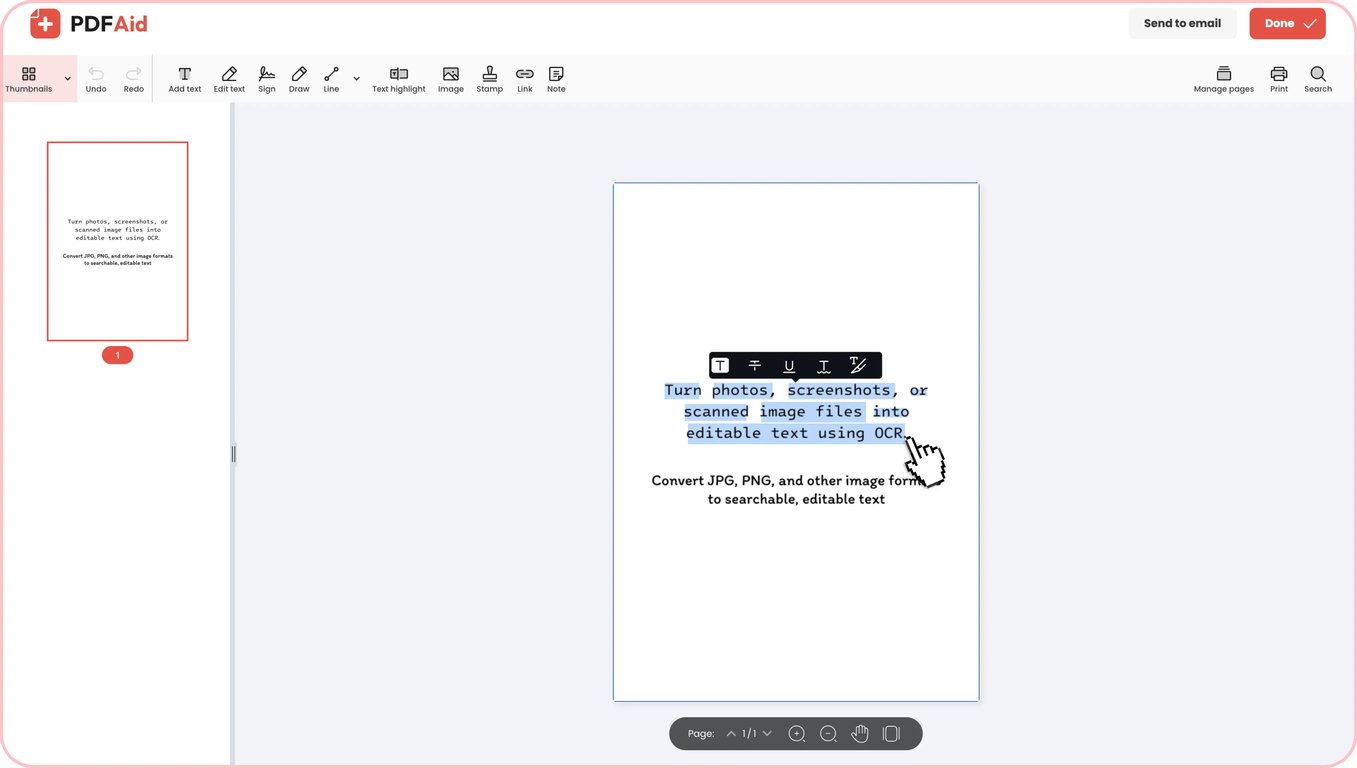
Practical use cases
Optical character recognition saves you time whenever you need to turn static images into editable copy. Here are some common situations where turning images into editable text can make your daily life easier:
When your only scanner is a phone camera
You often need to digitize receipts, whiteboard notes, or book pages on the go without an office scanner. You can quickly take a picture with your phone and turn it into text in a matter of seconds. The text comes back as an editable copy you can share, edit, or store after converting a photo to text.
Paper contracts, letters, and certificates
It can take hours to manually read through piles of physical documents to find a particular clause. When you convert an image to text, you make old agreements, letters, and certificates fully searchable. You can easily copy key paragraphs, adjust outdated terms, or look up specific clauses after the conversion.
Text that's stuck in a screenshot
Webinars, video presentations, and system dialogs often contain valuable information that you cannot copy directly. With PDFAid, you can convert a screenshot to text and grab those locked quotes, code snippets, and data tables. You can paste the text directly into your notes instead of having to manually type it all over again.
Business cards and receipts you don't want to retype
You can use our tool as a digital card scanner to quickly go through stacks of business cards and receipts after a conference or business trip. Phone numbers, email addresses, totals, and dates are pulled out correctly, so you don't have to worry about making mistakes when you're keeping track of contacts or filing expense reports. If the fonts on the receipt are small, take a close-up picture against a plain background and without glare.
Price lists and schedules that arrived as a photo
When suppliers or coworkers send schedules and price sheets as images, use picture-to-text tools to grab the data. If you convert an image to a text table, column layouts can shift into plain lines of text, so take a moment to check the final numbers and spacing. For clean recognition, take a flat, well-lit picture that captures the entire page, and split long price catalogs into a few separate pictures.
Error messages and code shared as screenshots
Typos in long variables and paths are common when you retype terminal errors, server logs, or code snippets from screenshots. An image text reader lifts the syntax straight out of the screenshot. To make sure your scripts work, double-check characters that can be challenging to read, such as zeros, capital Os, 1s, and lowercase Ls.
Supported formats
Our online tool works with the most common image formats to make text recognition quick and straightforward. You can easily convert JPG to text from phone photos, scanned documents, and web images, with full support for JPEG files. If you work with screenshots, diagrams, or digital charts, run a PNG to text conversion to pull out every letter and number cleanly. Simply upload your JPG, JPEG, or PNG, and the system turns your visual data into workable text.
Image to text on any device
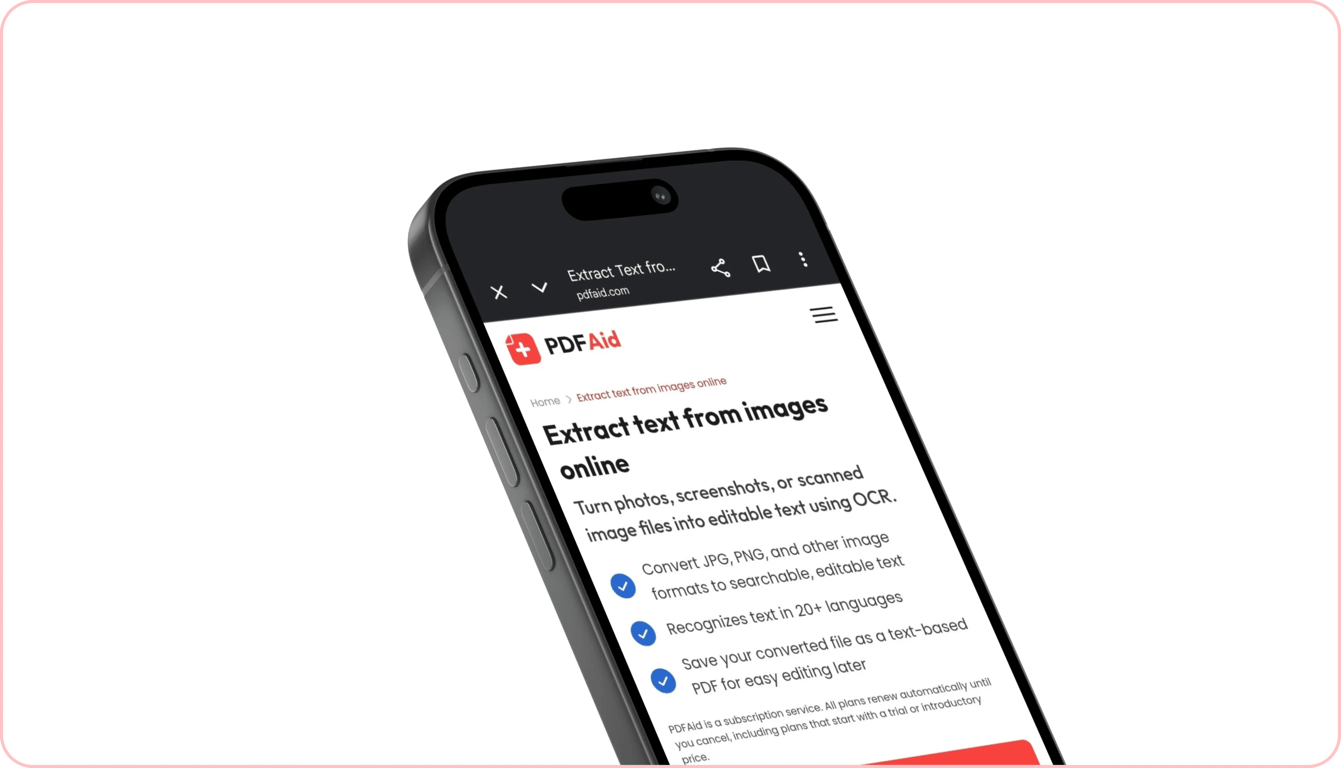
You can extract words from pictures on any computer, tablet, or smartphone without installing extra apps or software. Our tool runs completely online in your web browser, making text conversion fast and accessible from anywhere.
If you're at your desk, you can process a high-resolution scan on Windows laptops or extract text using your Mac. When you're away from your desk, you can quickly copy text from image iPhone files right inside Mobile Safari. You can also copy text from an Android image screen through Google Chrome in seconds.
Your files stay private and secure
When you run image OCR tasks in our workspace, every document and image is processed over encrypted connections. This shields your private data from unauthorized access. No unauthorized reader can view your files or extracted text, as they stay protected and visible only to you inside your personal account. We don't track, view, or share your uploaded content.
Similar tools
Explore other useful tools to convert and manage your media files:
OCR PDF: Turn scanned PDF pages and flattened documents into searchable, editable text while keeping your original page layout intact.
Video to Text: Transcribe dialogue, lectures, and presentations from video clips into accurate written transcripts automatically.
Audio to Text: Convert voice recordings, interviews, podcasts, and meeting notes into clean text documents in seconds.
 We’re sorry to hear that you want to cancel your subscription. If you no longer need our service, you can click Cancel plan in the Membership tab of your account. You can also contact us via live chat, at billing@pdfaid.com, or by calling +44 808 501 2541 for help with canceling your subscription.