Unlimited access to all our tools


How does it work?
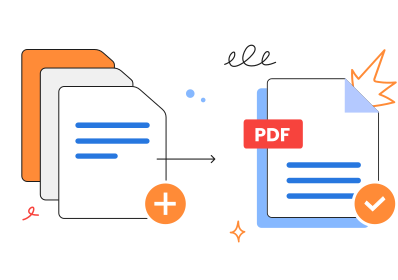
Merge your Word documents in 3 simple steps:
- 1
Upload or drag and drop your Word documents.
- 2
Arrange the order or delete any pages you don’t need.
- 3
Download your combined document as a single PDF.
Skip software installations and combine Word documents into one file right in your browser. Let the tool do all the work for you.
How to combine Word documents
Merge your documents, taking these quick steps:
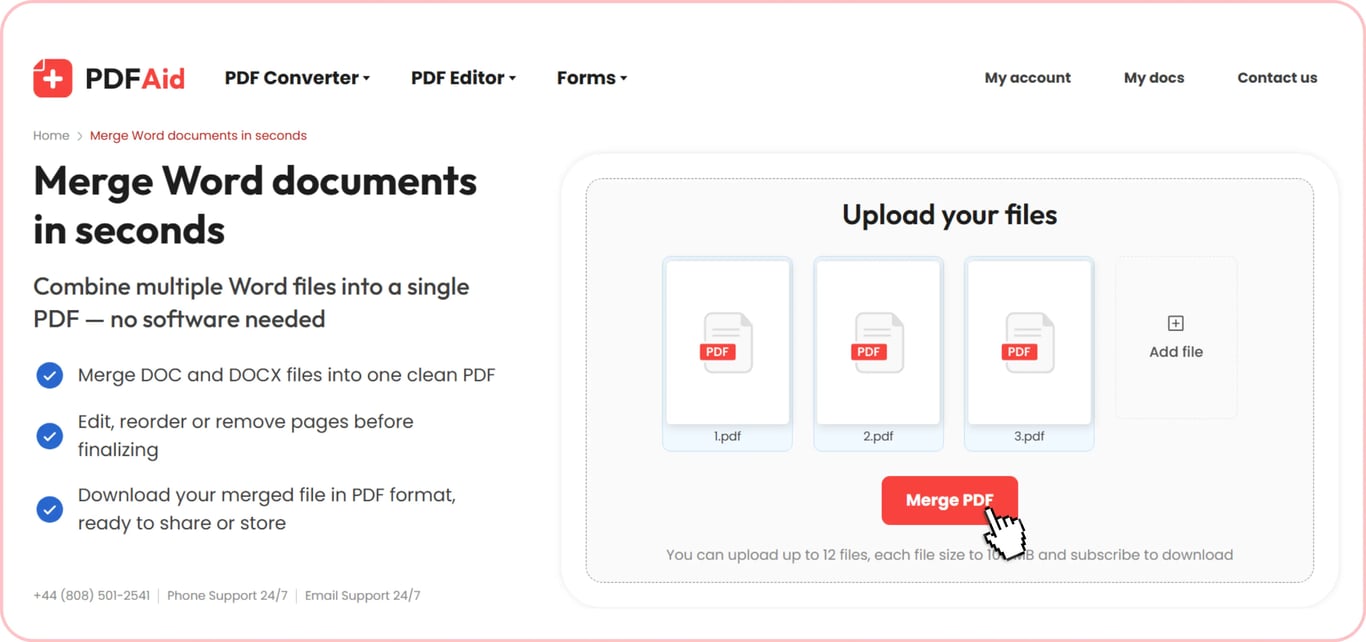
Step 1. Upload files you plan to combine (you can choose up to 12).
Step 2. Press the Merge button.
Step 3. Send a ready-made doc to an email or download it.
How to merge two Word documents into one
Combine Word documents into one right in your browser. Our service allows you to upload up to 12 files and create a single document from them. The process is quick regardless of how many files you choose.
Merging isn't the only feature our tool offers. When you upload your documents, you'll be redirected to the editor. There, you can reorganize them and set the required page order. The file will look this way on your device after saving.
Combine Word DOC and DOCX files
You can merge DOCX and MS Word (Microsoft Word) DOC files together; both formats are supported. Combine files of the same format or mix both in a single document. You'll have one document in the preferred format and keep all the information that matters.
Keep your formatting intact
After joining separate papers, everything from text size to tables and other details is kept as it was before. You can continue editing the merged file. Remove or add the necessary information, change fonts, and customize your readable content by applying a different color, etc. Review your document before downloading.
Merge Word documents on any device
Complete your daily tasks with ease using our tool that doesn't require downloading. No matter how many files you have to combine, 2 or 12, do it from your browser. Merge several papers on your Mac and other types of computers, thanks to compatibility with Windows, Linux, and other operating systems. You can also enjoy a smooth experience working with your file on iPhone and other mobile phones.
Your files stay private and secure
Combine separate files privately on our platform. The connection is encrypted, so your docs are safe here. Your documents and actions taken using this service are confidential and visible only to you. No one else can access your account or your files.
Similar tools
Combining files isn't the finish line, and you may benefit from more practical online tools to boost your paperwork. Check out some of these:
Merge PDF — join different PDFs and get a single file.
Merge PDF and Word — even if the formats aren't the same, you can combine them and keep all the necessary information easy to access.
Edit Word — improve your text, remove unnecessary details, and personalize your documents.
 We’re sorry to hear that you want to cancel your subscription. If you no longer need our service, you can click Cancel plan in the Membership tab of your account. You can also contact us via live chat, at billing@pdfaid.com, or by calling +44 808 501 2541 for help with canceling your subscription.