Unlimited access to all our tools


How does it work?
Send a PDF in 3 easy steps:
- 1
Upload your PDF file.
- 2
Make any changes if needed.
- 3
Enter an email address to send your file.
With PDFAid, you can send PDF documents to anyone via email straight from your browser. When you need to share important documents, don't use messaging apps or USB drives. Just upload your file, choose how you want to share it, and deliver your document in seconds from any device.
How to send a PDF to email
You can quickly send a PDF to any inbox directly from your browser in 3 simple steps. Our tool supports files up to 100 MB.
Step 1: Upload your document
Drag and drop your file into the upload box or select it directly from your device to upload a PDF to share with others. The document stays saved in your account, so you can send it to multiple people without uploading it again.
Step 2: Choose the format of the document
Click the Send to Email button in the top toolbar, then select the exact file type you want your recipient to receive. You can keep the original format and send as PDF, or convert the pages into DOCX/DOC, PPT/PPTX, JPG/PNG, TXT, or XLSX/XLS files.
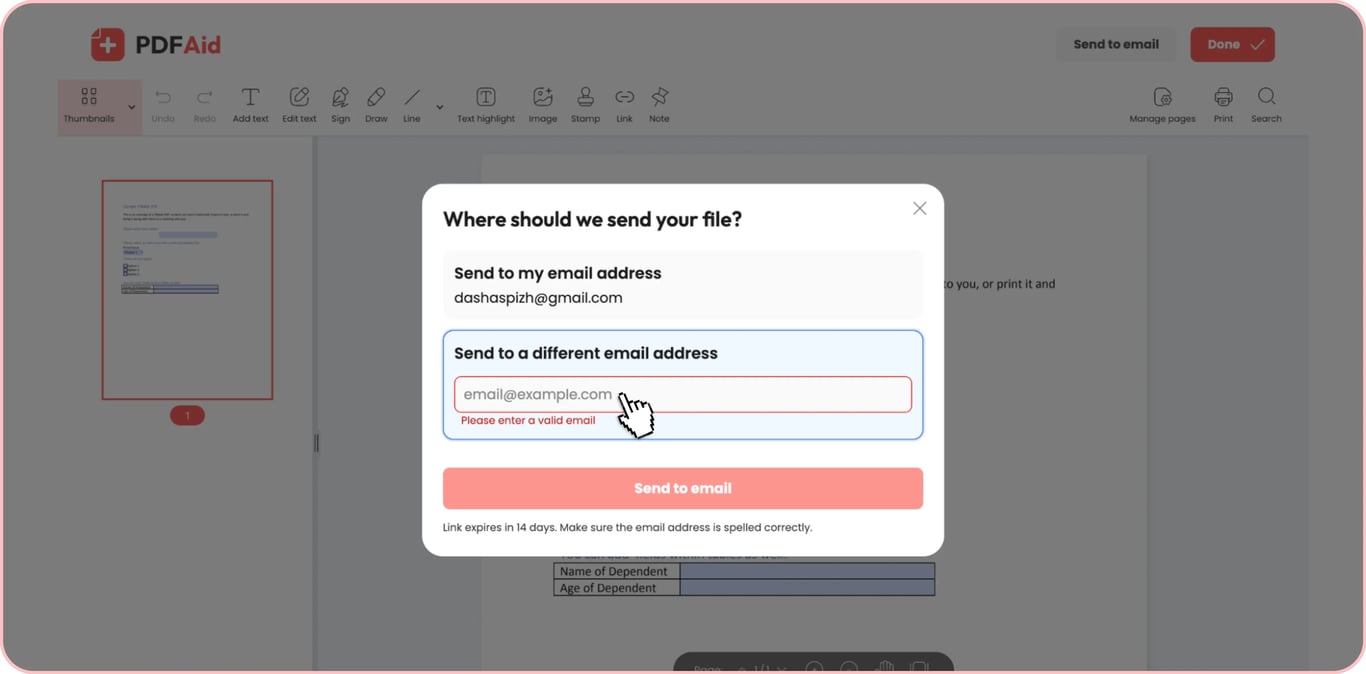
Step 3: Send to email
Type the recipient's email address, enter your file name, and click the final Send to email button. Once you confirm, the system delivers the file straight to their inbox, allowing you to share PDF documents in seconds without opening your personal email app.
Common use cases
People send documents every day, but standard email providers often block large files. Our tool helps you bypass attachment limits and deliver your documents quickly across multiple situations.
A file too heavy for email
When an email service rejects your message due to size limits, you can easily share large PDF files without any errors. Instead of dealing with failed delivery errors, you can send your file directly to the recipient. Before sending, you can also use our tool to compress the document to reduce its file size.
An invoice that a client is waiting for
Business owners need to send PDF invoices quickly, so clients can review and pay without delays. A PDF holds its layout on any screen, so the invoice your client opens looks like the one you sent. Your client can open and read the document on any phone, tablet, or laptop.
One file for several recipients
You can send PDF files to multiple people without uploading the same file repeatedly. Upload your document once, then mail it to multiple contacts in separate rounds.
Send a PDF from any device
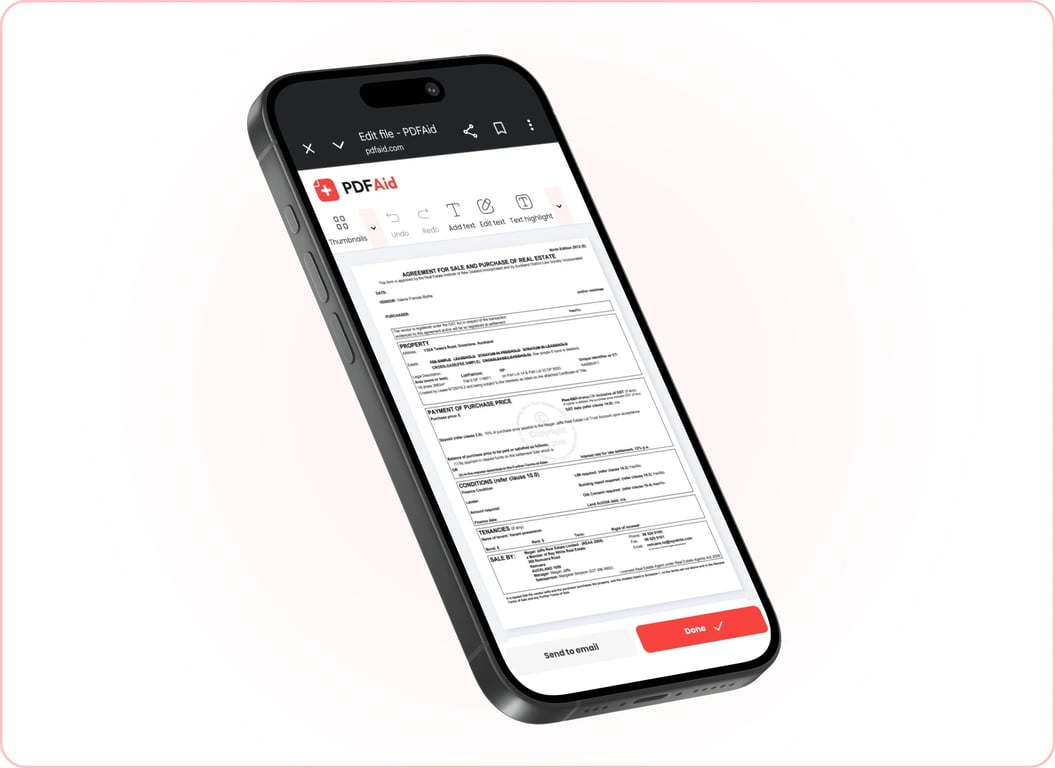
Our web tool runs in any browser and doesn’t require downloads, plugins, or software setups. Open your documents on an office desktop, review them on a tablet, or forward them right from your phone. As long as you have an internet connection, you can send a file from whichever screen you're on.
Your files stay private and secure
We protect your confidential data with strong encryption protocols during every transfer. No outside parties can access your content; it's encrypted and stored where only you can reach it. You maintain full control over your documents. Only you can view, manage, and share your files whenever you sign in.
Similar tools
Check out more tools to edit, manage, and share your documents:
Send Documents for Signature: Collect signatures from clients and partners without printing.
Compress PDF: Reduce your file size for faster sharing without losing visual clarity.
Merge PDF: Combine multiple PDF documents into a single, organized file in seconds.
Sign PDF: Add your electronic signature or initials directly to a contract or a form online.
Unlock PDF: Remove passwords and restrictions from protected PDF files to access and edit them freely.
PDF Reader: Open, view, and read PDF pages directly inside your web browser.
 We’re sorry to hear that you want to cancel your subscription. If you no longer need our service, you can click Cancel plan in the Membership tab of your account. You can also contact us via live chat, at billing@pdfaid.com, or by calling +44 808 501 2541 for help with canceling your subscription.