Unlimited access to all our tools


How does it work?
View your PDF in 3 simple steps:
- 1
Upload or drag and drop your PDF.
- 2
Make all the necessary changes.
- 3
Download your updated file.
FAQ
 We’re sorry to hear that you want to cancel your subscription. If you no longer need our service, you can click Cancel plan in the Membership tab of your account. You can also contact us via live chat, at billing@pdfaid.com, or by calling +44 808 501 2541 for help with canceling your subscription.
With our PDF reader, you can open and read any PDF directly inside your browser tab. Review your text and layouts clearly, navigate through pages, and pick the exact sheets you want to download, print, or edit. Everything works online with nothing to install, giving you fast access to your documents on any device.
How to open a PDF file?
You can open and view your documents in 3 simple steps without installing software. Our online viewer handles files up to 100 MB, giving you instant access to your pages.
Step 1: Upload your document
Drag and drop your file straight into the upload area on your screen. You can also click the Upload to view PDF button to select a file from your computer or phone. The viewer loads your pages right away, so you can open PDF documents directly in your browser.
Step 2: Read and navigate the pages
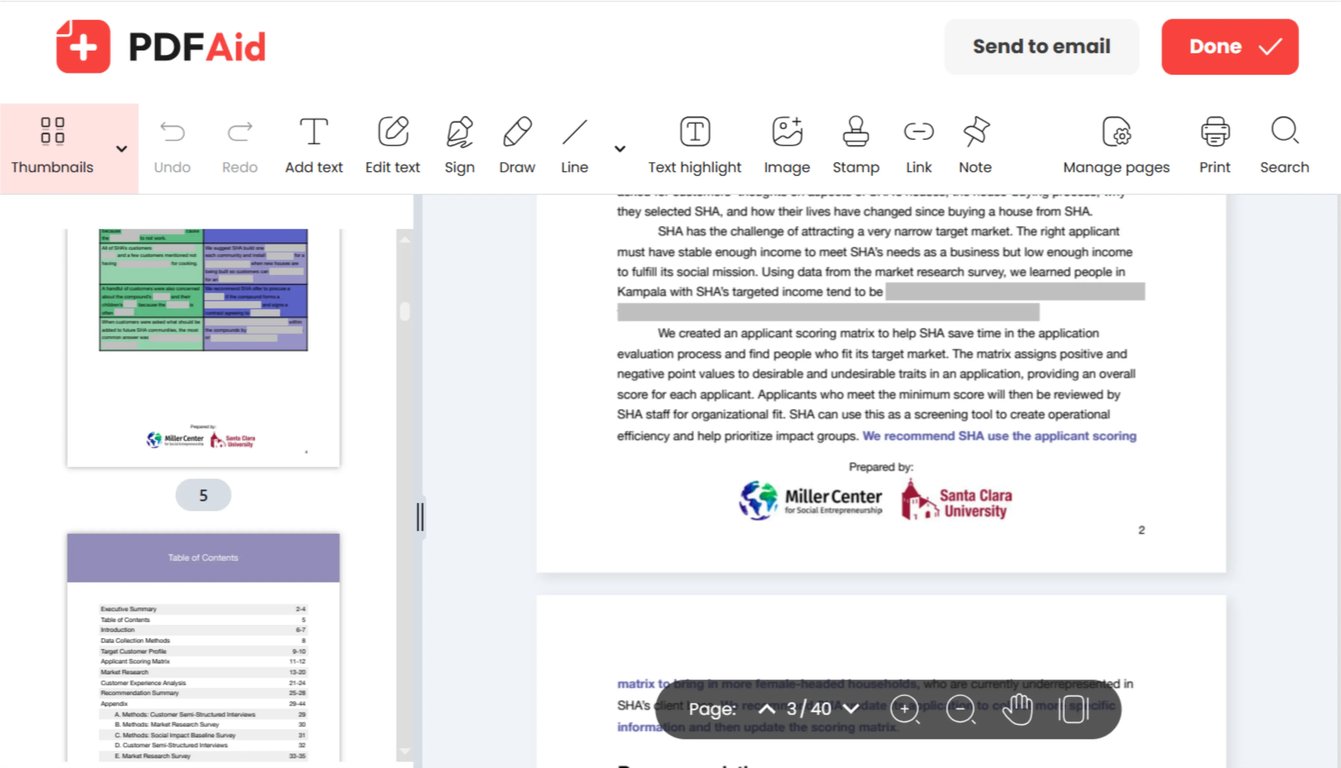
Once your document opens, you can scroll through the pages, jump to specific sections, or adjust the display scale. Use the zoom controls to inspect small text, data tables, and high-resolution images. The PDF view preserves your original formatting, images, and fonts without changing the layout.
Step 3: What to do with the open file
Once you finish reviewing your document, you can download the file, print a physical copy, or send it by email. If you only need to read the PDF, your original content stays untouched. If you need to make changes or reduce the file size, you can switch straight to our Edit PDF or Compress PDF tools.
A PDF viewer that runs in your browser
With our lightweight PDF document viewer, there's no need to install heavy software or clutter your local disk with temporary files.
The viewer renders every page accurately, keeping your embedded fonts, vector graphics, and image layouts intact. Review your documents on our website securely from any computer, tablet, or phone.
Common use cases
Banks, coworkers, and government portals all send PDF files by email, but you may not have the right software to open them. Our online viewer gives you instant access to your documents across several common situations.
A file someone sent you and nothing opens it
If no PDF app is installed, or the one you have is asking for an update, open the file in your browser instead. Our online PDF file reader lets you open incoming email attachments right inside your web browser. If the sender locked the file, you can enter the password or use our Unlock PDF tool to access your pages without software errors.
Reading on a computer that isn't yours
If you're using a library computer, a shared office workstation, or a friend's laptop, you rarely have administrator rights to install new apps. You can log into your account and open PDF files directly in any browser tab. Once you finish reviewing your contracts or tax forms, simply log out to keep your personal records secure.
Checking one page of a long document
Reading a 200-page report just to check one clause wastes time. You can enter the target page number into the page box to jump directly to your section. Use the zoom controls to inspect small table figures, footnotes, and small text clearly.
Open a PDF on any device
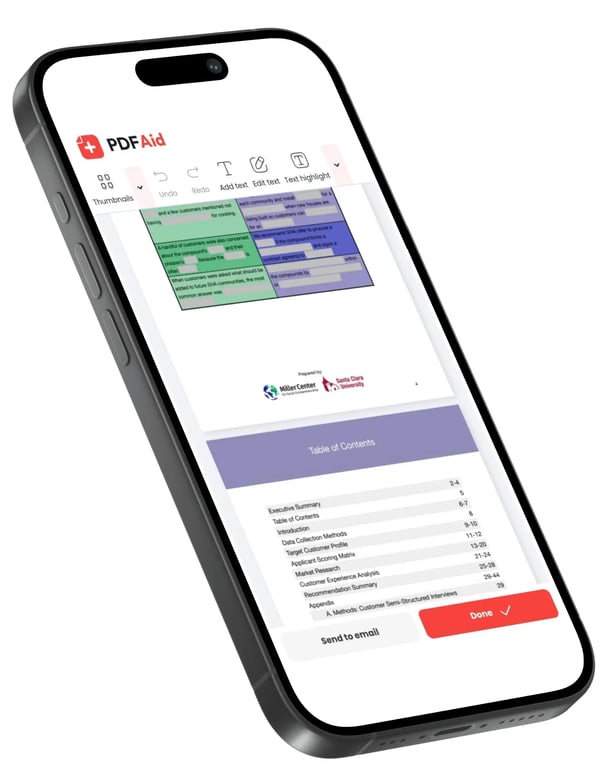
You can view your documents directly in your web browser across all desktop and mobile screens without downloading mobile apps. Easily open PDF on iPhone or iPad devices using Safari, or view contracts on Android smartphones through Chrome. If you're working from a desk, the viewer loads quickly on your Mac or desktop computer.
Your files stay private and secure
To prevent unwanted access to your data, all files are transferred over encrypted connections when you view documents in our workspace. You're the only one who can see your documents from your personal account because they are private. Others won't be able to see or download your content. To keep your personal information safe, our system restricts your files from unauthorized access during and after the end of your session.