Unlimited access to all our tools


How does it work?
Convert your PDF to text in 3 easy steps:
- 1
Upload or drag and drop your PDF.
- 2
Pick your preferred format.
- 3
Extract the text from your file using OCR and download it.
Our text extractor lets you convert a PDF to text and export it in the preferred format. Thanks to advanced OCR technology, this feature works for 20+ languages.
How to extract text from a PDF
It takes only 3 steps to pull text using our PDF text extractor:
Step 1: Upload your document
Drop the PDF into the upload area or select it from your device. Our tool lets you convert any PDF file to text if its size doesn’t exceed 100 MB.
Step 2: Select the format and convert to text
Select one of the three format options in which you want to download your file:
Word: Preserves original formatting and gives you editable text after extraction.
PDF: Creates a new PDF file with selectable and searchable text pulled from the original file.
TXT: Delivers a TXT file with editable text but no formatting.
After choosing, click Apply OCR. Our tool will take a few moments to detect text in your PDF file and extract it into the selected format.
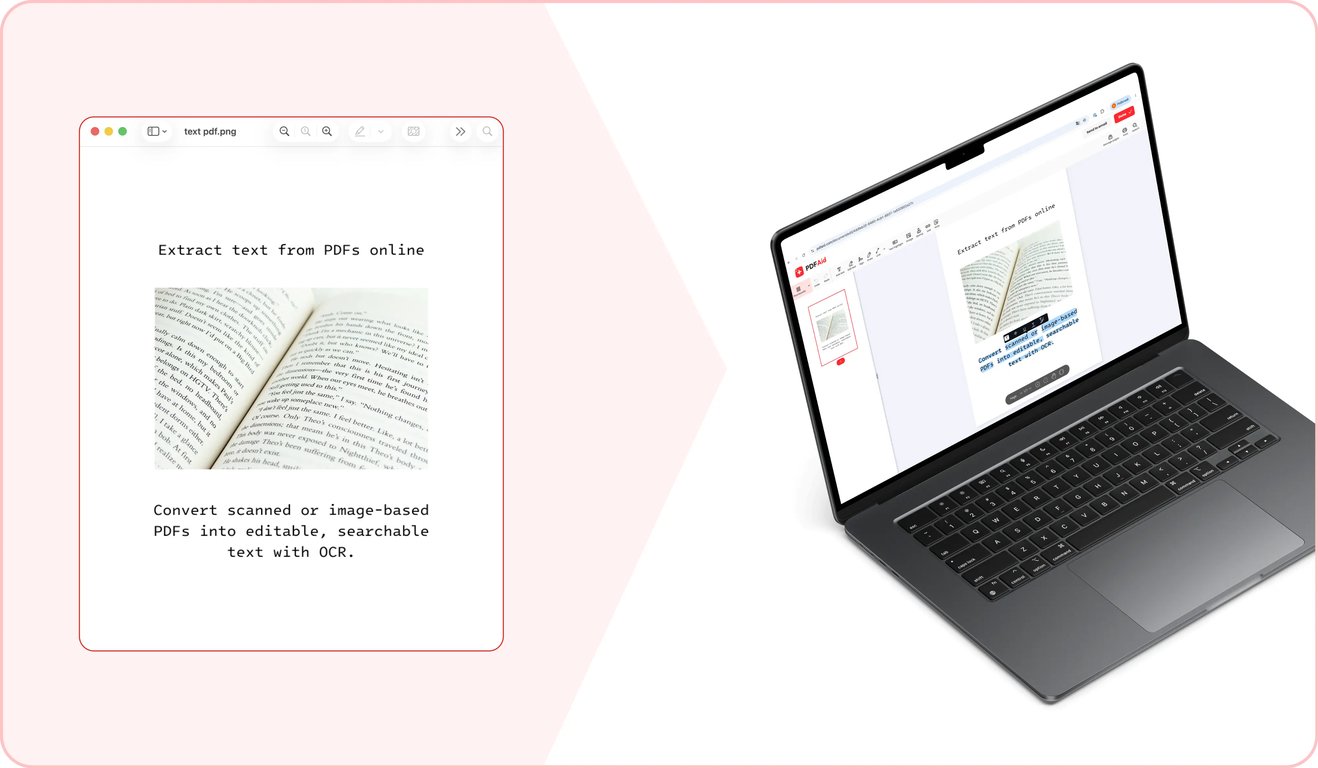
Step 3: Export the final document
Once our tool finishes extracting text from the PDF, download the new file in your selected format to your device.
Common use cases
You may need to pull plain text from a PDF in different situations. It helps when you need to extract quotes from large documents or to make the document’s content searchable and selectable. Our tool helps you do this quickly. Here are a few common use cases:
A quote you need from a long report
When making a presentation or writing a letter based on a long report, you might need to use direct quotes from the original file. It’s technically possible to rewrite the needed parts of the text manually. Yet, it takes quite a lot of time. Our tool lets you copy text from a PDF and instantly paste it into your presentation or email. To prevent possible errors, make sure to double-check any important numbers or figures after pasting.
A document you want to rebuild from an old version
When you have an old contract or policy that requires an update, you can build a new version from scratch. In this case, you will have to spend extra time formulating the basic clauses. Or you can save time by using the old version as the foundation. Our tool lets you convert a PDF to a text document ready for rewriting and applying the new formatting.
Text for translation or analysis
When you have a PDF that needs to be run through an analysis or translation tool, one problem you run into is that many of those tools only accept plain text rather than PDFs. Use our PDF to text conversion feature to pull text that can be inserted into another tool with ease.
PDF to text on any device
Our platform and all tools built into it work fully online from a browser — no need to install special software, all you need is an Internet connection. Thanks to this, you can easily use them on any device. This includes Windows and Mac computers and iOS and Android phones, as well as tablets that run on different operating systems.
Your files stay private and secure
All documents are transferred through secure gateways. Once you finish working with our tool, all files remain accessible only to you through your personal account. Third parties don't have access to your documents.
Similar tools
Using our platform, you can perform many different tasks with your PDFs and other files. If you often work with text-containing PDFs and images from which you need to pull text or make it searchable or selectable, we have three additional tools that can help:
PDF to Word: Convert text-containing PDF files into Word documents with preserved formatting using our converter.
OCR PDF: Make the text in scanned PDFs searchable and selectable with our OCR tool.
Image to Text: Pull plain text from images and photos in various formats, including JPG, PNG, and others.
 We’re sorry to hear that you want to cancel your subscription. If you no longer need our service, you can click Cancel plan in the Membership tab of your account. You can also contact us via live chat, at billing@pdfaid.com, or by calling +44 808 501 2541 for help with canceling your subscription.