Unlimited access to all our tools


How does it work?
Fill your PDF in 3 simple steps:
- 1
Upload or drag and drop your file.
- 2
Edit your file according to your needs.
- 3
Download your edited PDF.
Fill a PDF document with our tool when you need to work with forms, applications, and contracts. You can enter the required details and check boxes here. Download a completed file right after.
How to fill out a PDF
Follow these 3 steps to fill out a PDF on this platform.
Step 1: Upload your document
Drag your file to the upload area or press the Upload button to fill out a PDF form. You can upload both fillable forms and those without fields, with a 100 MB size limitation.
Step 2: Fill in the fields
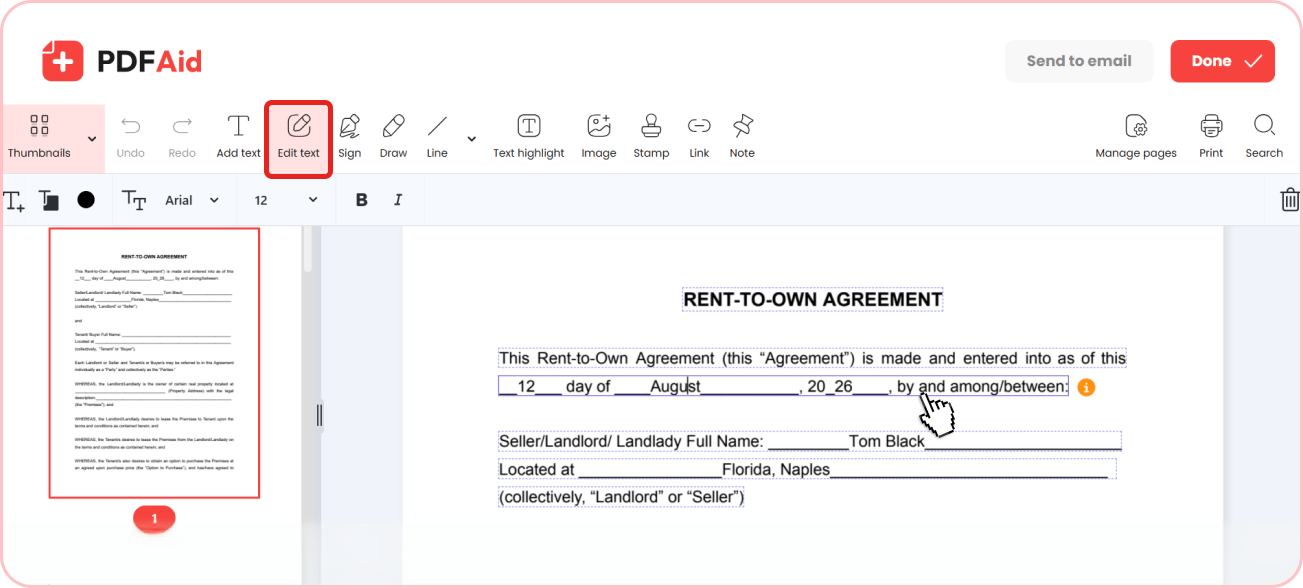
Enter your information in the fields or add extra details in our PDF fill tool's editor. Press Edit Text, choose font, size, and color, and start typing.
Step 3: Save or send the document
Once you fill out the PDF document, save and share it. Everything you typed stays in the file when you download it.
Common use cases
Banks, government services, and employers all send forms as PDFs. Here is what that looks like in practice.
A job application form sent as a PDF
You can fill out a PDF application from an employer digitally and send it from the editor. You won't need to print or scan it, and this file will look much better than a photo of a completed form.
A contract where you only add your details
Use this tool if you need to fill out a document and add the required details and a date without changing terms. You can edit the fields and sign the contract then.
Filling a form from your phone
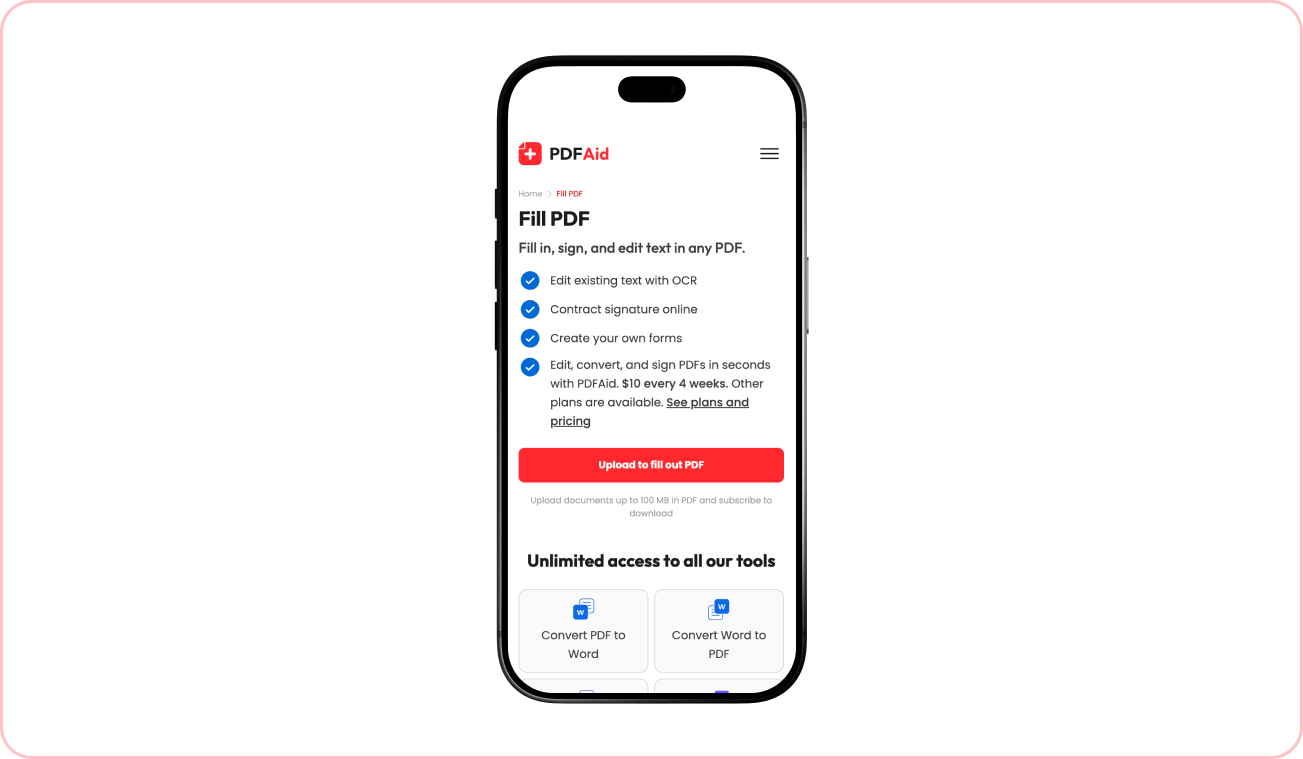
If you don't have access to your computer, fill out a PDF on a phone using our mobile-friendly tool in your browser. Zoom in on a page to read and enter details in small fields.
Your form keeps its original layout
When you complete a form electronically, its original layout doesn't change. Page numbers, text size, spaces, and other characteristics remain as they were before, so the form arrives looking the way the sender designed it. Only the information you add will be new to a document.
Fill out a PDF on any device
This browser-based service is accessible on any device, and there's no need to install new software. All editing options are available across all platforms; only a stable Internet connection is required:
Mac, Windows, and Linux computers
iPhone and Android smartphones
iPad and other tablets
Your files stay private and secure
Your files are protected and processed securely over an encrypted connection. Your documents remain private in your online account and are protected from unauthorized access.
Similar tools
Try these tools to handle your daily tasks conveniently in one place:
Fill and Sign PDF – complete forms and add your signature.
Sign PDF – insert, draw, or select a custom signature and invite others to sign your document.
PDF Signature Request – add a signer's email and request an e-signature.
 We’re sorry to hear that you want to cancel your subscription. If you no longer need our service, you can click Cancel plan in the Membership tab of your account. You can also contact us via live chat, at billing@pdfaid.com, or by calling +44 808 501 2541 for help with canceling your subscription.