Unlimited access to all our tools


How does it work?
Extract pages from your PDF in 3 simple steps:
- 1
Upload or drag and drop your file.
- 2
Pick the pages you want to keep and reorder if needed.
- 3
Download your new PDF with only the selected pages.
Extract pages from PDF and download them as a separate file to your device. The original remains as it was before with PDFAid. Use the tool in your browser without installation.
How to extract pages from a PDF
Get the most crucial information from the entire file:
Step 1. Press Upload to extract your document, or drag and drop it into the upload area.
Step 2. Review your pages, rearrange, or edit them if necessary.
Step 3. Press the Go to Split button on the top right corner and select pages you want to keep.
Step 4. Download your new PDF with only the pages you selected.
How to save one page of a PDF
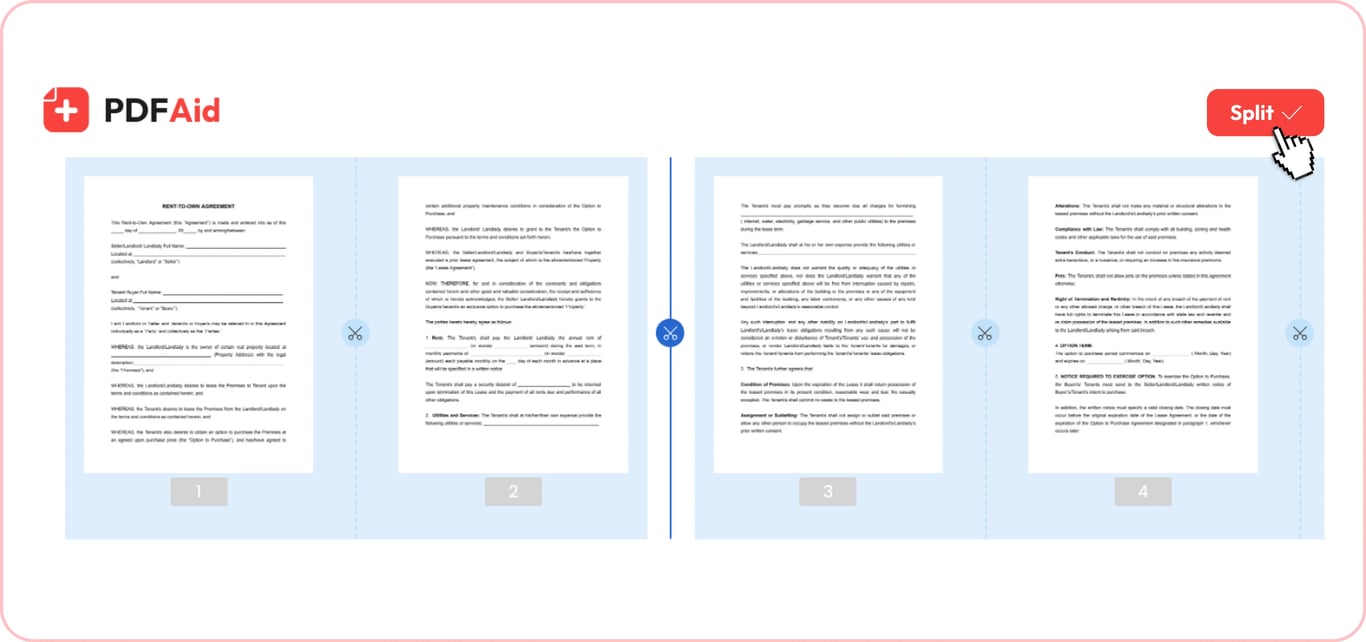
What to do if you need to save one page of a PDF? For example, it's a bank statement, a package certificate, a title page, or a contract page for a signature. Use our separator to complete this task instantly. Pick the exact page you want and download it. You'll receive the necessary file and won't have to print the whole document.
How to save certain pages of a PDF
Simplify your daily tasks – select pages from a PDF and keep only those you need. Once you need to extract a chapter from a report, a few contract pages, or a catalog collection, upload a full file and pick the required pages. When you edit everything you need, switch to the Go to Split option and continue working on your document. Select pages you plan to keep, e.g., 3, 4, 5. They will form your new material, while the rest won't be downloaded.
How to separate pages in a PDF
If you're interested in a specific way to separate PDF into individual pages, this platform can do it for you, too. With our other tool, Split PDF Online, you can separate certain pages from a scanned archive, send particular materials, or prepare handouts. This is when our workspace will be a wonderful solution for you, because after the Go to split option, you can divide your PDF into the necessary pages. Use the scissors button to separate them.
How to extract pages from large PDF
Heavy, lengthy files do exist, and you don't always need them in full size. Extract pages from large PDF with this tool to get the most valuable content. Select the materials and use our downloader to continue working with them.
Extract pages from PDFs on any device
Extract pages from PDF on Mac, Windows, Linux, or straight from your phone or tablet. Therefore, you can pull pages from a PDF regardless of which device you use. All widely used operating systems are supported:
macOS
Windows
iOS
Android
Linux
ChromeOS
The steps are the same everywhere.

Your document keeps its original quality
Whether you extract a single page or more, your document will look the same. No surprise, no unexpected modifications. Text size, position, color, pictures, and all other characteristics won't differ from the source file. You can totally rely on our workspace for your paper tasks.
Your files stay private and secure
No one else on the web can access or open your files; only you can. Your PDFs are kept in your account and visible only to you. All data you provide is secured and restricted from unauthorized access. You may edit the information you provide or ask us to delete it.
Similar tools
Our tools will make your work with documents easy and efficient:
Split PDF — separate pages, reorder them, and get the materials that matter.
Delete PDF Pages — remove the content that isn't supposed to be there with no effort.
Merge PDF — combine different papers to add more details.
Reorder Pages — move the materials when you need to make important changes.
 We’re sorry to hear that you want to cancel your subscription. If you no longer need our service, you can click Cancel plan in the Membership tab of your account. You can also contact us via live chat, at billing@pdfaid.com, or by calling +44 808 501 2541 for help with canceling your subscription.