Unlimited access to all our tools


How does it work?
Merge your images in 3 simple steps:
- 1
Upload or drag and drop your images.
- 2
Arrange the image order, or remove any you don't need.
- 3
Download your images as a single PDF file.
Merge images of different formats, including PNG and JPG, straight in your browser with PDFAid. Our tool doesn't require installation, so you only need to open your browser. Upload up to 12 images at once.
How to merge images online
You'll get the work done within seconds. Here's how to combine images using our online tool:
Step 1. Upload or drag and drop your file.
Step 2. Edit it if necessary before merging.
Step 3. Download your ready-to-use images.
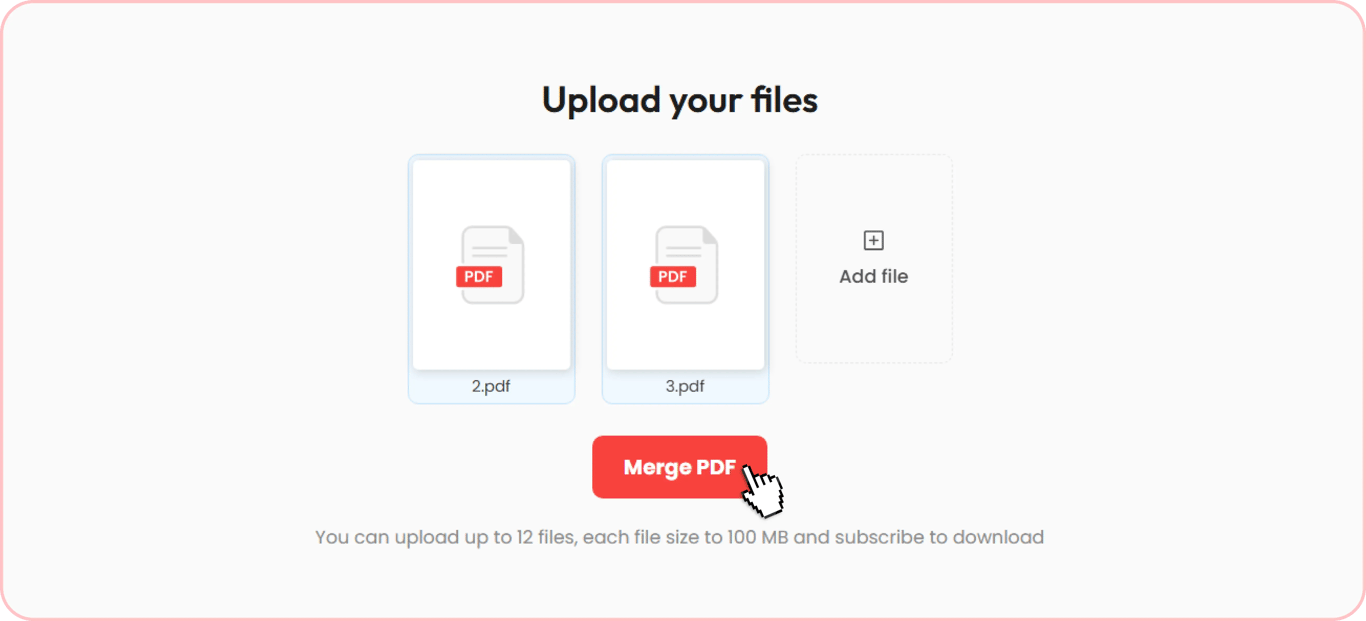
Merge two photos vertically
Before you combine two photos, open the Manage Pages tab to rotate images, change the order, or delete some of the pictures if needed. Our tool will connect files one below the other. Images are automatically fitted to a standard page, so there's no cropping to do. Organize your files, select the necessary format, and get your document ready to use.
Put photos side by side
If you are looking for how to put two photos side by side to compare them and see before-and-after results, upload two pictures you want to connect and place them next to each other. Then, you can merge them and use the file for a quick and convenient comparison.
Stitch images into one
Combine two images into one in a few quick steps. Our online stitcher can merge even more files, up to 12. Upload the necessary pictures, organize and put them in the preferred order, and create a file. Whether you need a long screenshot or a panoramic picture, this feature can help you with this task. Our tool will keep the quality and make the process fast. Once all parts are connected, your document is ready for downloading and sharing.
Combine JPG, PNG, and other formats
Our merger supports the most common image formats and handles up to 12 files, each up to 100 MB. You can combine different types of files, mix them, and create a single one within seconds. When you need to organize your pictures, the platform processes the following formats:
PNG
JPG
JPEG
AVIF
BMP
TIFF
WEBP
GIF
If your document format differs, you can still use the image joiner. First, use the Online Converter to change your files’ format. Once it's done, get back to the merging process and download the materials directly to your device.
Add text, drawings, and more to merged pictures
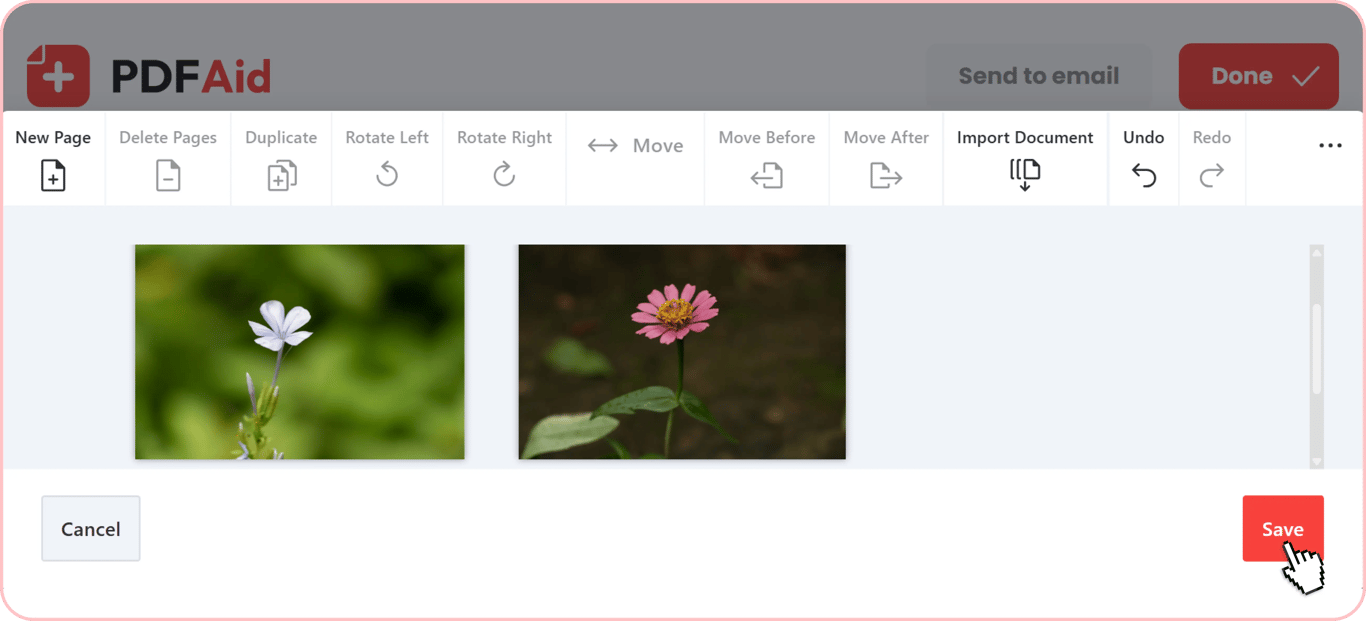
Extra changes are possible on the same screen when you finish your document. Buttons are placed right above a page, so you'll quickly find the annotation tools you need. Apply them when you merge pictures to make them more informative or personalized, depending on your goal. Here are the available options:
Add text — type comments and captions on your image.
Edit text — change text or its style on your image.
Text highlight — click and drag over the text to highlight it.
Sign — draw your signature, upload it as an image, or type it.
Draw — pick a tool and create a picture by yourself.
Line — add a line or create a shape directly on your picture.
Image — pick an image on your device and place another picture on top of the merged one.
Stamp — use a standard stamp or create a custom stamp.
Link — choose an area and attach a web address to it.
Note — type a message and customize it, changing the background color and using symbols.
Merge images on any device
Use our tool on whichever device suits you, with nothing to download or install. You can merge photos online from your browser in a few clicks. It's compatible with all major operating systems, including Windows, macOS, and Linux. Also, you can unify images on your smartphone or tablet, as it works perfectly on Android and iOS.
Your files stay private
Your information and files are carefully processed and stored. Every document is processed over encrypted connections, which shields your private data from unauthorized access. Only you can access materials in your account. You have complete control over your documents, so you can open, organize, edit, or delete their contents at any time.
More image tools
Here are some of the tools to go the extra mile with images:
Use our Add text to image tool when a caption or a quote is needed.
If you want to insert a picture into your PDF, Add image to PDF is the go-to tool.
Extract images from PDF when you need to pull pictures out of a document instead.
All these tools are available without any downloads or installation. You can use our all-in-one service from your browser.
 We’re sorry to hear that you want to cancel your subscription. If you no longer need our service, you can click Cancel plan in the Membership tab of your account. You can also contact us via live chat, at billing@pdfaid.com, or by calling +44 808 501 2541 for help with canceling your subscription.