Unlimited access to all our tools


How does it work?
Create your PDF online in 3 simple steps:
- 1
Choose to create from scratch or upload a file.
- 2
Add your content or select the file to convert.
- 3
Download your new PDF.
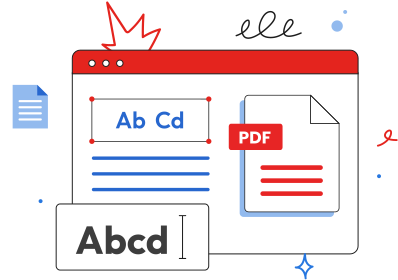
Create PDF from any other file or from scratch and use it on your preferred device. With PDFAid, you can get your paperwork done in the browser. Software installation isn't needed.
How to make a PDF
Instructions are easy to follow, so you'll have your files ready quickly. Check out how to create a PDF:
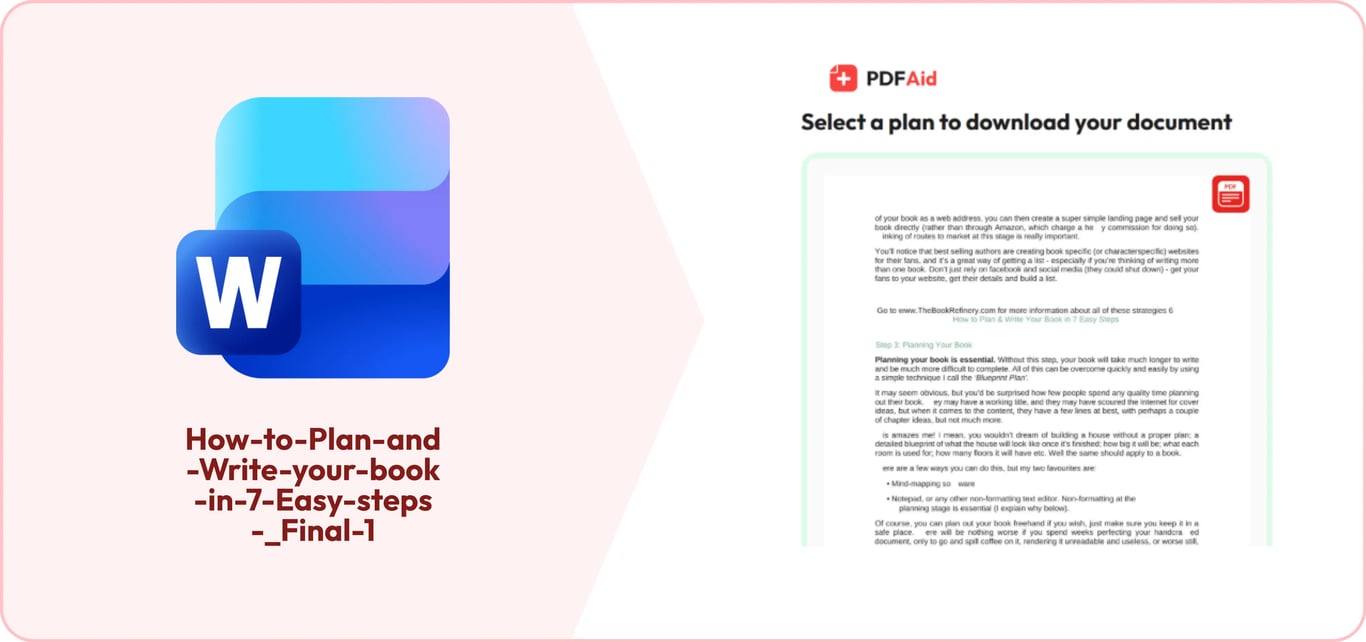
Choose whether you want to create a new PDF from scratch or convert an existing file.
If you're converting a file, upload it from your device to our tool.
Export your document and use it according to your goals.
Turn a document or file into a PDF
Our service is a go-to virtual workspace when you need to make a PDF from a document containing important information. Turn Word, Excel, and PowerPoint files, as well as JPG and PNG images, into PDFs, or create a PDF from scratch. Modify texts you need to read or include in your papers, tables for your presentations, images, and notes. During conversion, our algorithms preserve the original quality and don't change the layout. Pages will look exactly the same, but in PDF. Once you have more materials to change, save your file and start working on the next one.
Create a PDF from scratch
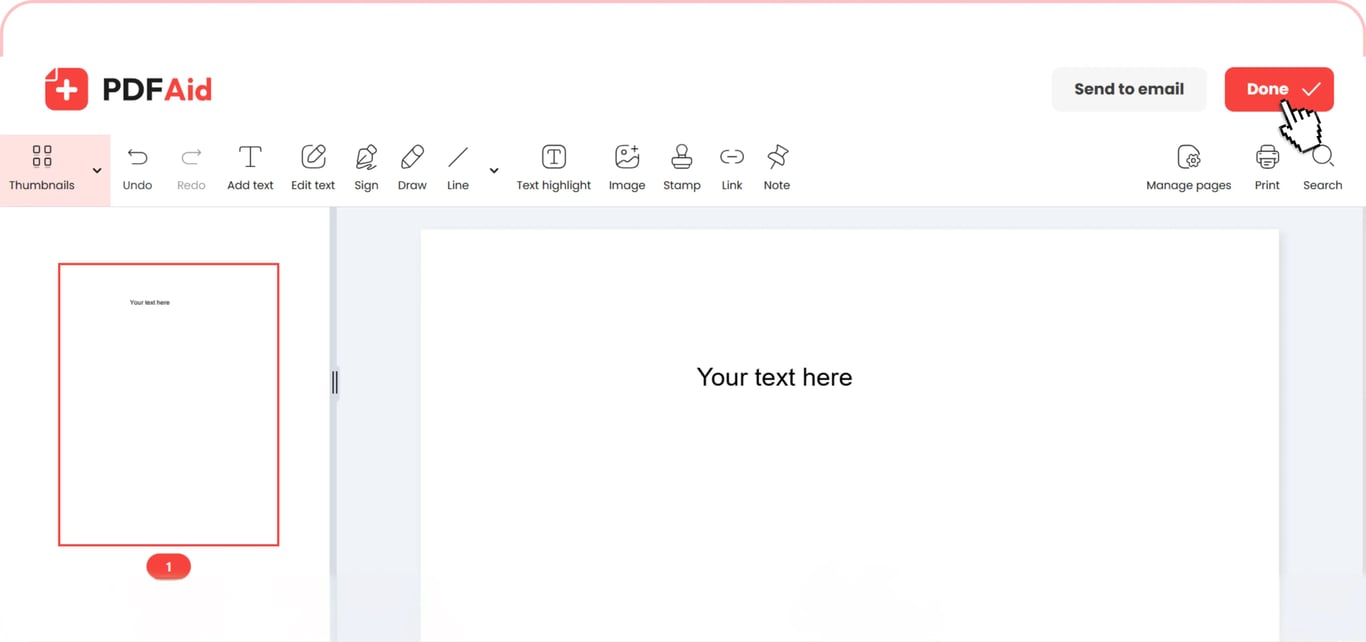
Our platform can meet most of your document needs thanks to its extensive functionality. You can build your own PDF. When you choose this option, you'll find a fillable blank page in your account. Type text, insert images, and add pages before your paper is ready. Start with a blank page, add text and images, and add pages until the document is ready. You'll have a typable PDF online that you can improve until it looks perfect to you.
Continuing to work with PDFs
Our workspace has so much more beyond this helpful PDF maker, with other tools built to make working with files easier. You can keep editing your document with these top-notch services:
Add image to PDF – screenshots, photos, infographics, and other visual content are accepted.
Change Text Color – make important ideas hard to miss.
Split PDF – cut your files, save particular pages, and organize your paper.
Edit PDF – improve, change, and transform your file into the required version.
Merge PDF – combine multiple files instantly.
Crop PDF – keep important information or crop the edges of scanned documents.
Create PDFs people can sign
The multifunctionality of this workspace allows you to create a PDF that can be signed. Moreover, not only by you but also by other people, which is convenient when your team works remotely, and it's necessary to complete forms, or you have other goals. You can use our Sign PDF tool and send your document to one or more recipients. Of course, it's possible to put your signature in advance.
Your document keeps its original quality
When you create a PDF document with our service, the process is handled carefully so that no difference from the initial copy will be visible. You'll get a quality piece with all the details preserved. The font, text color, images, and pages will be the same, showing no evidence of any transformation unless you edit your document yourself. Picture resolution won't change either. You can select and copy your content. Once you finish, you can open this file in any PDF viewer.
Create PDF on any device
You don't need any special guidance on how to make PDF files on different devices because all functions work the same. If you're running somewhere and need this document quickly, or find it convenient, open our platform in your browser on your iPhone or Samsung device. Any other mobile device is acceptable, as well as smartphone OS, whether it's iOS or any Android browser. You can use your Mac anywhere and work on your PDFs, get immediate results on your iPad, and finish your document on a Chromebook. All popular operating systems are supported, so Windows is good for using this tool as well. Results on your phone won't differ from the files you’ll create on a computer. Create PDF on iPhone and other devices and enjoy a no-setup service every time.
Is PDF creator safe to use?
All documents that you upload to our tool are handled securely. Other people won't ever have a chance to see them or download them. It's a secure platform where all data processing is taken seriously. We respect your confidentiality and let you control your files and actions independently.
 We’re sorry to hear that you want to cancel your subscription. If you no longer need our service, you can click Cancel plan in the Membership tab of your account. You can also contact us via live chat, at billing@pdfaid.com, or by calling +44 808 501 2541 for help with canceling your subscription.