Unlimited access to all our tools


How does it work?
Scan to PDF in 3 simple steps:
- 1
Upload JPG, JPEG, or PNG files.
- 2
Convert images into high-quality PDF files.
- 3
Preview and download your PDF instantly.
Our Scan to PDF tool helps you convert images and scanned documents into readable PDFs immediately. You can work in your browser as the service doesn't require software installation.
How to scan documents to PDF
Try this PDF scanner and get materials you can edit, following these simple instructions:
Step 1: Upload your scans or images
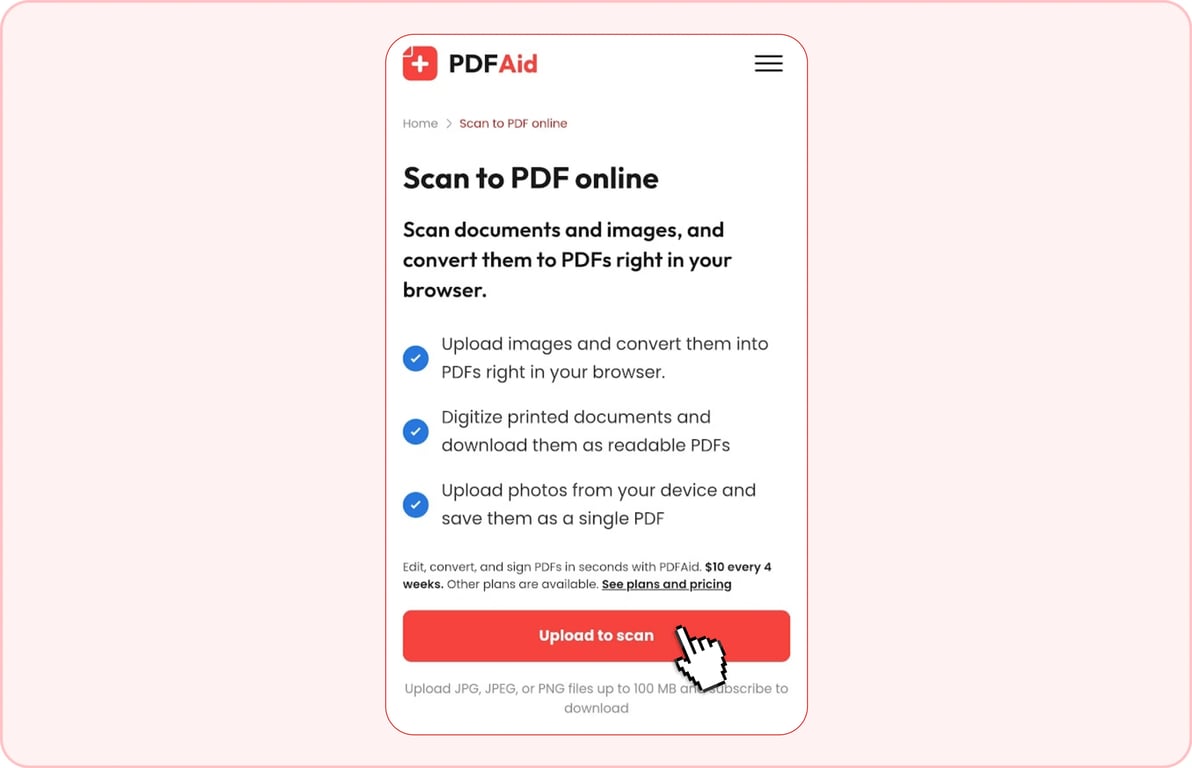
To scan a document to PDF, place it in the Drag & Drop area or find it on your device after clicking Upload to scan. You can add one file in a supported format, including DOC, DOCX, JPEG, JPG, PDF, PNG, TIFF, TIF, or XLSX, at a time, up to 100 MB. The tool processes scanned documents, book pages, and images.
Step 2: Review the finished PDF document
When you scan a file to PDF, go through your document and make changes if necessary.
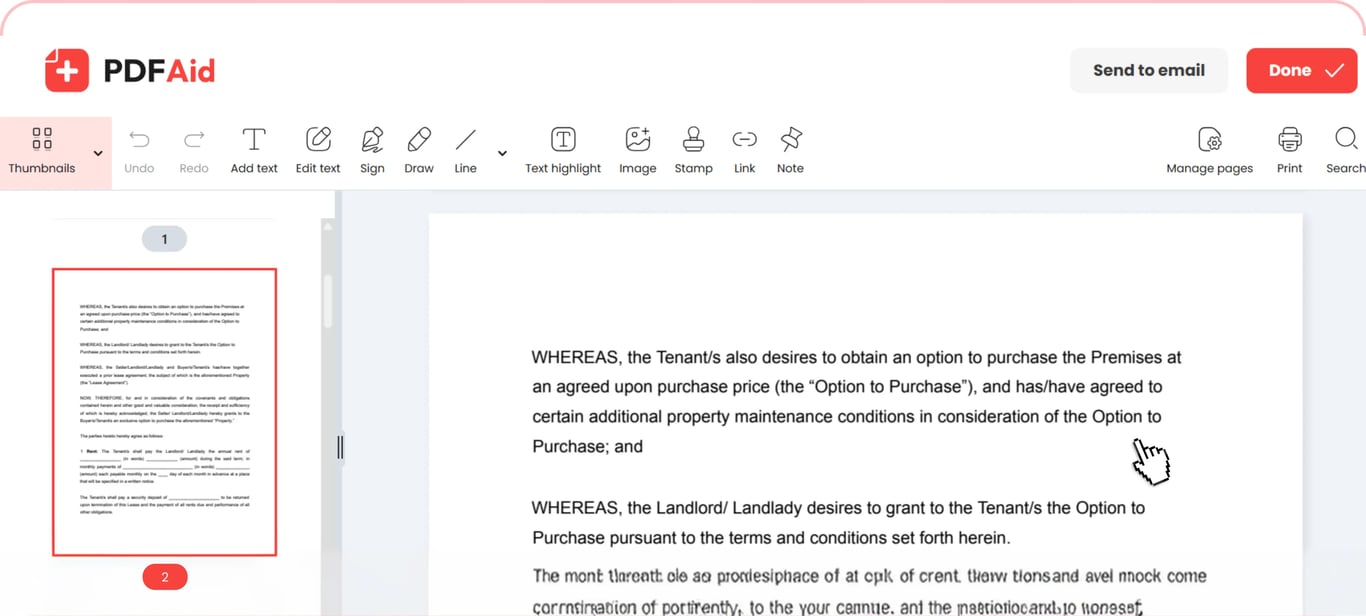
Step 3: Save your document
Once you scan a document as PDF, share it with someone else by email or download it.
Common use cases
If your document exists on paper, you need to turn it into a PDF to work on it on your device or send it.
An application that wants each document as a separate PDF
Application portals may require scanned documents to PDF format, such as passports, certificates, and diploma copies. Upload each scanned piece, convert it, and name it according to the portal requirements right away. If it's necessary to send one file, use our Merge PDF tool to combine them.
A receipt you need to attach to an expense claim
Scan paper to PDF after a business trip, when accounting managers ask you to show them a PDF receipt that you have on paper only. To improve readability, take a straight photo, putting the document on a light background. Each receipt should be a separate file.
An old certificate you're moving into digital storage
Use the paper-to-PDF scanner tool if you need to digitize a certificate, diploma, or contract before the paper fades. Convert each file separately and give them understandable names. All stamps and signatures remain readable, as files aren't compressed during the process.
Your documents keep their original quality
The tool doesn't change resolution, so scanned pages stay the same. Keeping the quality is especially important for documents containing signatures and stamps because these details must look sharp.
Scan to PDF on any device
You can change your files in our workspace without additional software installation, as it's accessible in your browser. Open the platform on your Windows computer or Mac, iOS or Android smartphone, or even tablet. The upload and download steps are identical on every device.
Your files stay private and secure
Files are uploaded through an encrypted connection and are only visible in your account. Your actions and documents remain private and available only to you in your workspace.
 We’re sorry to hear that you want to cancel your subscription. If you no longer need our service, you can click Cancel plan in the Membership tab of your account. You can also contact us via live chat, at billing@pdfaid.com, or by calling +44 808 501 2541 for help with canceling your subscription.