Unlimited access to all our tools


How does it work?
Search your PDF in 3 simple steps:
- 1
Upload or drag and drop your file.
- 2
Use the search bar to look up any word, name, or detail.
- 3
Download your file if you made any changes.
Spot any word, phrase, or number with our PDF search tool. You can use PDFAid to find words, phrases, and numbers in your document. The service is available on any device without installation.
How to search for a word in a PDF
Take these simple steps to search a PDF for a word online:
Upload or drag your file from your device to our platform.
Enter the words you want to locate.
Check out the highlighted matches.
Search multiple keywords and names
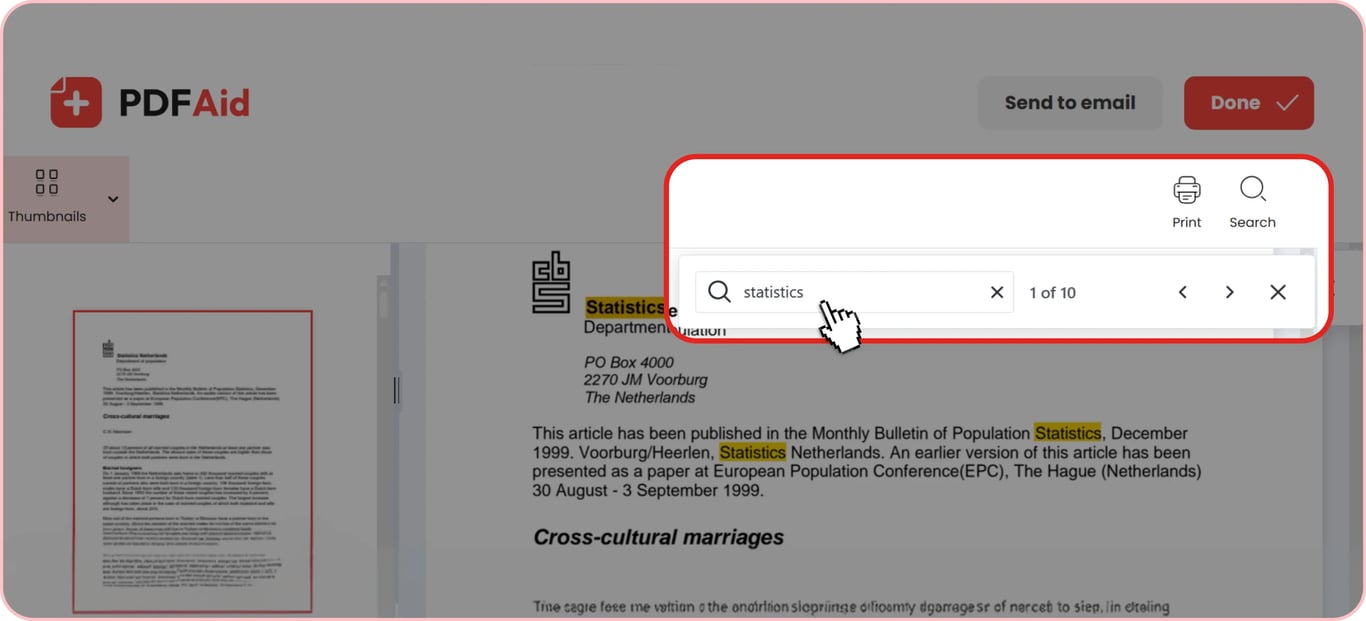
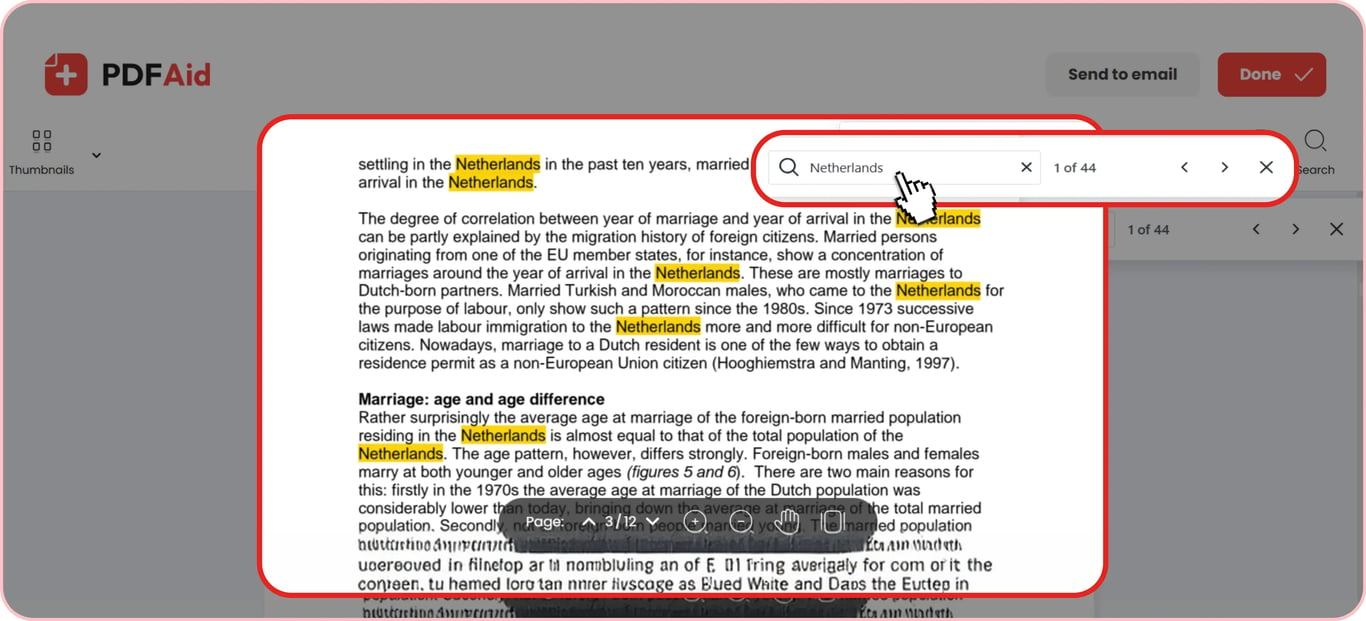
Never miss an important term and check details quickly. Use our tool to search for keywords in PDF. Open your file and type your query in the field in the upper-right corner. Highlighted results will show up immediately. Also, you'll discover how many times the requested words appear. It's convenient to find a specific text, as you may even enter a phrase. Scroll down, and you'll see all the matches marked in yellow.
This service is a go-to option even for multi-page documents. You can quickly move from one result to another, and the size of your uploads can reach up to 100 MB.
Search scanned PDFs with OCR
Scanned papers need to be converted into searchable text. Then, our platform will recognize text in PDF and identify matches according to your request. OCR tool recognizes text in 20+ languages and turns a scan into a searchable PDF. From there, our converters can take it to Word or Excel. After extracting the contents, continue looking for words with our service. It handles one-page files and long documents alike.
Search a PDF on any device
You can use our online editor on any device, so search a PDF on an iPhone or your Android smartphone. It's especially convenient to do it when you're on the go and need to review your text quickly. You may also find key words by accessing the platform on a Mac in Safari or on devices running Windows and Linux. This web-based service doesn't require you to install any software, as every feature is available in your browser. There's also a Chrome extension for those who prefer having all options at hand.
It works the same on your laptop, tablet, or mobile phone. Upload your PDF and detect phrases you're looking for within seconds.
Your files stay private
When you search for a name in a PDF or any other piece of text inside your document, every action is processed over encrypted connections. Your private data is protected from unauthorized access, so no unauthorized reader can view your documents. You keep total control over your personal records at all times, ensuring your information remains safe.
More PDF tools
This platform has over 50 useful tools to help you get your work done in one place. Use our PDF Editor Online to find and replace text in a PDF in every instance without scrolling through the file. You'll see all the matching results above in a tab and navigate them. Change a word or phrase as you prefer and download your file. If you want to locate a table and export it to Excel, you can easily complete this task using our service, too. Search and extract data from a PDF with our PDF to Excel converter.
None of our tools requires you to download heavy files that will occupy your storage. Log in to our workspace – everything runs in your browser. You may access documents in your account from different devices.
 We’re sorry to hear that you want to cancel your subscription. If you no longer need our service, you can click Cancel plan in the Membership tab of your account. You can also contact us via live chat, at billing@pdfaid.com, or by calling +44 808 501 2541 for help with canceling your subscription.