Akses tak terbatas ke semua alat kami


Bagaimana cara kerjanya?
Konversikan PDF Anda ke teks dalam 3 langkah mudah:
- 1
Unggah atau seret dan jatuhkan PDF Anda.
- 2
Pilih format yang Anda sukai.
- 3
Ekstrak teks dari file Anda menggunakan OCR lalu unduh hasilnya.
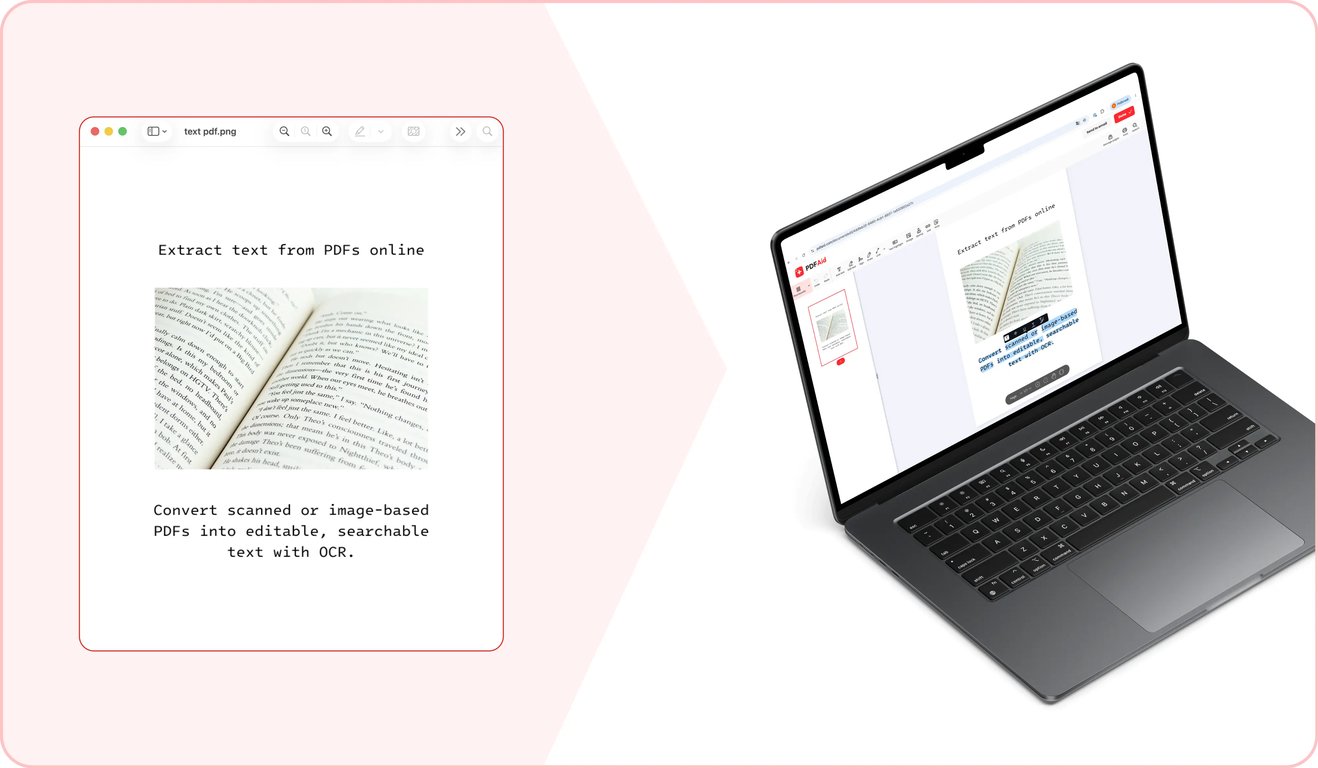
Ekstraktor teks kami memungkinkan Anda mengonversikan PDF menjadi teks dan mengekspornya dalam format yang diinginkan. Berkat teknologi OCR canggih, fitur ini mendukung lebih dari 20 bahasa.
Cara mengekstrak teks dari PDF
Hanya diperlukan 3 langkah untuk mengekstrak teks menggunakan ekstraktor teks PDF kami:
Langkah 1: Unggah dokumen Anda
Seret dan lepaskan PDF ke area unggah atau pilih dari perangkat Anda. Alat kami memungkinkan Anda mengonversikan file PDF apa pun menjadi teks jika ukurannya tidak melebihi 100 MB.
Langkah 2: Pilih format dan konversikan menjadi teks
Pilih salah satu dari tiga opsi format untuk mengunduh file Anda:
Word: Mempertahankan pemformatan asli dan memberi Anda teks yang dapat diedit setelah diekstrak.
PDF: Membuat file PDF baru dengan teks yang dapat dipilih dan dicari, yang diekstrak dari file asli.
TXT: Menghasilkan file TXT dengan teks yang dapat diedit, tetapi tanpa pemformatan.
Setelah memilih, klik Terapkan OCR. Alat kami memerlukan beberapa saat untuk mendeteksi teks dalam file PDF Anda dan mengekstraknya ke format yang dipilih.
Langkah 3: Ekspor dokumen akhir
Setelah alat kami selesai mengekstrak teks dari PDF, unduh file baru dalam format pilihan Anda ke perangkat Anda.
Kasus penggunaan umum
Anda mungkin perlu mengekstrak teks biasa dari PDF dalam berbagai situasi. Ini membantu ketika Anda perlu mengekstrak kutipan dari dokumen besar atau membuat konten dokumen dapat dicari dan dipilih. Alat kami membantu Anda melakukannya dengan cepat. Berikut beberapa kasus penggunaan umum:
Kutipan yang Anda perlukan dari laporan panjang
Saat membuat presentasi atau menulis surat berdasarkan laporan panjang, Anda mungkin perlu menggunakan kutipan langsung dari file asli. Secara teknis, Anda dapat menulis ulang bagian teks yang diperlukan secara manual. Namun, hal itu memerlukan cukup banyak waktu. Alat kami memungkinkan Anda menyalin teks dari PDF dan langsung menempelkannya ke presentasi atau email Anda. Untuk mencegah kemungkinan kesalahan, pastikan untuk memeriksa kembali angka atau data penting setelah menempelkannya.
Dokumen yang ingin Anda susun ulang dari versi lama
Saat Anda memiliki kontrak atau kebijakan lama yang perlu diperbarui, Anda dapat membuat versi baru dari awal. Dalam hal ini, Anda harus meluangkan waktu tambahan untuk merumuskan klausul-klausul dasar. Atau, Anda dapat menghemat waktu dengan menggunakan versi lama sebagai dasar. Alat kami memungkinkan Anda mengonversikan PDF menjadi dokumen teks yang siap ditulis ulang dan diberi pemformatan baru.
Teks untuk penerjemahan atau analisis
Jika Anda memiliki PDF yang perlu diproses menggunakan alat analisis atau alat penerjemahan, salah satu masalah yang mungkin Anda hadapi adalah bahwa banyak alat tersebut hanya menerima teks biasa, bukan PDF. Gunakan fitur konversi PDF ke teks kami untuk mengekstrak teks yang dapat dengan mudah dimasukkan ke alat lain.
PDF ke teks di perangkat apa pun
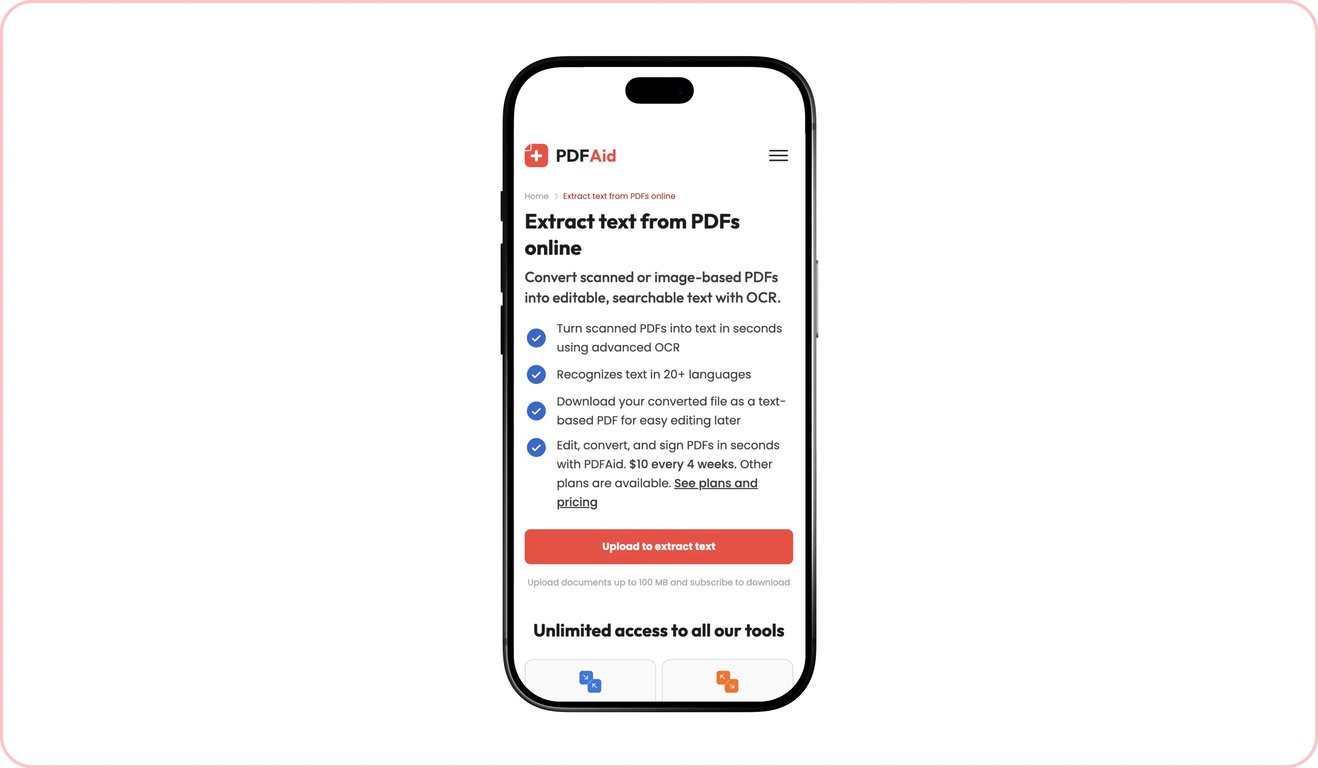
Platform kami dan semua alat yang tersedia di dalamnya berfungsi sepenuhnya secara online melalui browser – tidak perlu menginstal perangkat lunak khusus, Anda hanya memerlukan koneksi internet. Karena itu, Anda dapat dengan mudah menggunakannya di perangkat apa pun. Ini mencakup komputer Windows dan Mac serta ponsel iOS dan Android, juga tablet yang menjalankan berbagai sistem operasi.
File Anda tetap privat dan aman
Semua dokumen ditransfer melalui gateway yang aman. Setelah Anda selesai menggunakan alat kami, semua file tetap hanya dapat diakses oleh Anda melalui akun pribadi Anda. Pihak ketiga tidak memiliki akses ke dokumen Anda.
Alat serupa
Dengan menggunakan platform kami, Anda dapat melakukan berbagai tugas dengan PDF dan file lainnya. Jika Anda sering bekerja dengan PDF yang berisi teks dan gambar yang perlu diekstrak teksnya atau dibuat dapat dicari maupun dipilih, kami memiliki tiga alat tambahan yang dapat membantu:
PDF ke Word: Konversikan file PDF yang berisi teks menjadi dokumen Word dengan pemformatan yang dipertahankan menggunakan konverter kami.
OCR PDF: Jadikan teks dalam PDF hasil pemindaian dapat dicari dan dipilih dengan alat OCR kami.
Gambar ke Teks: Ekstrak teks biasa dari gambar dan foto dalam berbagai format, termasuk JPG, PNG, dan lainnya.
 Kami menyesal mendengar bahwa Anda ingin membatalkan langganan Anda. Jika Anda tidak lagi memerlukan layanan kami, Anda dapat mengeklik Batalkan paket di tab Keanggotaan pada akun Anda. Anda juga dapat menghubungi kami melalui obrolan langsung, di billing@pdfaid.com, atau dengan menelepon +44 808 501 2541 untuk mendapatkan bantuan dalam membatalkan langganan Anda.