Neomejen dostop do vseh naših orodij


Kako deluje?
Pretvorite datoteko v besedilo, ki ga je mogoče urejati, v 3 preprostih korakih:
- 1
Naložite ali povlecite in spustite svojo datoteko.
- 2
Izberite obliko zapisa, ki jo potrebujete.
- 3
Uporabite OCR, da izvlečete besedilo in prenesete datoteko.
Naše orodje OCR PDF prepozna besedilo na skeniranih dokumentih in slikah. Besedilo pretvori v dokument z vsebino, po kateri je mogoče iskati in jo kopirati.
Kaj je OCR v PDF-ju
OCR v PDF-ju pomeni optično prepoznavanje znakov, naše orodje pa je zasnovano prav za to. Kjer vi vidite črke, programska oprema vidi mrežo slikovnih pik in znakov. OCR te slikovne pike prebere kot črke in besede ter jih nato zapiše nazaj v datoteko kot besedilno plast. Tako ustvari besedilno plast, po kateri je mogoče iskati, jo izbrati in celo kopirati. Skeniran PDF je slika strani, zato ni ničesar, kar bi lahko izbrali.
Kako izvesti OCR v PDF-ju
Od vas ne zahtevamo nobenih posebnih dejanj. Za pretvorbo datotek upoštevajte ta preprosta navodila:
1. korak. Premaknite skenirani dokument v območje za nalaganje ali pritisnite gumb, da ga izberete.
2. korak. Izberite obliko za prenos (Word – DOC/DOCX, PDF, TXT).
3. korak. Shranite pretvorjeno datoteko v svojo napravo.
Izvlecite besedilo iz skeniranega PDF-ja
Motivi za pretvorbo skeniranega PDF-ja v besedilo so lahko različni, vključno z določenimi informacijami, ki jih želite dodati v pismo, tabelo ali študijske zapiske. Ni vam jih treba vnašati ročno, saj lahko po uporabi OCR kopirate in izvlečete potrebno vsebino. Orodju prepustite prepoznavanje besedila in hitro boste našli potrebne podrobnosti. Upoštevajte, da kakovost skeniranega dokumenta vpliva na natančnost OCR. Postrani skenirana stran, senca in nizka ločljivost lahko povečajo število napak. Zato je bolje, da preverite, ali je vaša datoteka videti ustrezno.
Pretvorite sliko PDF v besedilo
Uporabite to orodje za pretvorbo slike PDF v besedilo, ko morate pridobiti informacije, vdelane v slike. Včasih dela ne morete opraviti brez tabele, zajete na fotografiji, ali dokumenta, vstavljenega v PDF. Kljub digitalni obliki pa še vedno ne gre za skeniran dokument s povsem uredljivim besedilom.
OCR lahko obdela vašo datoteko in najde berljivo vsebino. Naš pretvornik bo izvlekel besedilo ter omogočil iskanje, izbiranje, kopiranje in vstavljanje v drug dokument. Vendar lahko slika vsebuje tudi vizualne elemente, ki jih OCR ne more prepoznati. To je glavna razlika v primerjavi s skeniranim dokumentom, ki je sestavljen samo iz znakov in besed.
Omogočite iskanje po PDF-ju
Naš urejevalnik je pravo orodje, ko morate PDF pretvoriti v PDF z možnostjo iskanja in delati z datotekami. Ko OCR prepozna vaš dokument, lahko iščete besede in številke. Na voljo je zavihek Iskanje, kamor lahko vnašate besedilo, da hitro najdete ključne podrobnosti. Vse temelji na besedilni plasti, ki jo ustvari orodje: označite, kopirajte in znova uporabite vsebino. To je še posebej priročno za arhive, pogodbe in računovodske mape.
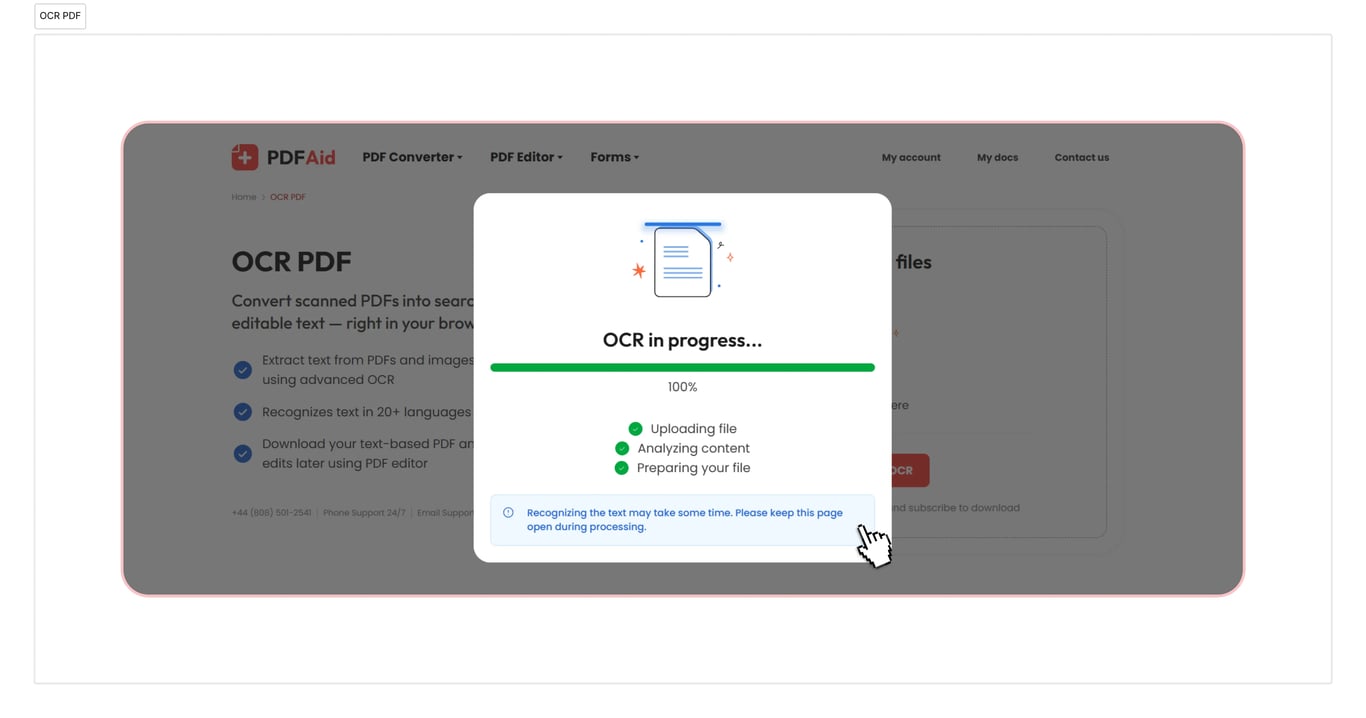
OCR v PDF, Word, TXT
Uporabite naš OCR za pretvorbo PDF v Word, če morate pretvoriti svoje dokumente. Naše orodje podpira tudi pretvorbe v TXT in PDF. Je hitro in traja le nekaj sekund. Vaš dokument bo pripravljen za uporabo takoj, ko ga prenesete.
Prepoznajte dokumente z OCR na kateri koli napravi
Naš spletni delovni prostor je v celoti dostopen v brskalniku, zato vam ni treba namestiti aplikacije ali ugotavljati, kako deluje pretvornik. Z dokumenti PDF lahko priročno delate v sistemih Windows, Linux in drugih operacijskih sistemih, dokumenti pa so v nekaj sekundah pripravljeni v obliki, ki jo potrebujete. Vaš račun je videti enako na Macu in drugih napravah, vključno s pametnimi telefoni in tabličnimi računalniki.
Vaše datoteke ostanejo zasebne in varne
Naložite svoj PDF za OCR in bodite prepričani, da so vsa vaša dejanja tukaj varna in zasebna. Uporabljamo šifrirano povezavo, zato druge osebe ne morejo dostopati do vaših datotek ali informacij, ki jih navedete. Vaši podatki in datoteke so shranjeni v vašem računu in samo vi si jih lahko ogledate ali jih spremenite.
Podobna orodja
V našem delovnem prostoru imate dostop do več kot 50 orodij. Te storitve vam bodo pomagale povečati delovno produktivnost:
Izvlecite besedilo iz PDF-ja – ohranite samo najdragocenejše gradivo in izpustite neželene informacije.
Izvlecite besedilo iz slik – fotografije, posnetke zaslona ali skenirane slikovne datoteke z OCR pretvorite v uredljivo besedilo.
Uredite skeniran PDF – pretvorite datoteke PDF, JPG, PNG in druge oblike v vsebino, ki jo lahko dejansko urejate.
 Žal nam je, da želite preklicati svojo naročnino. Če naše storitve ne potrebujete več, lahko v zavihku Membership v svojem računu kliknete Cancel plan. Za pomoč pri preklicu naročnine nas lahko kontaktirate tudi prek klepeta v živo, na billing@pdfaid.com ali s klicem na številko +44 808 501 2541.