الوصول غير المحدود إلى جميع أدواتنا


كيف تعمل الخدمة؟
حوِّل ملفك إلى نص قابل للتحرير في 3 خطوات بسيطة:
- 1
قم بتحميل ملفك أو اسحبه وأفلته.
- 2
حدّد التنسيق الذي تحتاجه.
- 3
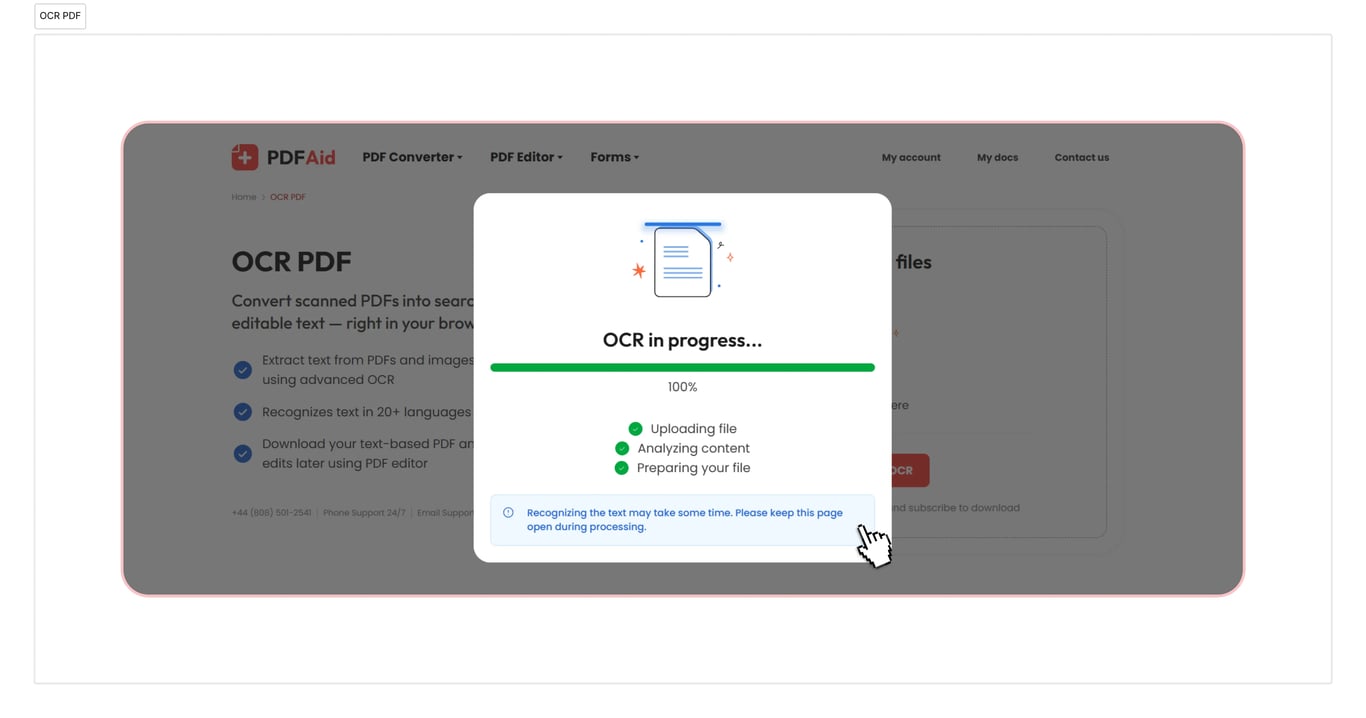
طبّق OCR لاستخراج النص ثم نزّل ملفك.
تتعرف أداة OCR لملفات PDF لدينا على النصوص في الأوراق والصور الممسوحة ضوئيًا. وتحول النص إلى مستند يتضمن محتوى قابلاً للبحث يمكنك نسخه.
ما المقصود بتقنية OCR في ملف PDF
تعني تقنية OCR لملفات PDF التعرف الضوئي على الأحرف، وقد صُممت أداتنا خصيصًا لهذا الغرض. حيث ترى أنت حروفًا، يرى البرنامج شبكة من البكسلات والأحرف. تقرأ تقنية OCR هذه البكسلات كحروف وكلمات، ثم تعيد كتابتها في الملف كطبقة نصية. وبهذه الطريقة تُنشئ طبقة نصية يمكن البحث فيها وتحديدها، بل ونسخها أيضًا. أما ملف PDF الممسوح ضوئيًا فهو صورة لصفحة، لذلك لا يوجد فيه ما يمكن تحديده.
كيفية إجراء OCR لملف PDF
لا يلزمك تنفيذ إجراءات خاصة. اتبع هذه التعليمات البسيطة لتحويل ملفاتك:
الخطوة 1. انقل مستندك الممسوح ضوئيًا إلى منطقة التحميل أو اضغط على الزر لتحديده.
الخطوة 2. اختر تنسيق التنزيل (Word — DOC/DOCX، PDF، TXT).
الخطوة 3. احفظ الملف المحوّل على جهازك.
استخراج النص من ملف PDF ممسوح ضوئيًا
قد تختلف أسباب رغبتك في تحويل ملف PDF ممسوح ضوئيًا إلى نص، بما في ذلك وجود معلومات محددة تريد إضافتها إلى رسالة أو جدول أو ملاحظات دراسية. لا تحتاج إلى كتابتها يدويًا، إذ يمكنك نسخ المحتوى اللازم واستخراجه بعد استخدام OCR. دع الأداة تتعرف على النص، وستعثر بسرعة على التفاصيل المطلوبة. لاحظ أن جودة المستند الممسوح ضوئيًا تؤثر في دقة OCR. فقد تؤدي الصفحة المائلة أو الظلال أو الدقة المنخفضة إلى زيادة احتمال حدوث أخطاء. لذلك من الأفضل التأكد من أن ملفك يظهر بجودة مناسبة.
تحويل صورة PDF إلى نص
استخدم هذه الأداة لتحويل صورة PDF إلى نص عندما تحتاج إلى الحصول على معلومات مضمنة في الصور. أحيانًا لا يمكنك إنجاز عملك دون جدول ملتقط في صورة أو مستند مُدرج في ملف PDF. ومع ذلك، وعلى الرغم من أنه تنسيق رقمي، فإنه لا يزال ليس ورقة ممسوحة ضوئيًا بنص قابل للتعديل بالكامل.
يمكن لـ OCR معالجة ملفك والعثور على المحتوى القابل للقراءة. سيستخرج المحول لدينا النص ويتيح البحث عنه وتحديده ونسخه وإدراجه في مستند آخر. لكن الصورة قد تتضمن أيضًا عناصر مرئية لا تستطيع OCR التعرف عليها. وهذا هو الفرق الرئيسي بينها وبين المستند الممسوح ضوئيًا الذي يتكون من أحرف وكلمات فقط.
جعل ملف PDF قابلاً للبحث
محررنا هو الأداة المناسبة عندما تحتاج إلى تحويل ملف PDF إلى PDF قابل للبحث والعمل على ملفاتك. بعد أن يتعرّف OCR على مستندك، يمكنك البحث عن الكلمات والأرقام. توجد علامة تبويب للبحث يمكنك الكتابة فيها لتحديد التفاصيل المهمة بسرعة. يعتمد الأمر على الطبقة النصية التي تنشئها الأداة: يمكنك تسليط الضوء على المحتوى ونسخه وإعادة استخدامه. وهذا مفيد خاصةً للأرشيفات والاتفاقيات ومجلدات المحاسبة.
OCR إلى PDF وWord وTXT
استخدم أداة PDF إلى Word المعتمدة على OCR لدينا إذا كنت بحاجة إلى تحويل مستنداتك. كما تتعامل أداتنا مع التحويلات إلى TXT وPDF. العملية سريعة ولا تستغرق سوى بضع ثوانٍ. سيكون مستندك جاهزًا للاستخدام فور تنزيله.
إجراء OCR للمستندات على أي جهاز
يمكن الوصول إلى مساحة العمل لدينا عبر الإنترنت بالكامل من المتصفح، ولن تحتاج إلى تثبيت تطبيق أو معرفة كيفية عمل المحول. يمكنك العمل بسهولة مع ملفات PDF على Windows وLinux وأنظمة التشغيل الأخرى، مع تجهيز مستنداتك بالتنسيق الذي تحتاجه خلال ثوانٍ. يبدو حسابك بالطريقة نفسها على Mac والأجهزة الأخرى، بما في ذلك الهواتف الذكية والأجهزة اللوحية.
تبقى ملفاتك خاصة وآمنة
حمّل ملف PDF لاستخدام OCR واطمئن إلى أن جميع إجراءاتك هنا آمنة وخاصة. نستخدم اتصالاً مشفرًا، ولا يمكن لأشخاص آخرين الوصول إلى ملفاتك أو المعلومات التي تقدمها. تُحفظ بياناتك وملفاتك في حسابك، وأنت الشخص الوحيد الذي يمكنه عرضها أو تغييرها.
أدوات مشابهة
يمكنك الوصول إلى أكثر من 50 أداة في مساحة العمل لدينا. ستساعدك هذه الخدمات على زيادة إنتاجيتك في العمل:
استخراج النص من PDF — احتفظ فقط بالمواد الأكثر أهمية، مع تجاوز المعلومات غير المطلوبة.
استخراج النص من الصور — حوّل الصور الفوتوغرافية أو لقطات الشاشة أو ملفات الصور الممسوحة ضوئيًا إلى نص قابل للتعديل باستخدام OCR.
تعديل PDF ممسوح ضوئيًا — حوّل ملفات PDF وJPG وPNG وتنسيقات أخرى إلى محتوى يمكنك تعديله فعليًا.
 نأسف لسماع أنك تريد إلغاء اشتراكك. إذا لم تعد بحاجة إلى خدمتنا، يمكنك النقر على "إلغاء الخطة" في علامة التبويب "العضوية" ضمن حسابك. يمكنك أيضًا الاتصال بنا عبر الدردشة المباشرة، أو عبر البريد الإلكتروني billing@pdfaid.com، أو بالاتصال على الرقم 2541 501 808 44+ للحصول على مساعدة بشأن إلغاء اشتراكك.