Nielimitowany dostęp do wszystkich naszych narzędzi
 Połącz PDF
 Podziel PDF
 Utwórz szablon
 Skompresuj PDF
 Edytuj PDF
 Dodaj znak wodny
 Obróć PDF
 Podpisz PDF
 Konwertuj pliki PDF na Worda
 Konwertuj pliki Worda na PDF
 Konwertuj pliki PDF na JPG
 Konwertuj pliki JPG na PDF
 Konwertuj pliki PDF na Excela
 Konwertuj pliki Excela na PDF
 Konwertuj pliki PDF na PowerPointa
 Konwertuj pliki PowerPointa na PDF
Jak to działa?
Przekonwertuj plik na edytowalny tekst w 3 prostych krokach:
- 1
Prześlij lub przeciągnij i upuść swój plik.
- 2
Wybierz wymagany format.
- 3
Zastosuj OCR, aby wyodrębnić tekst, i pobierz przekonwertowany plik.
Nasze narzędzie OCR PDF rozpoznaje tekst na zeskanowanych dokumentach papierowych i obrazach. Zamienia tekst w dokument z przeszukiwalną zawartością, którą można kopiować.
Czym jest OCR w pliku PDF
Znaczenie OCR w PDF to Optical Character Recognition — właśnie do tego służy nasze narzędzie. Tam, gdzie widać litery, oprogramowanie widzi siatkę pikseli i znaków. OCR odczytuje te piksele jako litery i słowa, a następnie zapisuje je z powrotem w pliku jako warstwę tekstową. W ten sposób powstaje rozpoznawalna warstwa tekstu, którą można przeszukiwać, zaznaczać, a nawet kopiować. Zeskanowany PDF jest obrazem strony, więc nie ma w nim niczego do zaznaczenia.
Jak użyć OCR dla pliku PDF
Nie są wymagane żadne szczególne działania. Wystarczy wykonać te proste instrukcje, aby przekonwertować pliki:
Krok 1. Przenieś zeskanowany dokument do obszaru przesyłania lub naciśnij przycisk, aby go wybrać.
Krok 2. Wybierz format pobierania (Word — DOC/DOCX, PDF, TXT).
Krok 3. Zapisz przekonwertowany plik na urządzeniu.
Wyodrębnij tekst ze skanowanego PDF
Powody konwersji skanowanego PDF na tekst mogą być różne — na przykład potrzeba dodania określonych informacji do pisma, tabeli lub notatek do nauki. Nie trzeba przepisywać ich ręcznie, ponieważ po użyciu OCR można skopiować i wyodrębnić potrzebną treść. Pozwól narzędziu rozpoznać tekst, a szybko znajdziesz wymagane szczegóły. Należy pamiętać, że jakość zeskanowanego dokumentu wpływa na dokładność OCR. Przekrzywiona strona, cień i niska rozdzielczość mogą zwiększyć liczbę błędów. Dlatego warto upewnić się, że plik wygląda prawidłowo.
Zamień obraz PDF na tekst
Użyj tego narzędzia, aby przekonwertować obraz PDF na tekst, gdy potrzebujesz uzyskać informacje osadzone w obrazach. Czasami do pracy niezbędna jest tabela uchwycona na zdjęciu albo dokument wstawiony do pliku PDF. Jednak mimo że jest to format cyfrowy, nadal nie jest to zeskanowany dokument papierowy z w pełni edytowalnym tekstem.
OCR może przetworzyć plik i znaleźć czytelną treść. Nasz konwerter wyodrębni tekst oraz umożliwi jego wyszukiwanie, zaznaczanie, kopiowanie i wstawianie do innego dokumentu. Obraz może jednak zawierać elementy wizualne, których OCR nie rozpozna. To główna różnica w porównaniu z zeskanowanym dokumentem składającym się wyłącznie ze znaków i słów.
Utwórz przeszukiwalny PDF
Nasz edytor to odpowiednie narzędzie, gdy chcesz przekonwertować PDF na przeszukiwalny PDF i pracować nad swoimi plikami. Gdy OCR rozpozna dokument, możesz wyszukiwać słowa i liczby. Jest tu karta wyszukiwania, w której możesz wpisać tekst, aby szybko odnaleźć kluczowe szczegóły. Wszystko opiera się na warstwie tekstowej utworzonej przez narzędzie: możesz zaznaczać, kopiować i ponownie wykorzystywać treść. Jest to szczególnie wygodne w przypadku archiwów, umów i segregatorów księgowych.
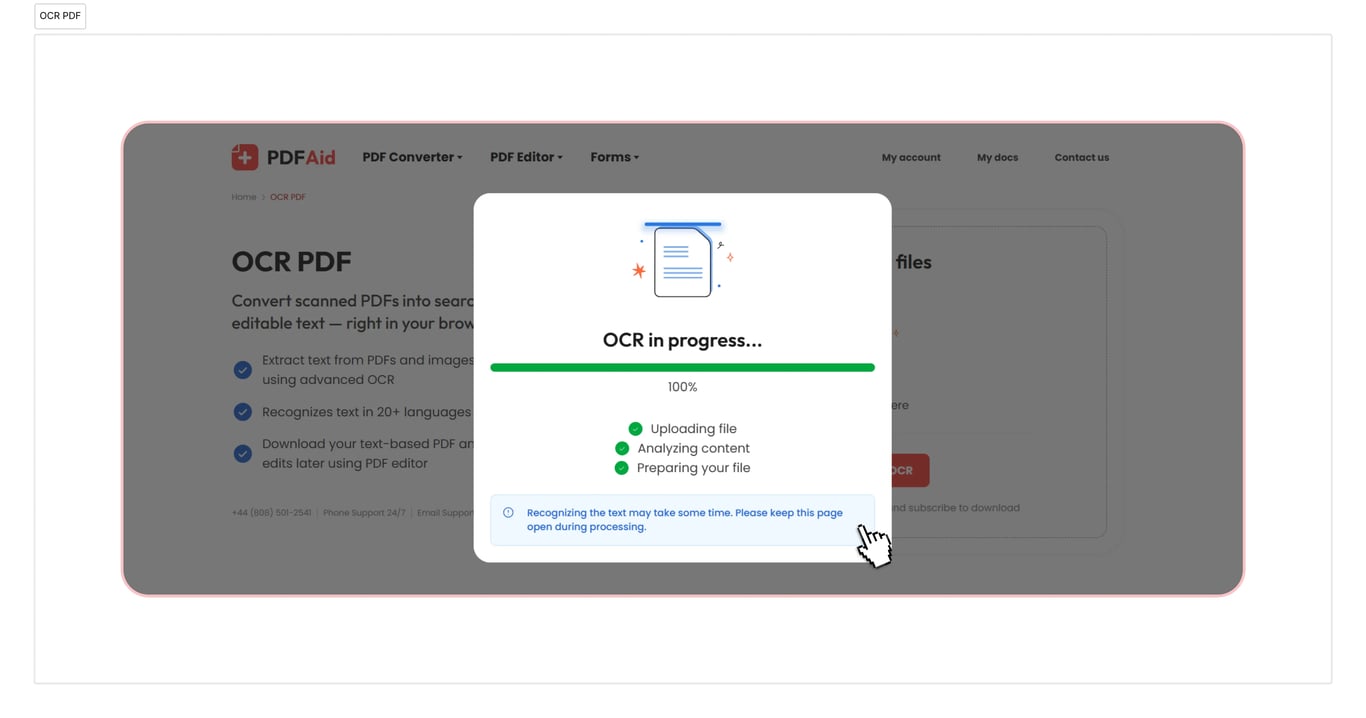
OCR do PDF, Word, TXT
Skorzystaj z naszego narzędzia OCR PDF do Worda, jeśli chcesz przekonwertować dokumenty. Nasze narzędzie obsługuje również konwersję do TXT i PDF. Działa szybko i zajmuje tylko kilka sekund. Dokument będzie gotowy do użycia zaraz po pobraniu.
OCR dla dokumentów na dowolnym urządzeniu
Nasza przestrzeń robocza online jest w pełni dostępna w przeglądarce, więc nie trzeba instalować aplikacji ani sprawdzać, jak działa konwerter. Można wygodnie pracować z plikami PDF w systemie Windows, Linux i innych systemach operacyjnych, a dokumenty w potrzebnym formacie są gotowe w kilka sekund. Konto wygląda tak samo na Macu i innych urządzeniach, w tym smartfonach oraz tabletach.
Pliki pozostają prywatne i bezpieczne
Prześlij plik PDF do OCR i miej pewność, że wszystkie działania są tutaj bezpieczne i prywatne. Korzystamy z szyfrowanego połączenia, a inne osoby nie mają dostępu do plików ani podanych informacji. Dane i pliki są przechowywane na Twoim koncie, a tylko Ty możesz je wyświetlać lub zmieniać.
Podobne narzędzia
W naszej przestrzeni roboczej można korzystać z ponad 50 narzędzi. Te usługi pomogą zwiększyć produktywność pracy:
Wyodrębnij tekst z PDF — zachowaj tylko najważniejsze materiały, pomijając niepotrzebne informacje.
Wyodrębnij tekst z obrazów — zamień zdjęcia, zrzuty ekranu lub zeskanowane pliki obrazów na edytowalny tekst przy użyciu OCR.
Edytuj skanowany PDF — przekonwertuj pliki PDF, JPG, PNG i inne formaty do postaci, którą można faktycznie edytować.
 Przykro nam, że chcesz anulować subskrypcję. Jeśli nie potrzebujesz już naszej usługi, możesz kliknąć Anuluj plan na karcie Członkostwo na swoim koncie. Możesz również skontaktować się z nami za pośrednictwem czatu na żywo, pod adresem billing@pdfaid.com lub dzwoniąc pod numer +44 808 501 2541, aby uzyskać pomoc w anulowaniu subskrypcji.