Accès illimité à tous nos outils
 Fusionner un PDF
 Diviser un PDF
 Créer un modèle
 Compresser un PDF
 Modifier le PDF
 Add watermark
 Faire pivoter le PDF
 Signer le PDF
 Convertir le PDF en Word
 Convertir un document Word en PDF
 Convertir le PDF en JPG
 Convertir un JPG en PDF
 Convertir le PDF en Excel
 Convertir un document Excel en PDF
 Convertir le PDF en PowerPoint
 Convertir un fichier PowerPoint en PDF
Comment ça marche ?
Convertissez votre PDF en texte en trois étapes simples :
- 1
Téléversez ou faites glisser et déposez votre PDF.
- 2
Choisissez le format souhaité.
- 3
Extrayez le texte de votre fichier grâce à l’OCR et téléchargez-le.
Notre extracteur de texte vous permet de convertir un PDF en texte et de l’exporter au format de votre choix. Grâce à une technologie OCR avancée, cette fonctionnalité prend en charge plus de 20 langues.
Comment extraire du texte d’un PDF
Notre extracteur de texte PDF vous permet d’extraire du texte en seulement 3 étapes :
Étape 1 : téléversez votre document
Déposez le PDF dans la zone de téléversement ou sélectionnez-le sur votre appareil. Notre outil vous permet de convertir en texte tout fichier PDF dont la taille ne dépasse pas 100 Mo.
Étape 2 : sélectionnez le format et convertissez en texte
Sélectionnez l’une des trois options de format disponibles pour télécharger votre fichier :
Word : conserve la mise en forme d’origine et vous fournit du texte modifiable après l’extraction.
PDF : crée un nouveau fichier PDF contenant du texte extrait du fichier d’origine, sélectionnable et dans lequel vous pouvez chercher.
TXT : fournit un fichier TXT contenant du texte modifiable, sans mise en forme.
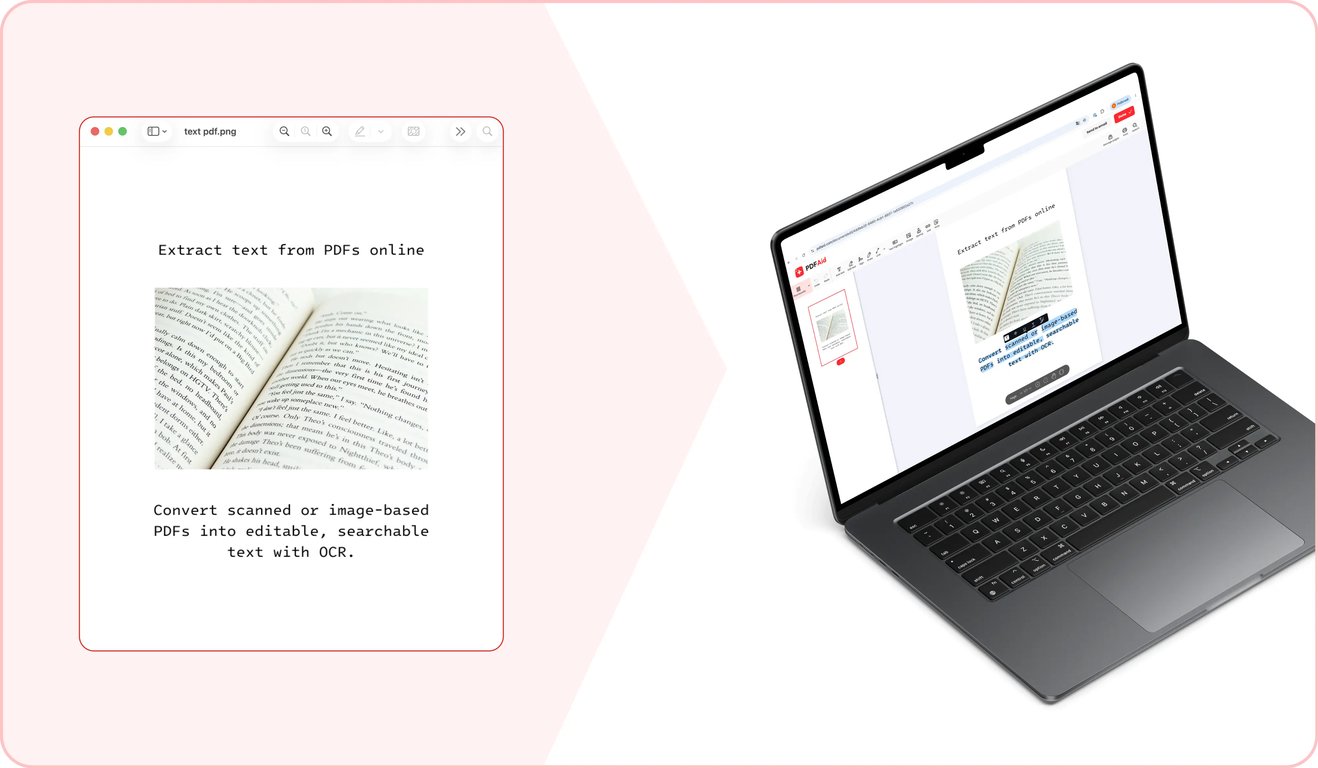
Après avoir effectué votre choix, cliquez sur Appliquer l’OCR. Notre outil prendra quelques instants pour détecter le texte dans votre fichier PDF et l’extraire au format sélectionné.
Étape 3 : exportez le document final
Une fois l’extraction du texte du PDF terminée, téléchargez le nouveau fichier au format sélectionné sur votre appareil.
Cas d’utilisation courants
Vous pouvez avoir besoin d’extraire du texte brut d’un PDF dans différentes situations. Cela peut vous être utile pour extraire des citations de documents volumineux ou pour rendre possible la recherche et la sélection de texte dans un document. Notre outil vous permet de le faire rapidement. Voici quelques cas d’utilisation courants :
Une citation à extraire d’un long rapport
Lorsque vous préparez une présentation ou rédigez une lettre à partir d’un long rapport, vous pouvez avoir besoin d’utiliser des citations directes du fichier d’origine. Techniquement, vous pourriez ressaisir manuellement les parties de texte nécessaires, mais cela prend beaucoup de temps. Notre outil vous permet de copier du texte depuis un PDF et de le coller instantanément dans votre présentation ou votre e-mail. Pour éviter d’éventuelles erreurs, veillez à vérifier les chiffres ou données importantes après le collage.
Un document à recréer à partir d’une ancienne version
Lorsque vous avez un ancien contrat ou règlement nécessitant des modifications, vous pouvez créer une nouvelle version à partir de zéro. Dans ce cas, vous devrez consacrer plus de temps à la formulation des clauses de base. Vous pouvez aussi gagner du temps en utilisant l’ancienne version comme base. Notre outil vous permet de convertir un PDF en document texte prêt à être réécrit et à recevoir une nouvelle mise en forme.
Texte à traduire ou à analyser
Lorsque vous devez traiter un PDF à l’aide d’un outil d’analyse ou d’un outil de traduction, vous pouvez rencontrer un problème : bon nombre de ces outils n’acceptent que du texte brut plutôt que des PDF. Utilisez notre fonctionnalité de conversion de PDF en texte pour extraire du texte que vous pourrez facilement insérer dans un autre outil.
Conversion de PDF en texte sur n’importe quel appareil
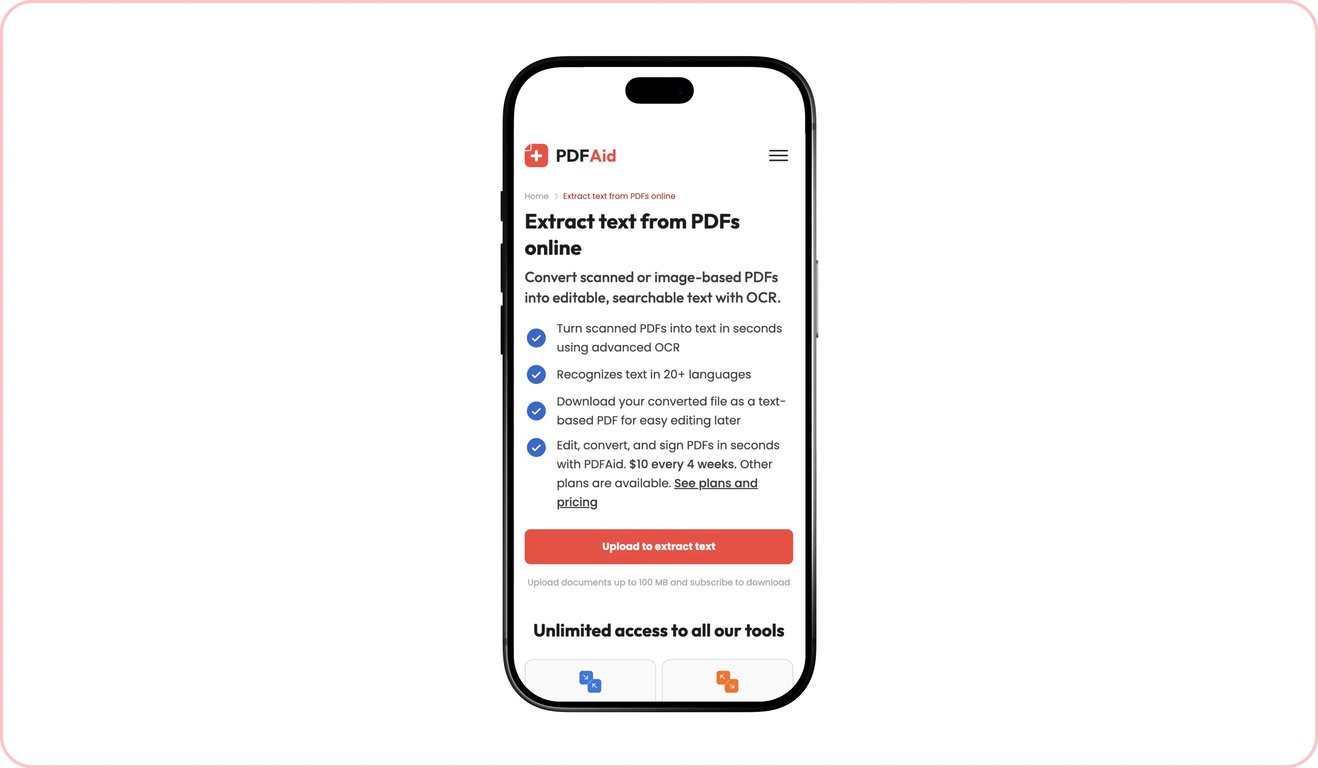
Notre plateforme et tous les outils qu’elle intègre fonctionnent entièrement en ligne depuis un navigateur : aucun logiciel spécifique à installer, seule une connexion Internet est nécessaire. Vous pouvez ainsi les utiliser facilement sur n’importe quel appareil, notamment sur les ordinateurs Windows et Mac, les téléphones iOS et Android, ainsi que les tablettes fonctionnant avec différents systèmes d’exploitation.
Vos fichiers restent privés et sécurisés
Tous les documents sont transférés via des passerelles sécurisées. Une fois que vous avez terminé d’utiliser notre outil, vous seul pouvez accéder à tous les fichiers via votre compte personnel. Aucun tiers n’a accès à vos documents.
Outils similaires
Notre plateforme vous permet d’effectuer de nombreuses tâches avec vos PDF et d’autres fichiers. Si vous travaillez souvent avec des PDF et des images contenant du texte que vous devez extraire ou rendre recherchable et sélectionnable, nous proposons trois outils supplémentaires qui peuvent vous aider :
PDF en Word : convertissez des fichiers PDF contenant du texte en documents Word dont la mise en forme est conservée grâce à notre convertisseur.
OCR PDF : rendez le texte des PDF numérisés recherchable et sélectionnable avec notre outil OCR.
Image en texte : extrayez du texte brut d’images et de photos dans différents formats, notamment JPG, PNG et bien d’autres.
 Nous sommes désolés d’apprendre que vous souhaitez résilier votre abonnement. Si vous n’avez plus besoin de notre service, vous pouvez cliquer sur « Annuler l’abonnement » dans l’onglet Abonnement de votre compte. Vous pouvez également nous contacter par chat en direct, à l’adresse billing@pdfaid.com, ou par téléphone au +44 808 501 2541, et nous pourrons vous aider à résilier votre abonnement.