Unlimited access to all our tools


How does it work?
Convert your file to editable text in 3 simple steps:
- 1
Upload or drag and drop your file.
- 2
Select the format you need.
- 3
Apply OCR to extract the text and download your file.
Our OCR PDF tool recognizes text on scanned papers and images. It turns the text into a document with searchable content you can copy.
What is OCR in a PDF
The OCR PDF meaning is Optical Character Recognition, and our tool is designed specifically for this. Where you see letters, software sees a grid of pixels and characters. OCR reads those pixels as letters and words, and then writes them back into the file as a text layer. That’s how it creates a recognizable text layer that can be searched, selected, and even copied. A scanned PDF is a picture of a page, so there’s nothing to select.
How to OCR a PDF
No specific actions required from you. Follow these simple instructions to convert your files:
Step 1. Move your scanned document to the upload area or press the button to select it.
Step 2. Choose the download format (Word — DOC/DOCX, PDF, TXT).
Step 3. Save the converted file to your device.
Extract text from a scanned PDF
Your motivation to convert scanned PDF to text may be different, including specific information you want to add to a letter, table, or study notes. You don’t have to type it manually, as you can copy and extract the necessary content after using OCR. Let the tool recognize the text, and you’ll quickly find the required details. Notice that the quality of a scanned document affects OCR accuracy. A skewed page, shadow, and low resolution may increase the occurrence of errors. That’s why it’s better to make sure your file looks fine.
Turn a PDF image into text
Use this tool to convert a PDF image to text when you need to get information embedded in images. Sometimes you can’t do your work without a table captured in a photo or a document inserted in a PDF. However, even though it’s a digital format, it’s still not a scanned paper with fully editable text.
OCR can process your file and find readable content. Our converter will extract text and make it possible to search, select, copy, and insert it into another document. But an image may also contain visual elements that OCR can’t recognize. That’s the main difference from a scanned document, consisting of characters and words only.
Make a PDF searchable
Our editor is the right tool when you need to convert a PDF to a searchable PDF and work on your files. Once OCR recognizes your document, you can look for words and figures. There’s a search tab where you can type to quickly spot crucial details. It’s all about this textual layer created by the tool: highlight, copy, and reuse the content. It’s especially convenient for archives, agreements, and accounting binders.
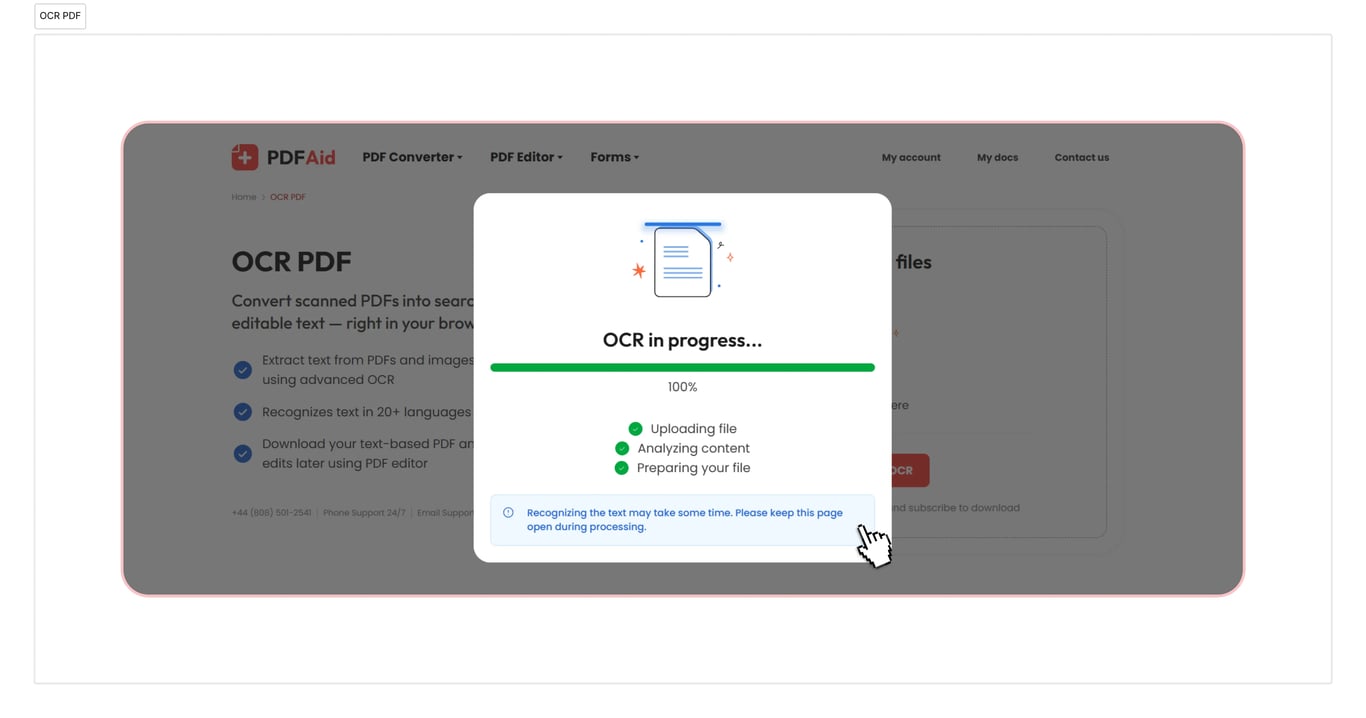
OCR to PDF, Word, TXT
Use our PDF to Word OCR if you need to convert your documents. Also, our tool handles transformations to TXT and PDF. It’s quick and only takes a few seconds. Your document will be ready to use right after you download it.
OCR documents on any device
Our online workspace is fully accessible in a browser, and you won’t have to install an app or discover how a converter works. You can conveniently work with PDFs on Windows, Linux, and other operating systems, with your documents ready in the format you need within seconds. Your account looks the same on Mac and other devices, including smartphones and tablets.
Your files stay private and secure
Upload your PDF to OCR and be sure that all your actions are secure and private here. We have an encrypted connection, and other people can’t access your files or the information you provide. Your data and files are kept in your account, and you’re the only person who can view or change them.
Similar tools
You can access more than 50 tools in our workspace. These services will help you increase your work productivity:
Extract Text from PDF — keep only the most valuable materials, skipping unwanted information.
Extract Text from Images — turn photos, screenshots, or scanned image files into editable text using OCR.
Edit Scanned PDF — convert PDFs, JPG, PNG, and other formats into a piece you can actually edit.
 We’re sorry to hear that you want to cancel your subscription. If you no longer need our service, you can click Cancel plan in the Membership tab of your account. You can also contact us via live chat, at billing@pdfaid.com, or by calling +44 808 501 2541 for help with canceling your subscription.