Ubegribelig adgang til alle vores værktøjer


Sådan fungerer det?
Konverter dit billede til tekst på 3 hurtige trin:
- 1
Upload eller træk og slip dit billede.
- 2
Vælg dit filformat.
- 3
Download din fil med redigerbar tekst.
Med PDFAid kan du udtrække tekst fra billeder og omdanne dem til redigerbare dokumenter direkte i din browser. Konverter fotos, scanninger og skærmbilleder til Word-, PDF- eller TXT-filer uden at skulle skrive noget ind manuelt. Vores værktøj fungerer på alle enheder uden installation og giver dig ren, brugbar tekst.
Sådan udtrækker du tekst fra et billede
Konverter billeder til redigerbare dokumenter på få sekunder. Udfør hurtig tekstudtrækning fra billedfiler med PDFAid. På den måde kan du organisere, redigere og kopiere dit indhold uden at skulle skrive det hele igen.
Trin 1: Upload dit billede
Træk og slip din fil direkte i uploadområdet på skærmen. Du kan også klikke på knappen Upload billede for at gennemse og vælge et billede fra enhedens lager. Vores tekstudtrækker til billeder understøtter almindelige formater som JPG, PNG og TIFF og forbereder din fil til konvertering.
Trin 2: Vælg outputformatet
Vælg filtypen, før du udtrækker tekst fra et billede. Du kan vælge mellem 3 populære formater:
Word (DOCX): Bedst, hvis du skal omskrive afsnit, ændre tekstformatering eller samarbejde med kolleger.
PDF: Ideelt til at oprette rene dokumenter, der kan udskrives og bevarer et ensartet layout på alle enheder.
TXT: Perfekt til almindelig, uformateret tekst, som du kan indsætte i notater, databaser eller kodeditorer.
Trin 3: Download dit dokument
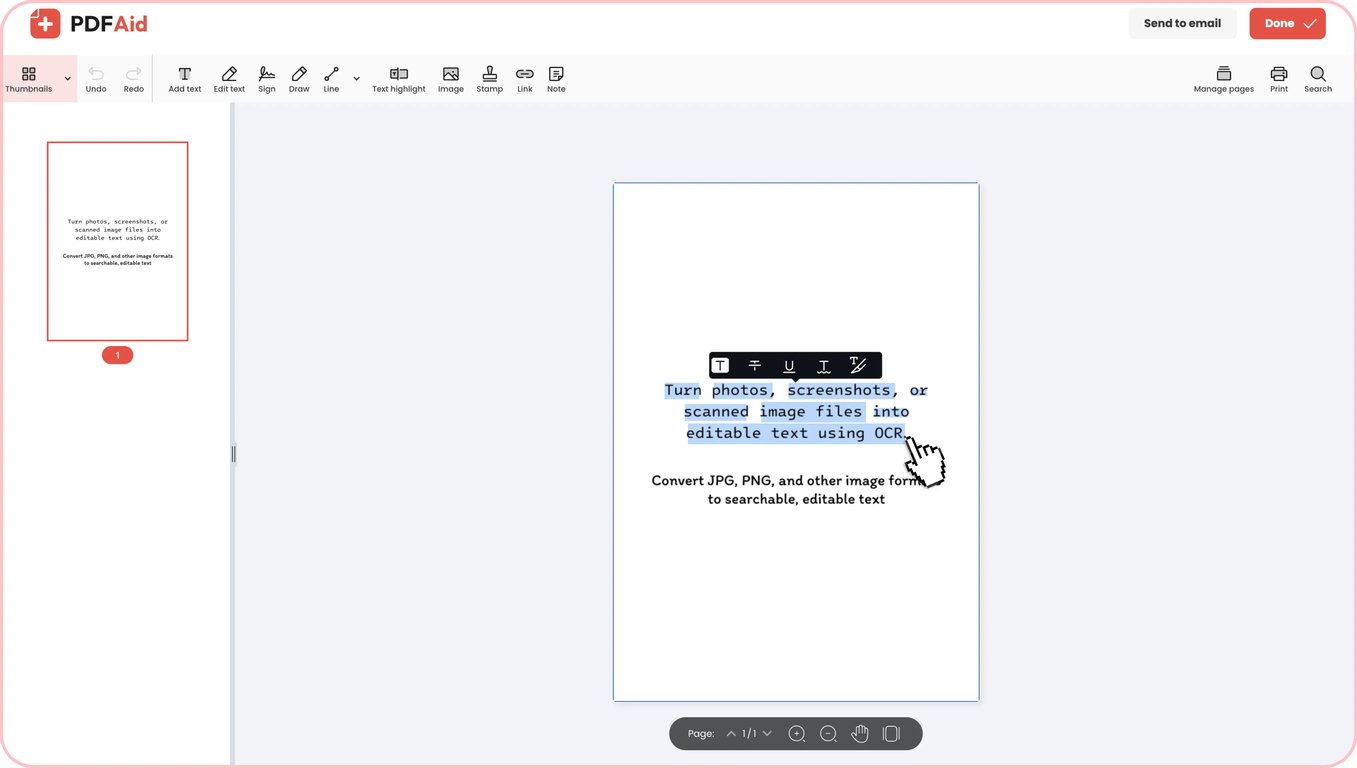
Vores tekstudtrækker til billeder behandler automatisk din fil, når du vælger et format. Systemet til optisk tegngenkendelse kan genkende ord, skrifttyper og strukturer i layoutet, såsom nummererede lister eller punktlister. Så snart behandlingen er færdig, kan du downloade det færdige dokument direkte til din enhed.
Praktiske anvendelsesmuligheder
Optisk tegngenkendelse sparer dig tid, når du skal omdanne statiske billeder til redigerbar tekst. Her er nogle almindelige situationer, hvor det kan gøre hverdagen lettere at omdanne billeder til redigerbar tekst:
Når telefonkameraet er din eneste scanner
Du har ofte behov for at digitalisere kvitteringer, tavlenotater eller bogsider på farten uden en kontorscanner. Du kan hurtigt tage et billede med telefonen og omdanne det til tekst på få sekunder. Teksten bliver til en redigerbar kopi, som du kan dele, redigere eller gemme, efter du har konverteret et foto til tekst.
Papirkontrakter, breve og certifikater
Det kan tage timer at gennemgå bunker af fysiske dokumenter manuelt for at finde en bestemt klausul. Når du konverterer et billede til tekst, bliver gamle aftaler, breve og certifikater fuldt søgbare. Du kan nemt kopiere vigtige afsnit, justere forældede vilkår eller slå bestemte klausuler op efter konverteringen.
Tekst, der sidder fast i et skærmbillede
Webinarer, videopræsentationer og systemdialoger indeholder ofte værdifulde oplysninger, som du ikke kan kopiere direkte. Med PDFAid kan du konvertere et skærmbillede til tekst og hente låste citater, kodestykker og datatabeller ud. Du kan indsætte teksten direkte i dine notater i stedet for at skrive det hele manuelt igen.
Visitkort og kvitteringer, du ikke vil skrive ind igen
Du kan bruge vores værktøj som en digital kortscanner til hurtigt at gennemgå stakke af visitkort og kvitteringer efter en konference eller forretningsrejse. Telefonnumre, e-mailadresser, totalbeløb og datoer udtrækkes korrekt, så du ikke behøver at bekymre dig om fejl, når du holder styr på kontakter eller indsender udgiftsrapporter. Hvis skrifttypen på kvitteringen er lille, skal du tage et nærbillede mod en ensfarvet baggrund uden genskin.
Prislister og tidsplaner, der er modtaget som et foto
Når leverandører eller kolleger sender tidsplaner og prisark som billeder, kan du bruge værktøjer til at konvertere billeder til tekst for at hente dataene ud. Hvis du konverterer et billede til en teksttabel, kan kolonneopsætningen forskubbes og blive til almindelige tekstlinjer, så brug et øjeblik på at kontrollere de endelige tal og mellemrum. For at opnå god genkendelse skal du tage et billede lige forfra i god belysning, der viser hele siden, og dele lange priskataloger op i nogle få separate billeder.
Fejlmeddelelser og kode delt som skærmbilleder
Slåfejl i lange variabler og stier er almindelige, når du skriver terminalfejl, serverlogfiler eller kodestykker fra skærmbilleder ind igen. En tekstlæser til billeder henter syntaksen direkte fra skærmbilledet. For at sikre, at dine scripts fungerer, bør du dobbelttjekke tegn, der kan være svære at læse, såsom nuller, store O'er, 1-taller og små l'er.
Understøttede formater
Vores onlineværktøj fungerer med de mest almindelige billedformater, så tekstgenkendelse bliver hurtig og enkel. Du kan nemt konvertere JPG til tekst fra telefonfotos, scannede dokumenter og webbilleder med fuld understøttelse af JPEG-filer. Hvis du arbejder med skærmbilleder, diagrammer eller digitale grafer, kan du konvertere PNG til tekst og udtrække hvert bogstav og tal tydeligt. Upload blot din JPG, JPEG eller PNG, så omdanner systemet dine visuelle data til brugbar tekst.
Billede til tekst på enhver enhed
Du kan udtrække ord fra billeder på enhver computer, tablet eller smartphone uden at installere ekstra apps eller software. Vores værktøj kører helt online i din webbrowser, så tekstkonvertering er hurtig og tilgængelig overalt.
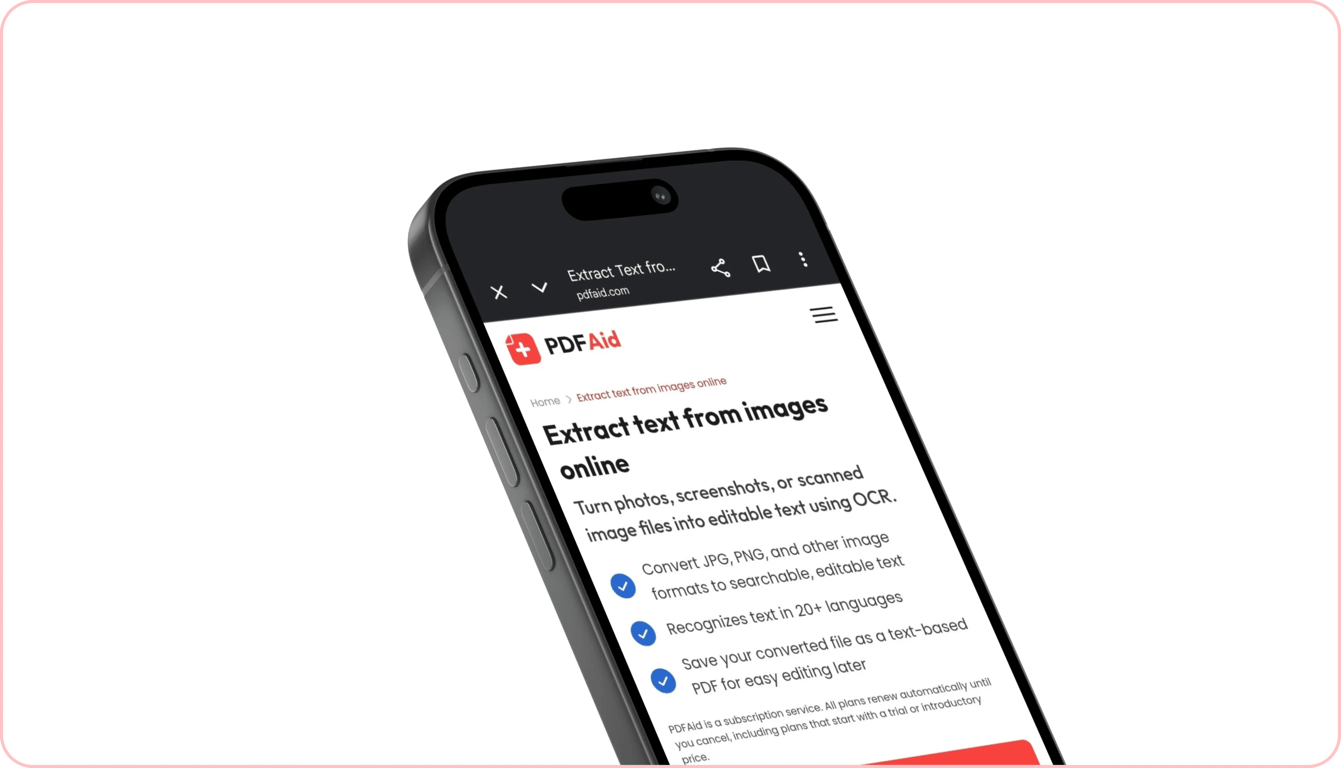
Ved skrivebordet kan du behandle en scanning i høj opløsning på Windows-laptops eller udtrække tekst med din Mac. Når du er væk fra skrivebordet, kan du hurtigt kopiere tekst fra billedfiler på iPhone direkte i Mobile Safari. Du kan også kopiere tekst fra et billede på en Android-enhed via Google Chrome på få sekunder.
Dine filer forbliver private og sikre
Når du udfører OCR-opgaver på billeder i vores arbejdsområde, behandles hvert dokument og billede via krypterede forbindelser. Det beskytter dine private data mod uautoriseret adgang. Ingen uvedkommende kan se dine filer eller den udtrukne tekst, da de forbliver beskyttede og kun er synlige for dig på din personlige konto. Vi sporer, ser eller deler ikke dit uploadede indhold.
Lignende værktøjer
Udforsk andre nyttige værktøjer til at konvertere og administrere dine mediefiler:
OCR PDF: Omdan scannede PDF-sider og fladgjorte dokumenter til søgbar, redigerbar tekst, mens dit oprindelige sidelayout bevares.
Video til tekst: Transskriber automatisk dialog, forelæsninger og præsentationer fra videoklip til nøjagtige skriftlige transskriptioner.
Lyd til tekst: Konverter stemmeoptagelser, interviews, podcasts og mødenotater til rene tekstdokumenter på få sekunder.
 Vi er kede af at høre, at du ønsker at opsige dit abonnement. Hvis du ikke længere har brug for vores tjeneste, kan du klikke på Annuller abonnement under fanen Medlemskab på din konto. Du kan også kontakte os via live chat, på billing@pdfaid.com eller ved at ringe til +44 808 501 2541 for at få hjælp til at opsige dit abonnement.