Unlimited access to all our tools


How does it work?
Merge PDFs in 3 simple steps:
- 1
Upload or drag and drop your files.
- 2
Reorder, edit, or delete any pages before merging.
- 3
Download your merged file.
Combine PDF files into one document
With our service, you can merge PDF files directly from the browser, with no installation required. Feel free to easily merge multiple PDF files in one session, 100 MB each. Just upload the needed number of documents and combine them, preserving the original layout and quality.
How to merge PDF files: Easy to use tool
Getting started with our tool is fast and straightforward. It only takes 4 steps:
Choose files to merge
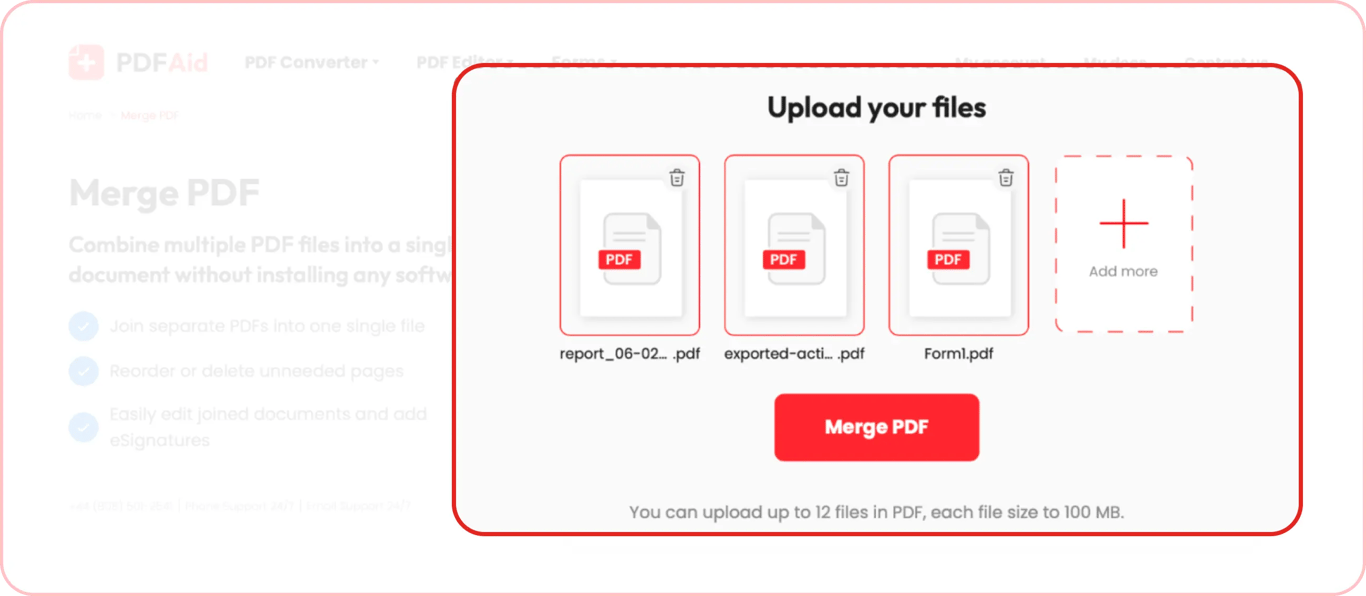
Drop PDF files into the designated box or upload them from your device. You can upload up to 12 files at once or add more files later.
Start the merging process
When all files are uploaded, click Merge PDF and wait a few seconds.
Edit and save
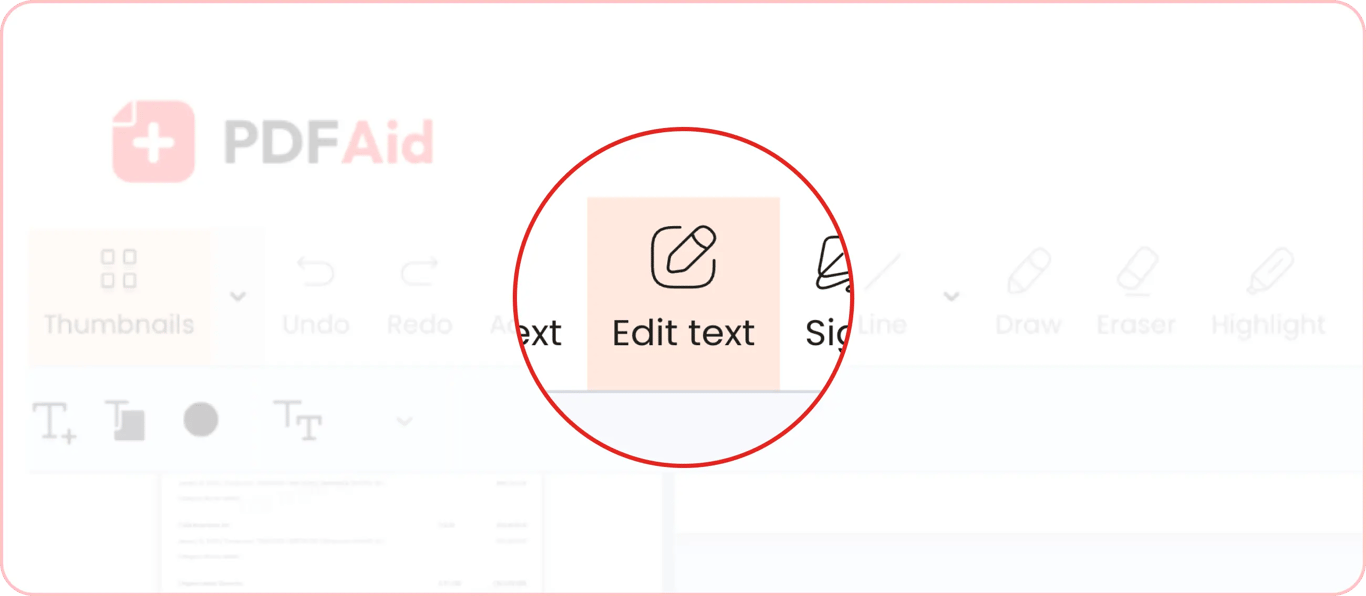
As soon as our tool finishes the PDF merge process, you will be taken to our online PDF editor.Here, you can add or edit text fields, highlight text, add signatures, and make any other changes to each page of your document.
Organize pages and save the file
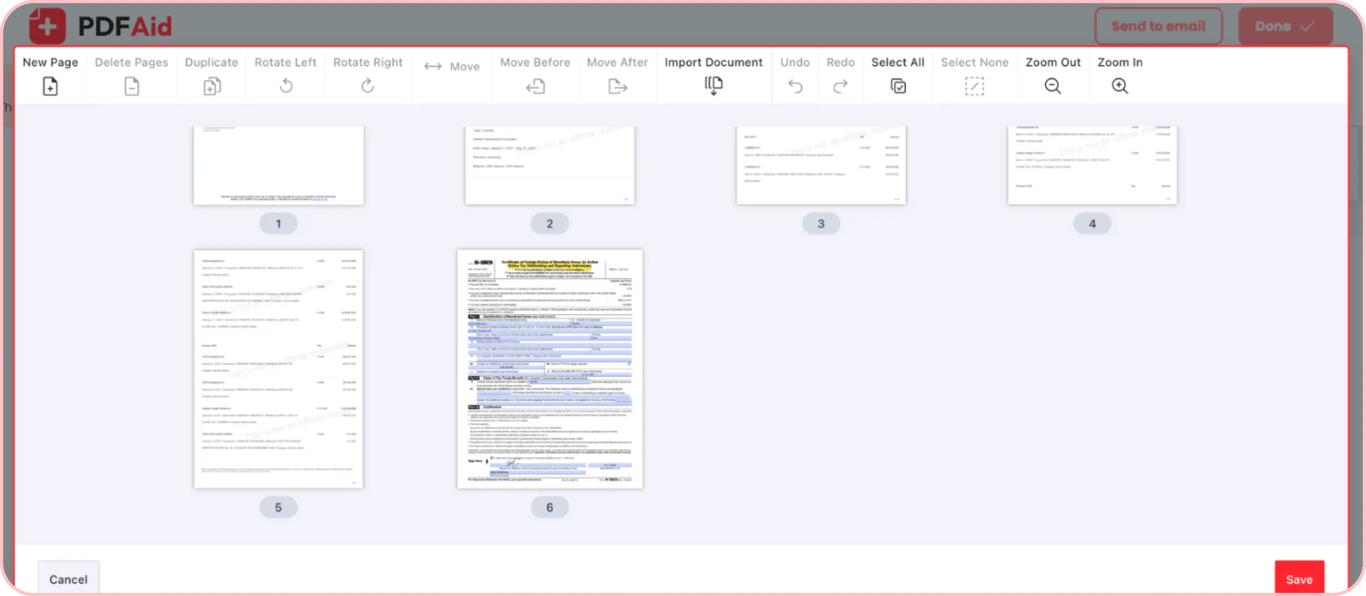
Click on the Manage pages tool on the right side of the editor menu. You can delete unnecessary pages and add new ones as needed. You can also change the order of pages. When you're done, save your pages and go back to the editor.
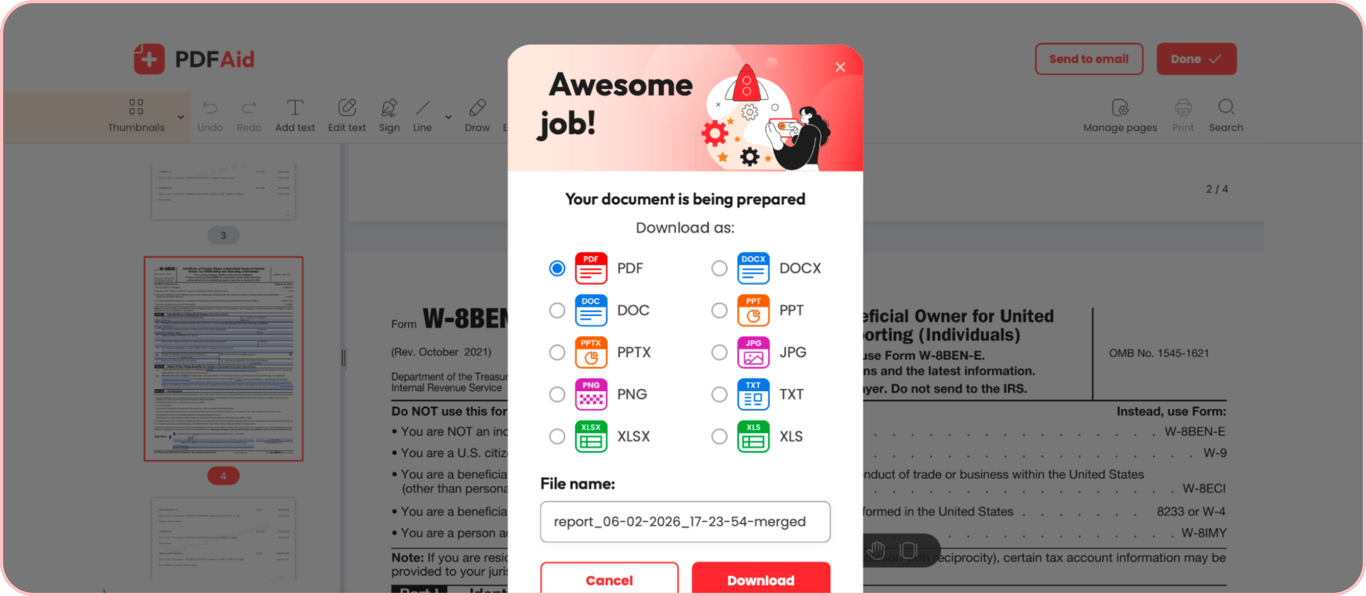
Click the Done button in the upper-right corner. Choose the preferred file format, change the name, and download the file.
When do you need to merge PDF files into one?
Merging PDF files lets you organize related files for simplified management and sharing. It can help in different workflows, including:
Project reporting: Combine reports, deliverables, and updates related to one project into one organized document for simple reporting to clients and stakeholders.
Contract preparation: Organize separate contract pages in the needed sequence for simple review and sharing.
Document storage: Archive related documents together for simple storage and access. Scan documents and merge them by category.
Tax preparation: Combine forms, statements, and receipts in one place. This simplifies tax review for you, your accountant, and IRS agents.
Merge PDFs with no quality loss
When you merge multiple PDF files with our tool, it preserves the:
Layout
Text
Font
Other document elements
Our tool only combines multiple documents into one without reducing quality. This way, you can rely on it for merging important documents, such as contracts, tax forms, and more.
Secure merging of PDFs
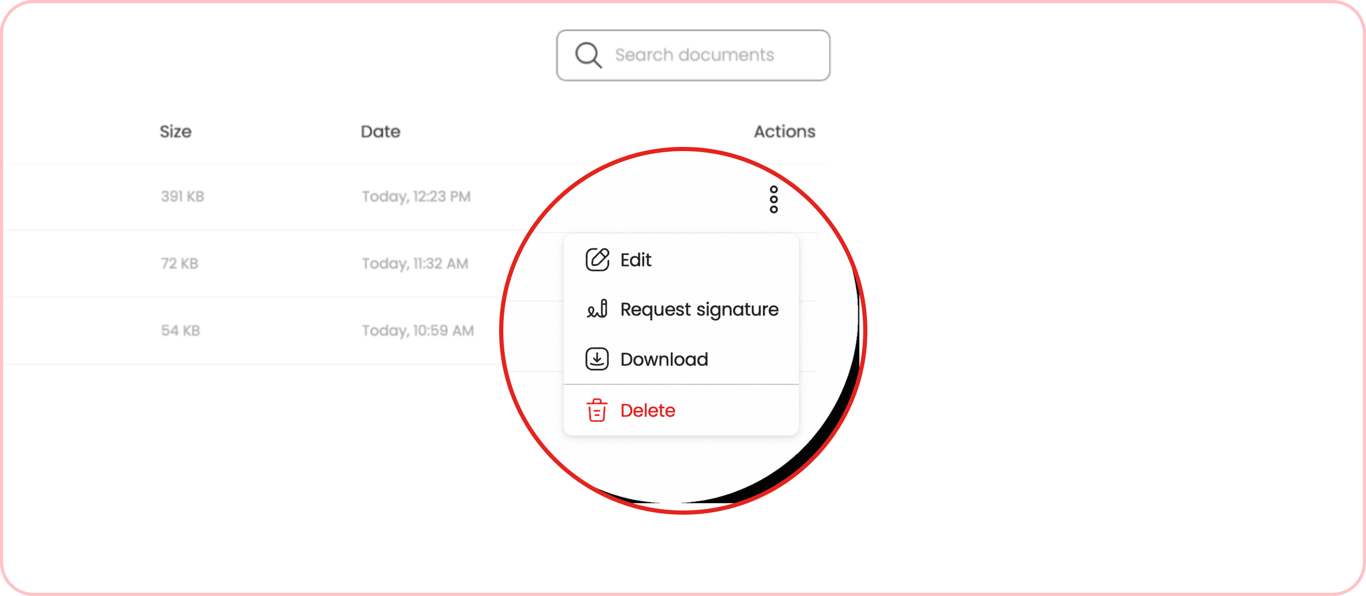
PDFAid keeps your files safe and your data private. You're always in control as you can delete any file from your account anytime in two clicks. Go to Home, click the three-dot menu next to your file, and delete it whenever you need. Note that this action is permanent, so make sure you save important files before confirming.
PDF merging tool that works on any device
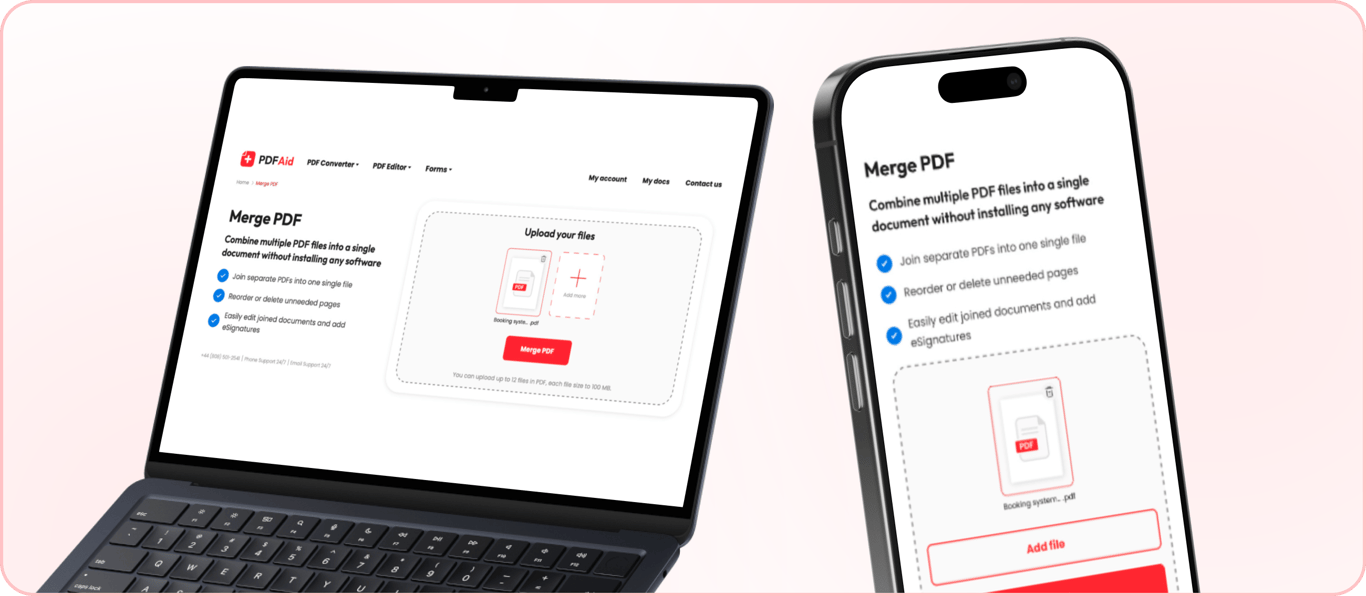
Merge multiple PDF files anytime, without downloading software. Our tool works right from the browser, no installation required.
Access our service from any device, mobile or desktop. PDFAid works on any OS, including Windows, Mac, and Linux. Just upload the files you want to combine and get started.
 We’re sorry to hear that you want to cancel your subscription. If you no longer need our service, you can click Cancel plan in the Membership tab of your account. You can also contact us via live chat, at billing@pdfaid.com, or by calling +44 808 501 2541 for help with canceling your subscription.